ImageToPromptAI vs Blend AI Studio
When comparing ImageToPromptAI vs Blend AI Studio, which AI Design tool shines brighter? We look at pricing, alternatives, upvotes, features, reviews, and more.
In a comparison between ImageToPromptAI and Blend AI Studio, which one comes out on top?
When we put ImageToPromptAI and Blend AI Studio side by side, both being AI-powered design tools, Both tools are equally favored, as indicated by the identical upvote count. Since other aitools.fyi users could decide the winner, the ball is in your court now to cast your vote and help us determine the winner.
Disagree with the result? Upvote your favorite tool and help it win!
ImageToPromptAI
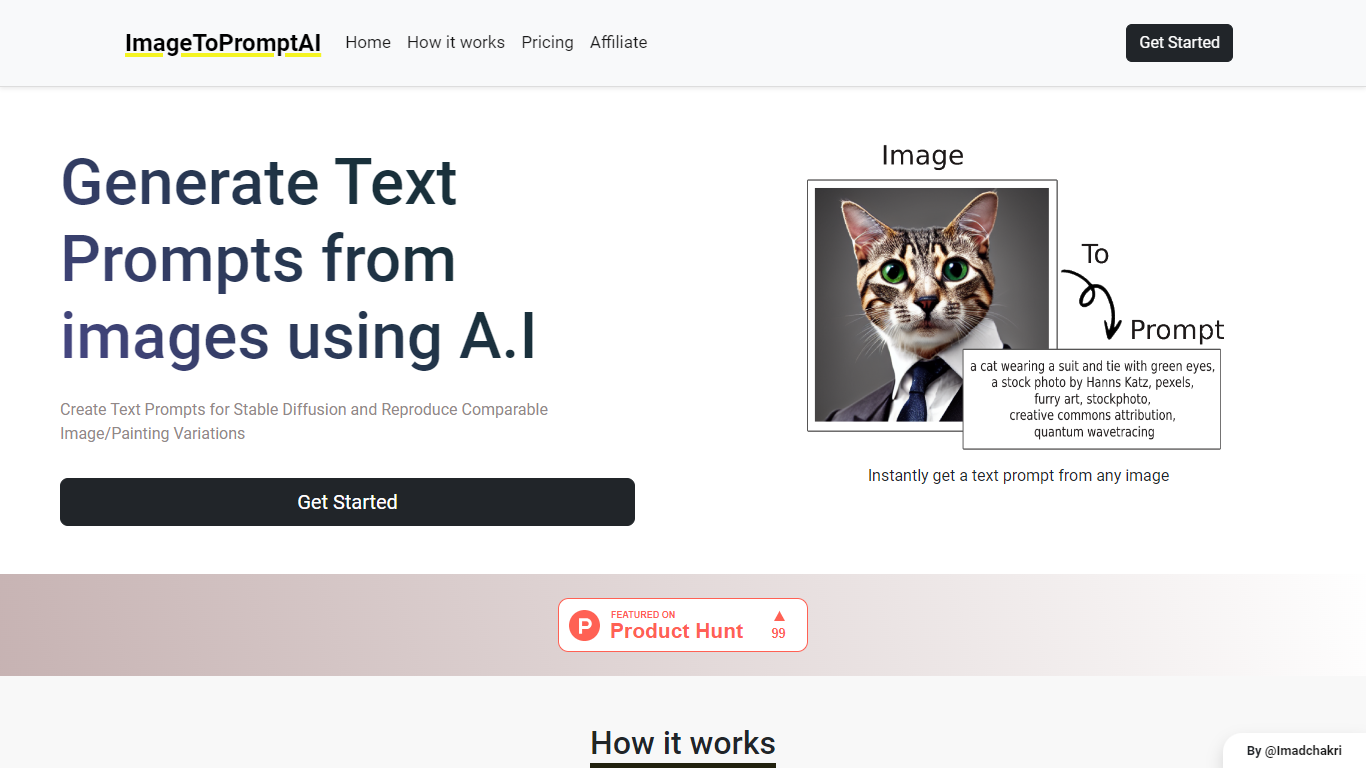

What is ImageToPromptAI?
ImageToPromptAI offers an innovative service that transforms your images into text prompts, catering to users who utilize AI models like Stable Diffusion for versatile creative projects. By uploading an image, you can immediately receive a corresponding text prompt that can be used to generate similar images or painting variations.
This service does away with subscriptions, allowing you to pay as you go for your specific needs. Whether for personal enjoyment or professional use, ImageToPromptAI streamlines the process of cross-media translation from visual to textual inputs.
Blend AI Studio
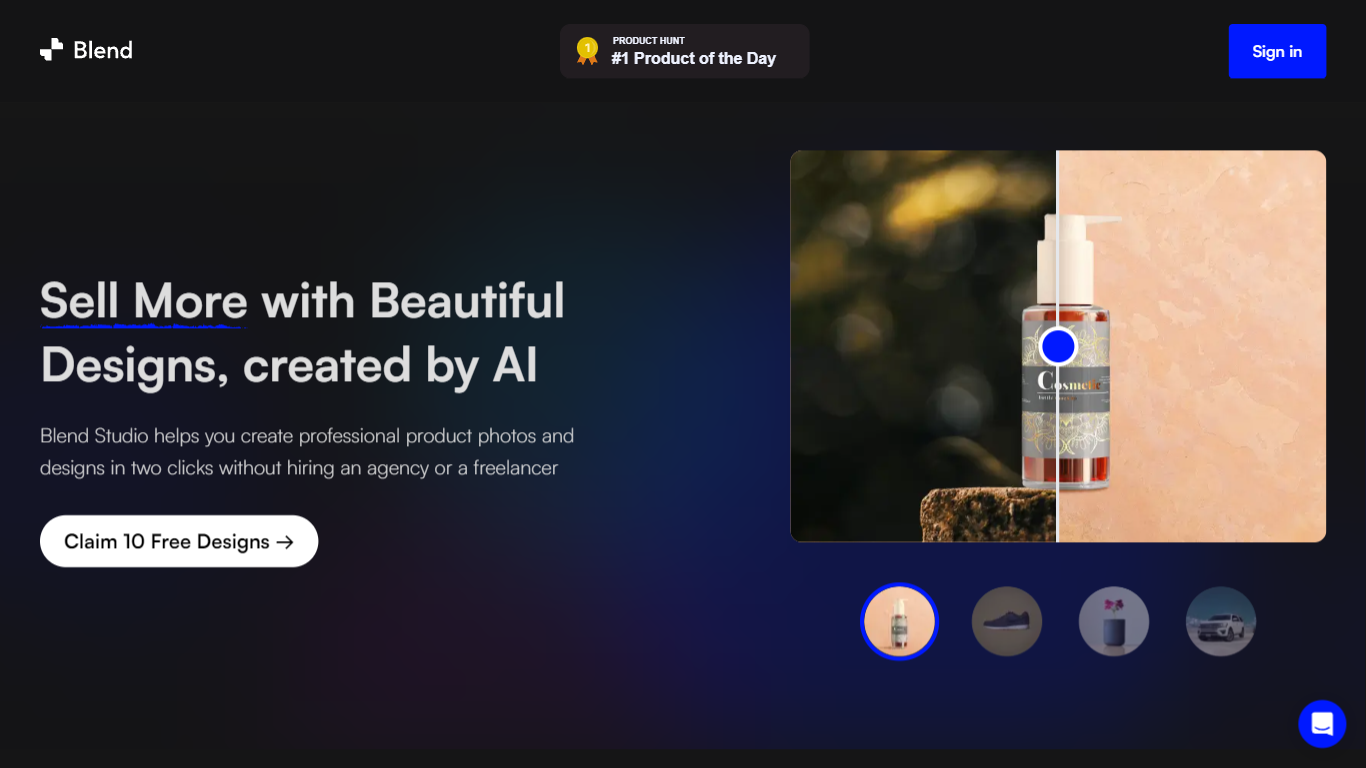
What is Blend AI Studio?
Blend AI Studio turns flat product uploads into studio shots, on-model try-on images, lifestyle scenes, and short product videos for ecommerce listings without booking a photographer. Upload a product image, pick a workflow like studio shots, ghost mannequin, or virtual try-on, and export listing-ready visuals through the web app or mobile apps.
Where general editors like Canva or Photoroom spread across social graphics and one-off cutouts, Blend keeps the workflow tied to seller tasks: marketplace white backgrounds, ghost mannequin apparel shots, batch catalog processing, and credit-priced limits per feature type on paid plans. That trade-off favors merchants shipping hundreds of SKUs over designers building broad brand decks.
Fashion, beauty, home goods, and high-volume catalog teams use it for Amazon, Etsy, Shopify, and DTC storefronts. BlendIt Studios reports 10M+ images created, 3.5M sellers on the platform, and a 4.8-star App Store rating on the homepage.
ImageToPromptAI Upvotes
Blend AI Studio Upvotes
ImageToPromptAI Top Features
Transform Image to Text: Instantly convert images into prompts for AI models.
Pay-As-You-Go Pricing: Flexible payment model, with no need for subscriptions.
Multiple Tiers: Choose from Basic, Pro, or Ultra plans according to your needs.
Ease of Use: Simple interface for uploading images and generating prompts.
No Account Required: Start using the service without the need for a user account.
Blend AI Studio Top Features
PRO includes 1,000 monthly credits with 100 AI model shots, 100 lifestyle shots, and 100 studio shots
Batch-edit up to 20 product photos for background removal in one pass on the mobile app
Generate AI product videos up to 10 seconds on PRO or 30 seconds on MAX
Create ghost mannequin, recolor, dimension overlays, and AI backgrounds from a single upload
MAX triples PRO credits and adds custom AI influencer model creation plus cheaper add-on credits
Access 1,000+ templates and DesignGPT outputs priced from 100 to 2,000 credits per run
ImageToPromptAI Category
- Design
Blend AI Studio Category
- Design
ImageToPromptAI Pricing Type
- Freemium
Blend AI Studio Pricing Type
- Freemium