ImageToPromptAI vs Clipdrop
Dive into the comparison of ImageToPromptAI vs Clipdrop and discover which AI Design tool stands out. We examine alternatives, upvotes, features, reviews, pricing, and beyond.
In a comparison between ImageToPromptAI and Clipdrop, which one comes out on top?
When we compare ImageToPromptAI and Clipdrop, two exceptional design tools powered by artificial intelligence, and place them side by side, several key similarities and differences come to light. Both tools have received the same number of upvotes from aitools.fyi users. Since other aitools.fyi users could decide the winner, the ball is in your court now to cast your vote and help us determine the winner.
Feeling rebellious? Cast your vote and shake things up!
ImageToPromptAI
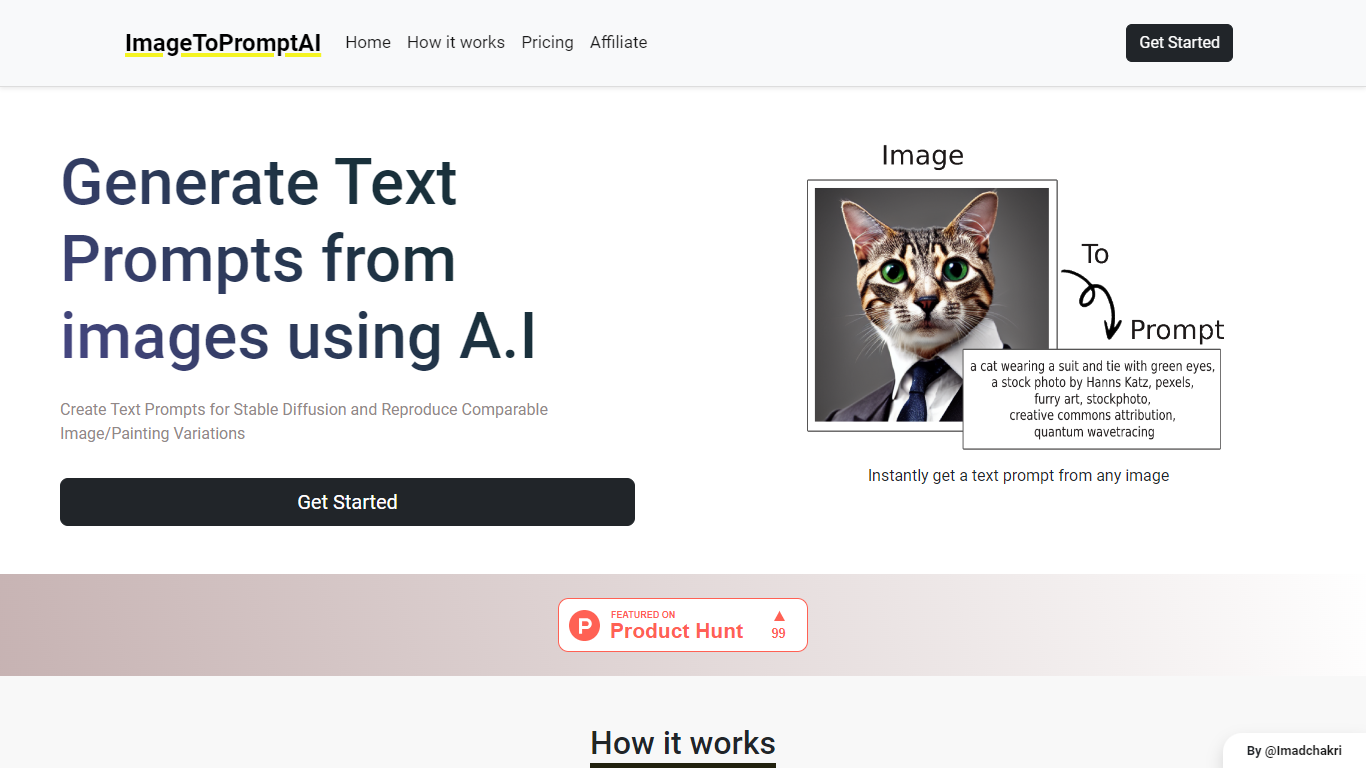

What is ImageToPromptAI?
ImageToPromptAI offers an innovative service that transforms your images into text prompts, catering to users who utilize AI models like Stable Diffusion for versatile creative projects. By uploading an image, you can immediately receive a corresponding text prompt that can be used to generate similar images or painting variations.
This service does away with subscriptions, allowing you to pay as you go for your specific needs. Whether for personal enjoyment or professional use, ImageToPromptAI streamlines the process of cross-media translation from visual to textual inputs.
Clipdrop
What is Clipdrop?
Clipdrop lets you remove backgrounds, clean up objects, generate images from text, upscale photos, and relight scenes through nine browser-based tools. Free users get daily quotas on most tools, such as 20 background removals and 50 text removals per 24 hours. The platform also ships iOS and Android apps plus a developer API now marketed under Jasper.
Canva and Adobe target full creative suites, while Clipdrop keeps each task in a separate one-click page. That makes it faster for quick fixes like removing a product photo background or upscaling a logo 4x, but you jump between URLs instead of working in one canvas. Background removal handles images up to 5000x5000 pixels, and commercial use of generated images is permitted under Clipdrop terms.
E-commerce sellers, photographers, marketers, and app developers are the core users. Portrait and product photo modes on the remove-background page target those workflows specifically. InitML, the company behind Clipdrop, joined Y Combinator in 2021, was acquired by Stability AI in 2023, and later sold to Jasper in 2024.
ImageToPromptAI Upvotes
Clipdrop Upvotes
ImageToPromptAI Top Features
Transform Image to Text: Instantly convert images into prompts for AI models.
Pay-As-You-Go Pricing: Flexible payment model, with no need for subscriptions.
Multiple Tiers: Choose from Basic, Pro, or Ultra plans according to your needs.
Ease of Use: Simple interface for uploading images and generating prompts.
No Account Required: Start using the service without the need for a user account.
Clipdrop Top Features
Nine image tools including remove background, cleanup, and text-to-image
Free tier: 20 background removals and 20 cleanups per 24 hours
Background removal supports images up to 5000x5000 pixels
Image upscaler enlarges photos by 2x or 4x with noise reduction
Text-to-image with 15 style presets and 5 aspect ratios
Pro tier raises limits to 1000 high-resolution operations per 24 hours
Developer API for background removal, cleanup, and upscaling
ImageToPromptAI Category
- Design
Clipdrop Category
- Design
ImageToPromptAI Pricing Type
- Freemium
Clipdrop Pricing Type
- Freemium