ImageToPromptAI vs Khroma
In the contest of ImageToPromptAI vs Khroma, which AI Design tool is the champion? We evaluate pricing, alternatives, upvotes, features, reviews, and more.
If you had to choose between ImageToPromptAI and Khroma, which one would you go for?
When we examine ImageToPromptAI and Khroma, both of which are AI-enabled design tools, what unique characteristics do we discover? The community has spoken, Khroma leads with more upvotes. Khroma has received 7 upvotes from aitools.fyi users, while ImageToPromptAI has received 6 upvotes.
You don't agree with the result? Cast your vote to help us decide!
ImageToPromptAI
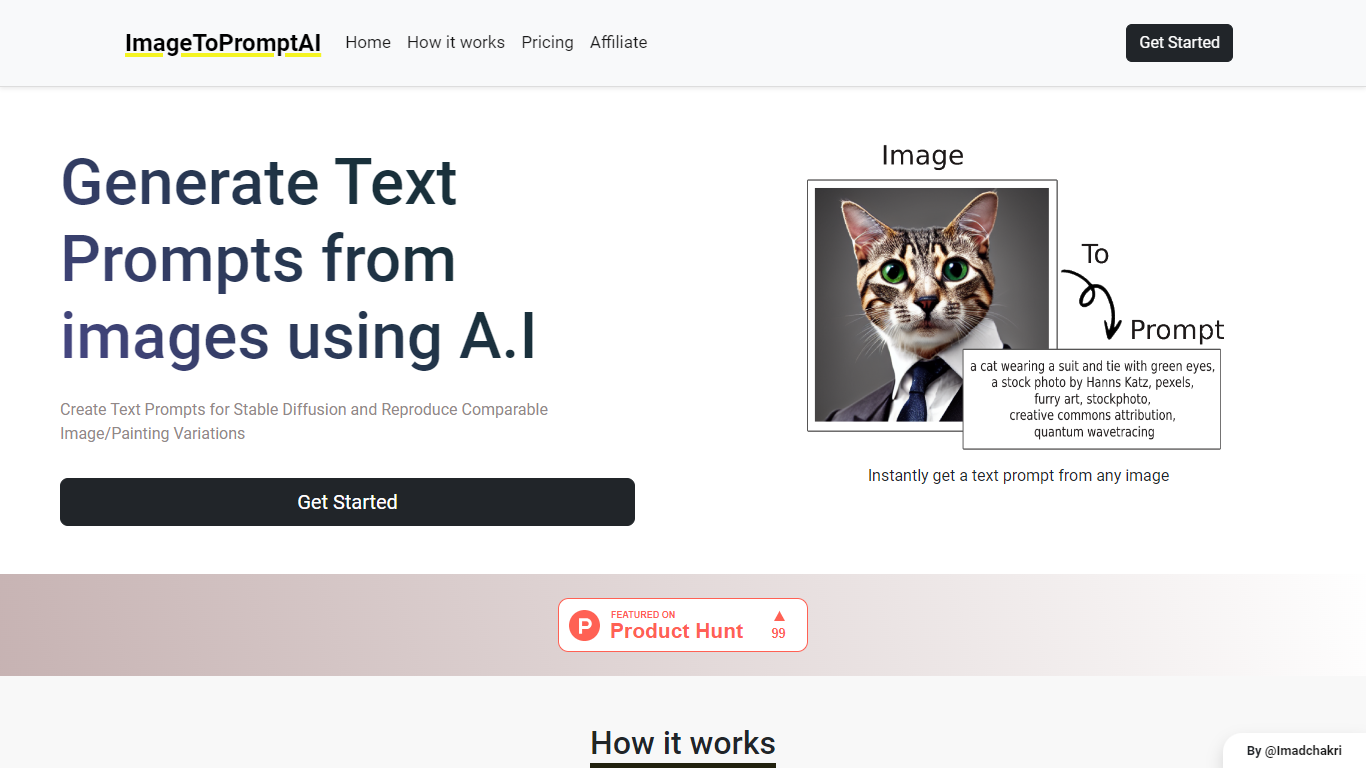

What is ImageToPromptAI?
ImageToPromptAI offers an innovative service that transforms your images into text prompts, catering to users who utilize AI models like Stable Diffusion for versatile creative projects. By uploading an image, you can immediately receive a corresponding text prompt that can be used to generate similar images or painting variations.
This service does away with subscriptions, allowing you to pay as you go for your specific needs. Whether for personal enjoyment or professional use, ImageToPromptAI streamlines the process of cross-media translation from visual to textual inputs.
Khroma
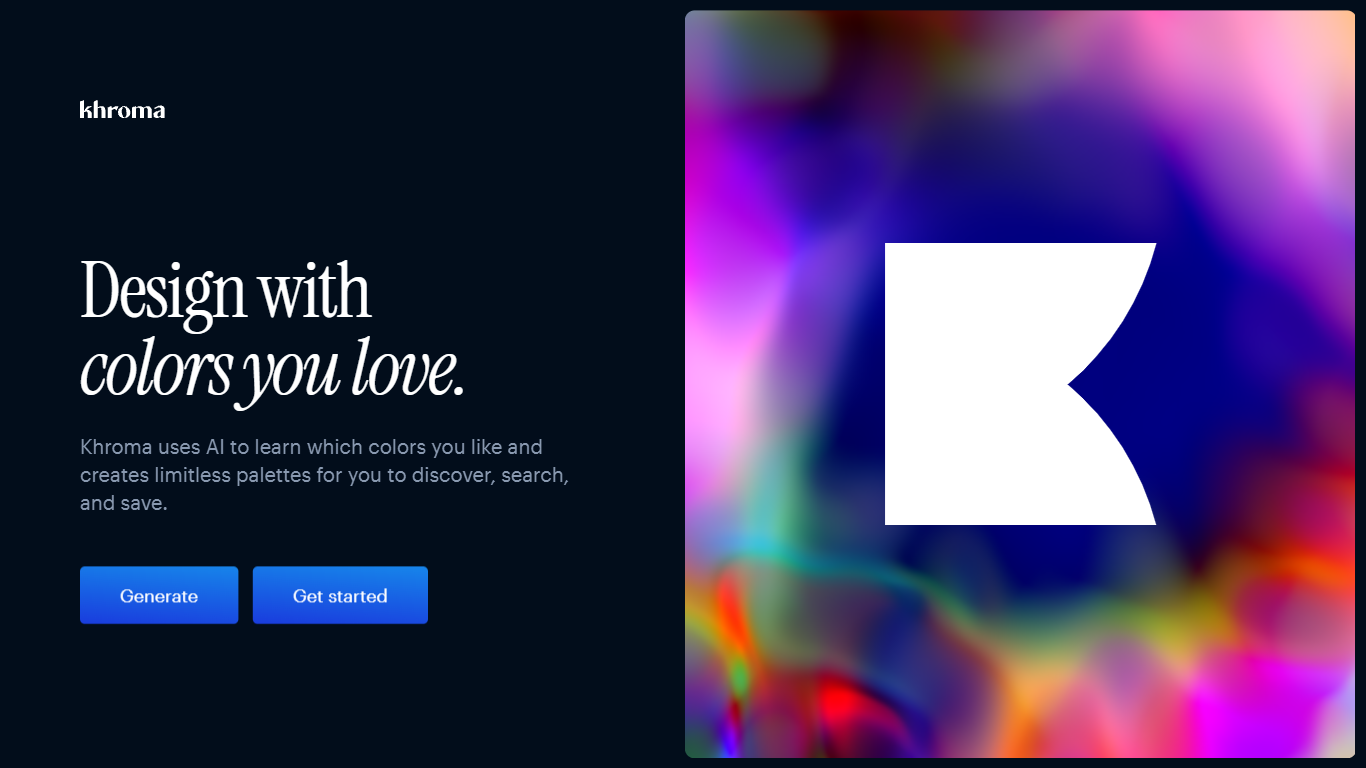
What is Khroma?
Train Khroma on the colors you like, and it becomes a design palette generator tuned to your taste. A browser-based neural network learns your picks, produces limitless combos, and lets you search and save favorites with hex, RGB, CSS, and WCAG data attached.
Most palette generators spin random harmonies or ask you to build schemes by hand. Khroma learns from your color picks and blocks hues you reject, so results skew toward your aesthetic instead of generic color theory. Preview modes cover typography, gradients, four-color palettes, and custom image overlays.
UI designers, brand designers, and front-end developers use it when they want palettes that feel personal without manual swatch hunting. The one-time training asks for 50 colors, and favorites save to local browser storage on your device.
ImageToPromptAI Upvotes
Khroma Upvotes
ImageToPromptAI Top Features
Transform Image to Text: Instantly convert images into prompts for AI models.
Pay-As-You-Go Pricing: Flexible payment model, with no need for subscriptions.
Multiple Tiers: Choose from Basic, Pro, or Ultra plans according to your needs.
Ease of Use: Simple interface for uploading images and generating prompts.
No Account Required: Start using the service without the need for a user account.
Khroma Top Features
One-time training asks you to pick 50 colors so the neural network learns your taste in the browser
Search the generator by hue, tint, value, hex codes, and RGB values
Preview every combo as typography, gradient, four-color palette, or custom image overlay
Each saved pair includes color names, hex codes, RGB values, CSS snippets, and WCAG ratings
Build an unlimited favorites library stored in your browser via local storage
Algorithm trained on thousands of human-made palettes from across the internet
ImageToPromptAI Category
- Design
Khroma Category
- Design
ImageToPromptAI Pricing Type
- Freemium
Khroma Pricing Type
- Free