ImageToPromptAI vs LanguageGUI
In the face-off between ImageToPromptAI vs LanguageGUI , which AI Design tool takes the crown? We scrutinize features, alternatives, upvotes, reviews, pricing, and more.
In a face-off between ImageToPromptAI and LanguageGUI , which one takes the crown?
If we were to analyze ImageToPromptAI and LanguageGUI , both of which are AI-powered design tools, what would we find? Both tools have received the same number of upvotes from aitools.fyi users. You can help us determine the winner by casting your vote and tipping the scales in favor of one of the tools.
Think we got it wrong? Cast your vote and show us who's boss!
ImageToPromptAI
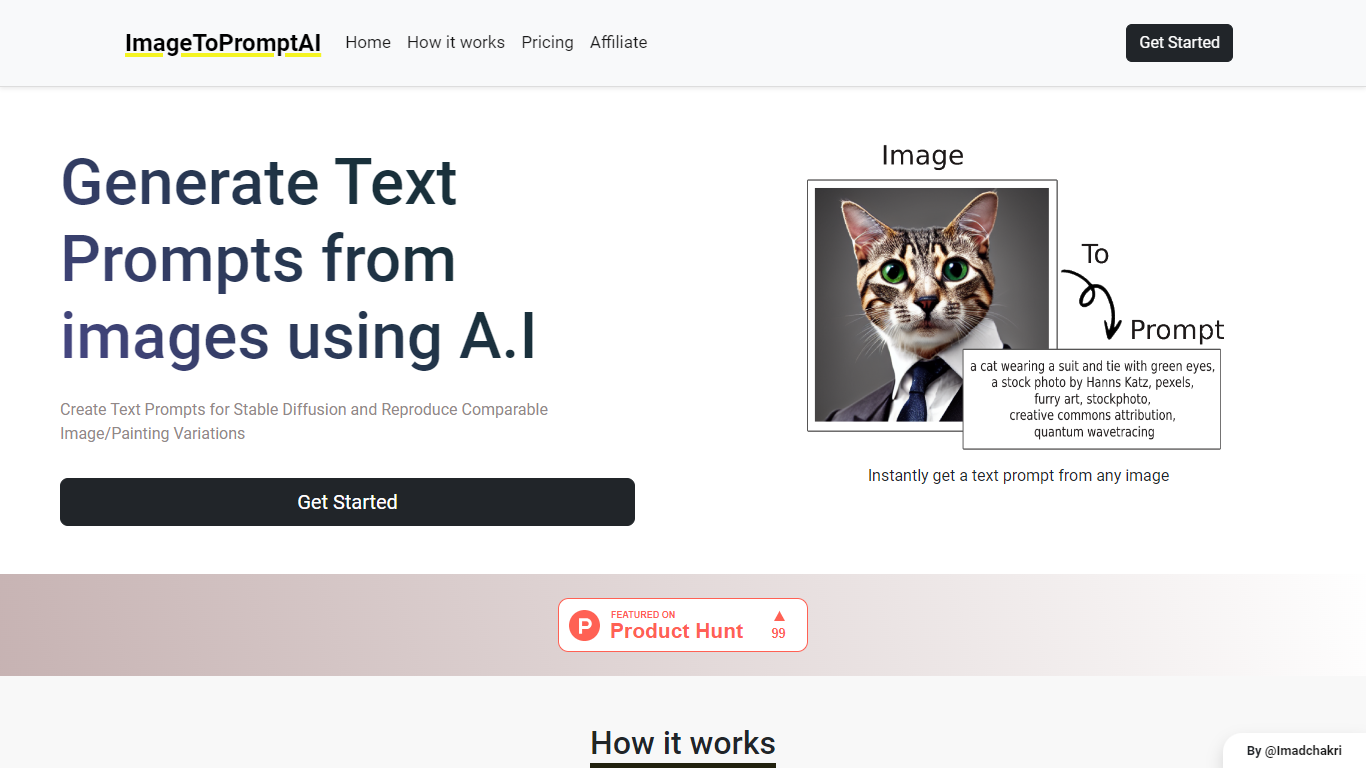

What is ImageToPromptAI?
ImageToPromptAI offers an innovative service that transforms your images into text prompts, catering to users who utilize AI models like Stable Diffusion for versatile creative projects. By uploading an image, you can immediately receive a corresponding text prompt that can be used to generate similar images or painting variations.
This service does away with subscriptions, allowing you to pay as you go for your specific needs. Whether for personal enjoyment or professional use, ImageToPromptAI streamlines the process of cross-media translation from visual to textual inputs.
LanguageGUI
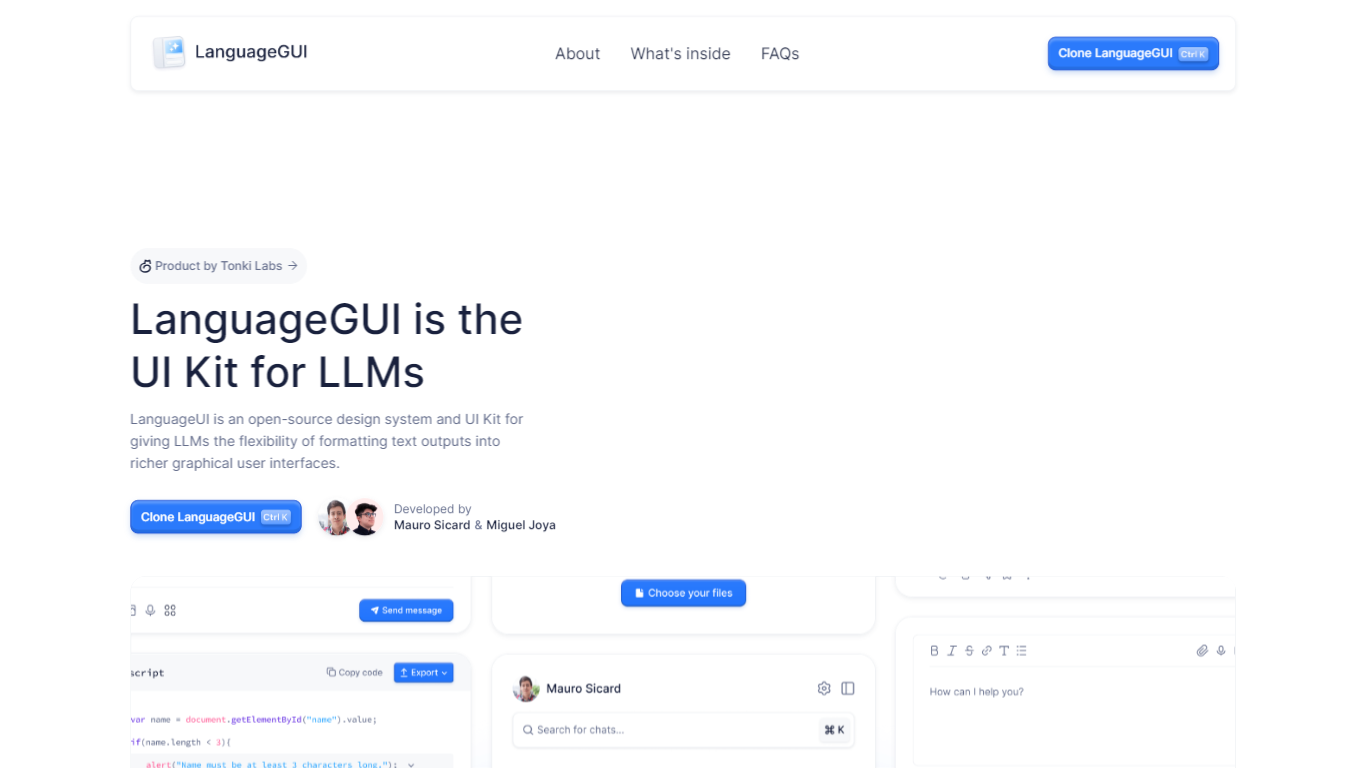
What is LanguageGUI ?
LanguageGUI is an open-source Figma UI kit and design system from Tonki Labs for building richer graphical interfaces around LLM text outputs. It gives developers and designers pre-built components to turn plain chat responses into dashboards, charts, forms, and structured conversational screens.
The kit includes 100+ UI components, 10+ conversational widgets, 20+ chat bubbles, 30+ pre-built screens, multi-prompt workflow designs, and dark mode support. Everything is built with Figma variables, styles, and Auto Layout for easy customization.
LanguageGUI is free under the MIT license for personal and commercial use. Clone it from Figma Community to start designing LLM-powered apps with more visual depth than standard text-only chat UIs.
ImageToPromptAI Upvotes
LanguageGUI Upvotes
ImageToPromptAI Top Features
Transform Image to Text: Instantly convert images into prompts for AI models.
Pay-As-You-Go Pricing: Flexible payment model, with no need for subscriptions.
Multiple Tiers: Choose from Basic, Pro, or Ultra plans according to your needs.
Ease of Use: Simple interface for uploading images and generating prompts.
No Account Required: Start using the service without the need for a user account.
LanguageGUI Top Features
100+ UI components and customizable screens for LLM apps
10+ conversational widgets and 20+ chat bubble styles
30+ pre-built screens and multi-prompt workflow designs
Dark mode, Figma variables, and Auto Layout included
Free MIT-licensed Figma file for personal and commercial use
ImageToPromptAI Category
- Design
LanguageGUI Category
- Design
ImageToPromptAI Pricing Type
- Freemium
LanguageGUI Pricing Type
- Free