Imagine APP vs Video To Blog
Compare Imagine APP vs Video To Blog and see which AI Content Creation tool is better when we compare features, reviews, pricing, alternatives, upvotes, etc.
Which one is better? Imagine APP or Video To Blog?
When we compare Imagine APP with Video To Blog, which are both AI-powered content creation tools, Neither tool takes the lead, as they both have the same upvote count. Since other aitools.fyi users could decide the winner, the ball is in your court now to cast your vote and help us determine the winner.
Don't agree with the result? Cast your vote and be a part of the decision-making process!
Imagine APP
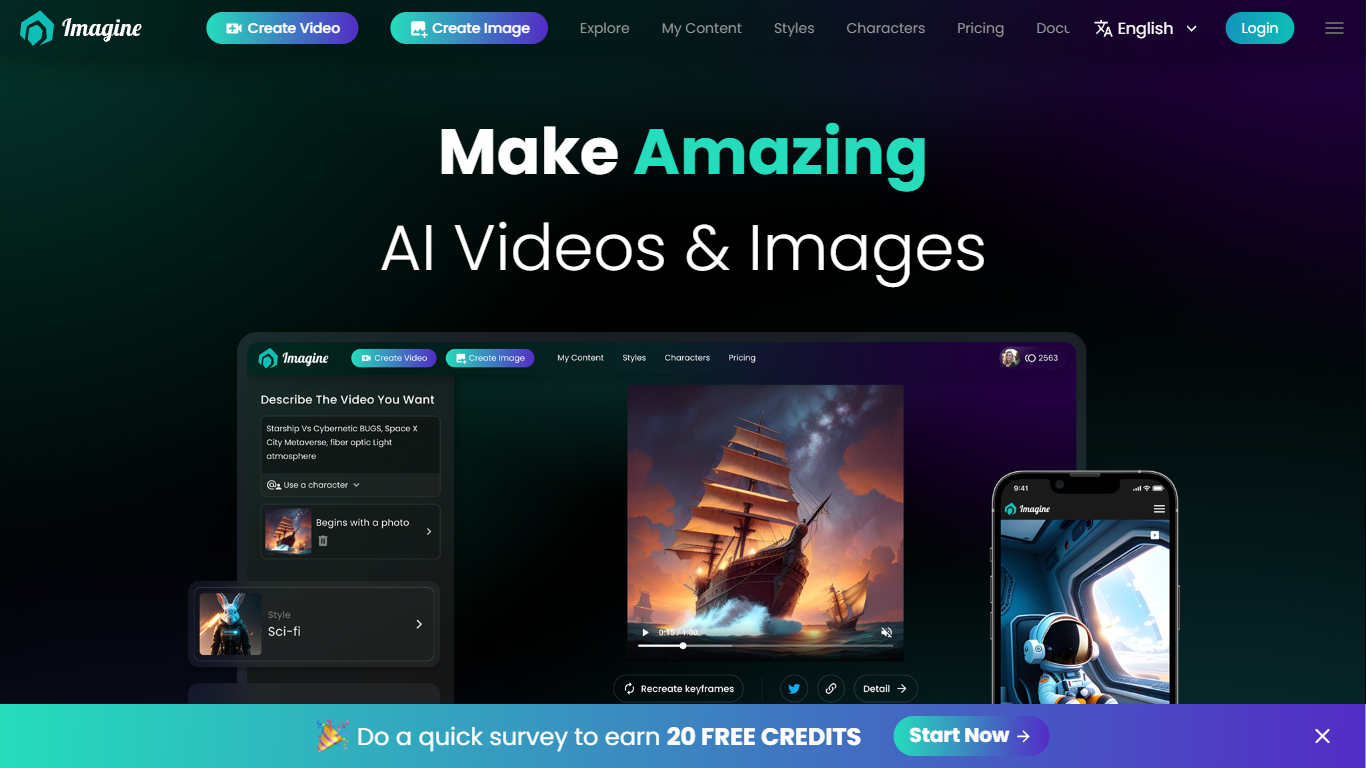

What is Imagine APP?
This content creation platform puts text-to-video, image-to-video, and AI music video generation in one studio. Imagine APP lets you pick from models like Kling AI, Hailuo AI, Runway, Google VEO, Hunyuan, and CogVideoX without opening separate accounts for each vendor. The studio also covers image generation, lip sync, speech, upscaling, and thumbnail creation from a single dashboard.
Where most AI video tools lock you into one model family, Imagine APP routes your prompt to whichever engine fits the job. Runway Gen3 handles image-to-video, Kling or Hailuo take text prompts, and Google VEO 2 targets cinematic motion. That swap-without-switching-accounts setup is the main reason creators use it instead of going direct to each provider.
Musicians and influencers are the core audience. The music video builder targets artists working with labels, turning a track and visual concept into a finished video in under 10 minutes of hands-on time. Social media marketers and meme creators use the same studio for short clips, compilations, and multi-image story videos.
Video To Blog

What is Video To Blog?
Video To Blog turns spoken video and audio into publish-ready blog articles. Paste a YouTube link, upload a file, drop in a transcript, record audio, or connect a channel, and the service outputs structured posts with headings, screenshots, smart links, metadata, and calls to action you can send to a website, newsletter, or download as HTML, Markdown, PDF, or Word.
Transcript-to-ChatGPT workflows still leave you stitching screenshots, links, and publishing steps by hand. Video To Blog bundles those production tasks: auto screenshots from the source video, reusable CTA blocks, SEO and GEO formatting, YouTube upload automations, and a built-in Publications feature for hosting a blog plus email newsletter on a custom domain. The homepage cites 500,000+ articles created and a 4.8 average across 500+ reviews on Trustpilot, G2, and Capterra.
YouTube creators, podcasters, agencies, and teams publishing sermons or webinars are the target users. Pricing starts free with one monthly upload, scales to Business at $69 per month (yearly billing) for 50 videos, and every paid tier adds publications, website integrations, and longer runtime limits.
Imagine APP Upvotes
Video To Blog Upvotes
Imagine APP Top Features
Kling AI, Hailuo AI, Runway, Google VEO 2, Hunyuan, Wanx, and CogVideoX run from one account
Music video workflow finishes a track video in under 10 minutes of manual effort
Explorer plan starts at $12 per month with 4,800 annual credits on the yearly tier
Studio bundles 30+ visual styles with lip sync, speech, thumbnail, and upscale tools
Native iOS and Android apps sit alongside the web studio for on-the-go creation
Sign in with Google, Discord, Apple, or email without per-model vendor accounts
Video To Blog Top Features
Imports YouTube links, uploaded video/audio, transcripts, Google Drive files, and channel automations
Auto screenshots pull key visual moments from source videos into each article
Smart links and reusable CTA blocks insert internal and external links automatically
Publications host a blog, email newsletter, and custom domain without extra services
Free plan includes 1 monthly upload for videos up to 30 minutes with no credit card
Pro plan ($39/mo yearly) allows 15 monthly uploads up to 1.5 hours with 3 team members
Exports finished posts as HTML, Markdown, PDF, or Word and publishes to connected websites
Imagine APP Category
- Content Creation
Video To Blog Category
- Content Creation
Imagine APP Pricing Type
- Freemium
Video To Blog Pricing Type
- Freemium