infoboxAI vs ParagraphAI
Compare infoboxAI vs ParagraphAI and see which AI Text Generation tool is better when we compare features, reviews, pricing, alternatives, upvotes, etc.
Which one is better? infoboxAI or ParagraphAI?
When we compare infoboxAI with ParagraphAI, which are both AI-powered text generation tools, Both tools are equally favored, as indicated by the identical upvote count. Every vote counts! Cast yours and contribute to the decision of the winner.
Feeling rebellious? Cast your vote and shake things up!
infoboxAI


What is infoboxAI?
infoboxAI is a personal AI assistant platform from Elevux that lets you train a custom bot on your own documents, web links, and integrations. You import content into a private database, customize the assistant's name and appearance, and deploy it on your website or share a link for collaborative knowledge access.
The platform emphasizes data ownership and privacy. Imported content stays in your private database, and you can add, edit, or delete sources at any time. Integrations include Google Drive and website imports, with filtering options to exclude unwanted pages. An embeddable widget lets visitors query your trained assistant directly on your site.
As of July 2026, infobox.ai is temporarily offline while Elevux rebuilds the platform from the ground up. The homepage states the service will return in a few months with an updated experience. Elevux also offers Blobu, a related AI knowledge app on iOS. For questions during the rebuild, contact [email protected].
ParagraphAI
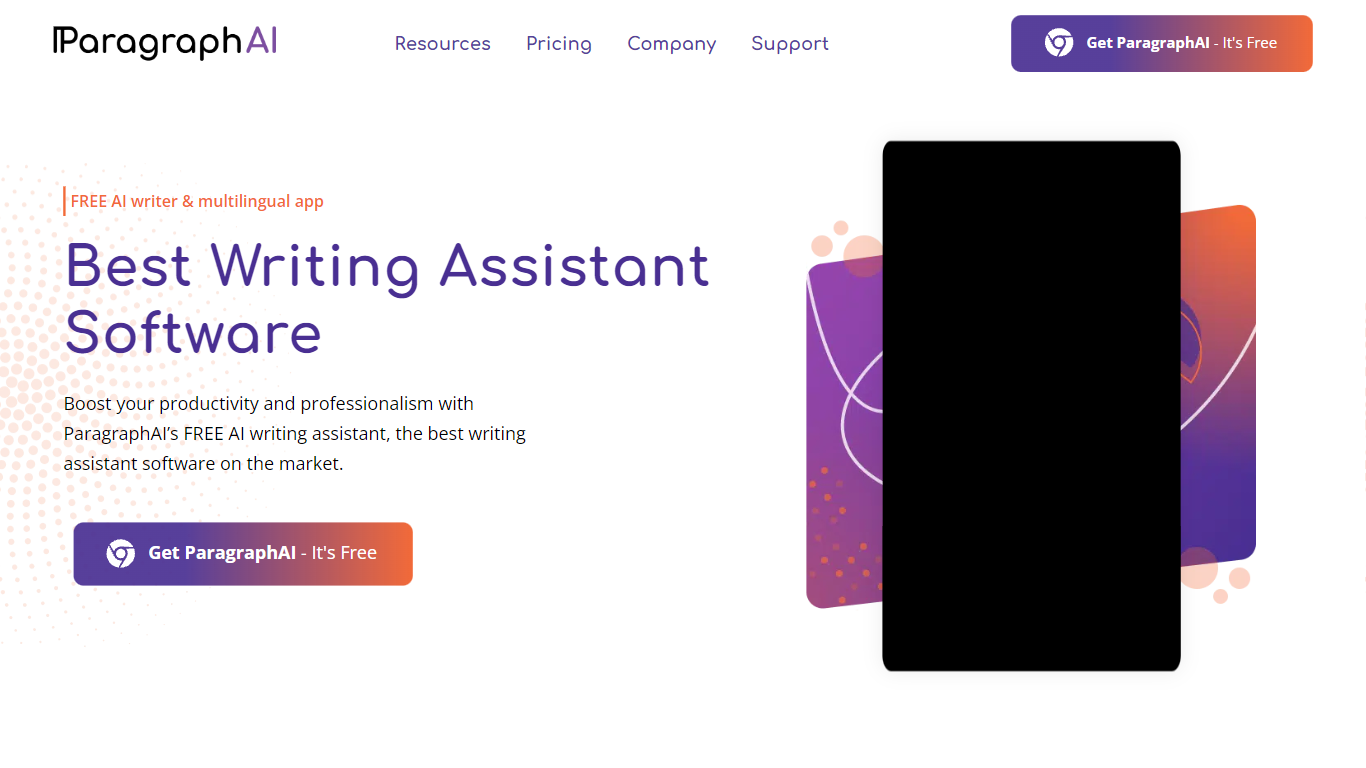
What is ParagraphAI?
ParagraphAI fixes grammar, drafts email replies, and generates text from a one-tap interface on mobile, desktop, and Chrome. The app, keyboard, and web extension share one account so you can edit a message on your phone and pick it up later in the browser. Fortune 500 teams and NASA use it for fast, consistent writing across 40+ languages.
Unlike grammar tools that only flag mistakes inline, ParagraphAI bundles Fix, Reply, Create, Edit, Summarize, and Humanize modes in a single tap workflow. The AI keyboard brings those actions into any app you type in, which is the differentiator against browser-only competitors like Grammarly's standalone extension.
Students with dyslexia, ESL writers, and professionals who email all day are the core audience. The free tier gives five daily uses per mode; Pro removes the cap and expands input to 10,000 characters.
infoboxAI Upvotes
ParagraphAI Upvotes
infoboxAI Top Features
Train a custom AI assistant on uploaded documents, web links, and Google Drive
Private database keeps your proprietary content separate from public AI models
Customize the assistant name, colors, logo, and avatar
Embed an AI widget on your website for visitor Q&A
Filter imported website and Drive content before it enters your knowledge base
Sign in with email/password or Google SSO
ParagraphAI Top Features
One-tap Fix corrects grammar across any message without word-by-word review
Reply drafts email responses from a single tap with tone matching
AI keyboard works inside any mobile app for Fix, Reply, Edit, and Create
Supports 40+ languages with adjustable input and output language settings
Humanize mode rewrites AI-generated text to pass AI detection checks
Pro plan allows 10,000 character input versus 1,000 on the free tier
Summarize mode extracts key points from web pages, PDFs, and long documents
infoboxAI Category
- Text Generation
ParagraphAI Category
- Text Generation
infoboxAI Pricing Type
- Freemium
ParagraphAI Pricing Type
- Freemium