InstructPix2Pix vs Photoleap
Explore the showdown between InstructPix2Pix vs Photoleap and find out which AI Photo Editing tool wins. We analyze upvotes, features, reviews, pricing, alternatives, and more.
When comparing InstructPix2Pix and Photoleap, which one rises above the other?
When we contrast InstructPix2Pix with Photoleap, both of which are exceptional AI-operated photo editing tools, and place them side by side, we can spot several crucial similarities and divergences. With more upvotes, InstructPix2Pix is the preferred choice. The number of upvotes for InstructPix2Pix stands at 98, and for Photoleap it's 10.
Disagree with the result? Upvote your favorite tool and help it win!
InstructPix2Pix
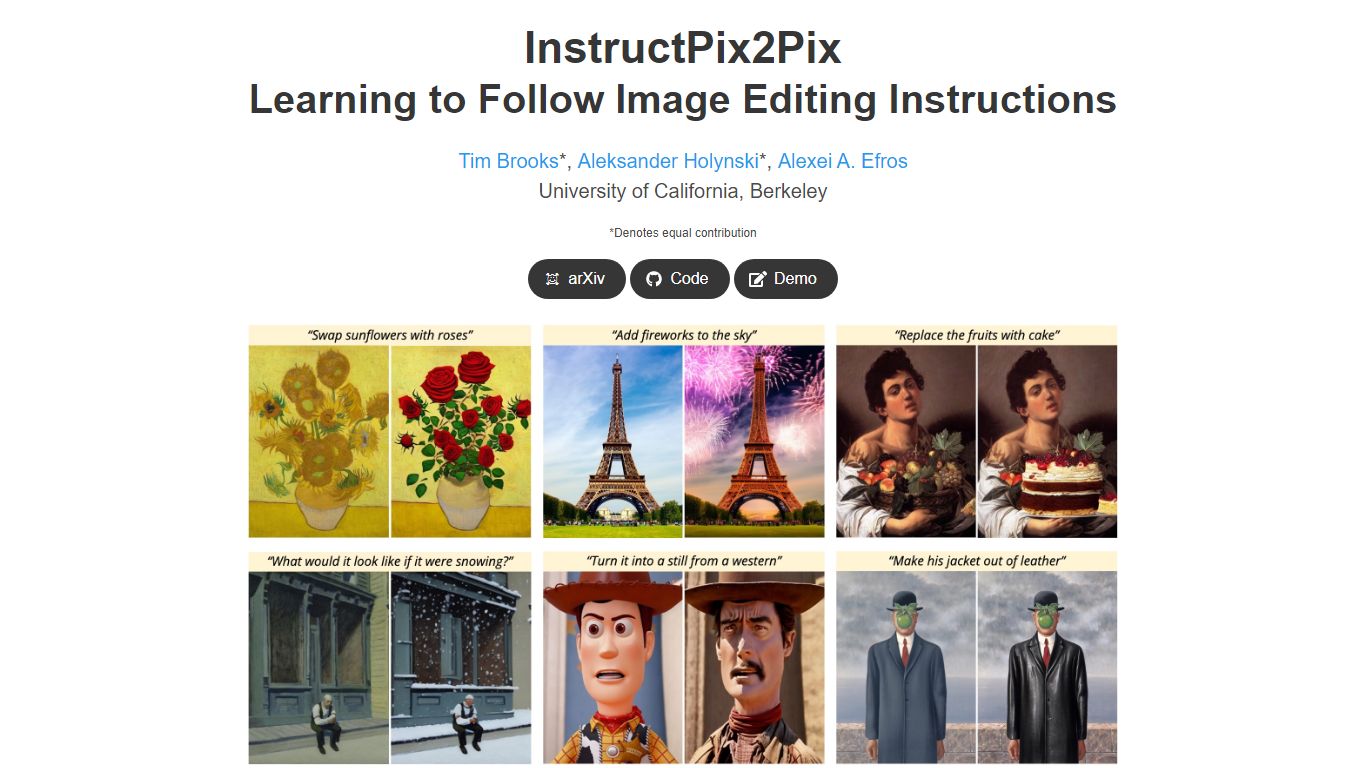

What is InstructPix2Pix?
InstructPix2Pix edits a photo from a plain-language instruction such as "make the sky sunset orange" or "turn this into a watercolor." You provide an input image and a short text command, and the model returns an edited version in seconds without training on that specific photo first. It was published as a CVPR 2023 Highlight by researchers at UC Berkeley.
Mask-based editors make you paint regions before changing anything. InstructPix2Pix runs a single forward pass from text alone, skipping per-image fine-tuning or inversion steps that slow other diffusion edit workflows. The trade-off shows up in the paper's failure cases: viewpoint changes, object swaps, and tight local edits remain weak spots.
The project ships open source code on GitHub and a Hugging Face demo space for trying edits in a browser. Training combined GPT-3 and Stable Diffusion to synthesize instruction pairs, and the released model generalizes to real photos up to about 768 pixels wide despite 256x256 training resolution.
Photoleap
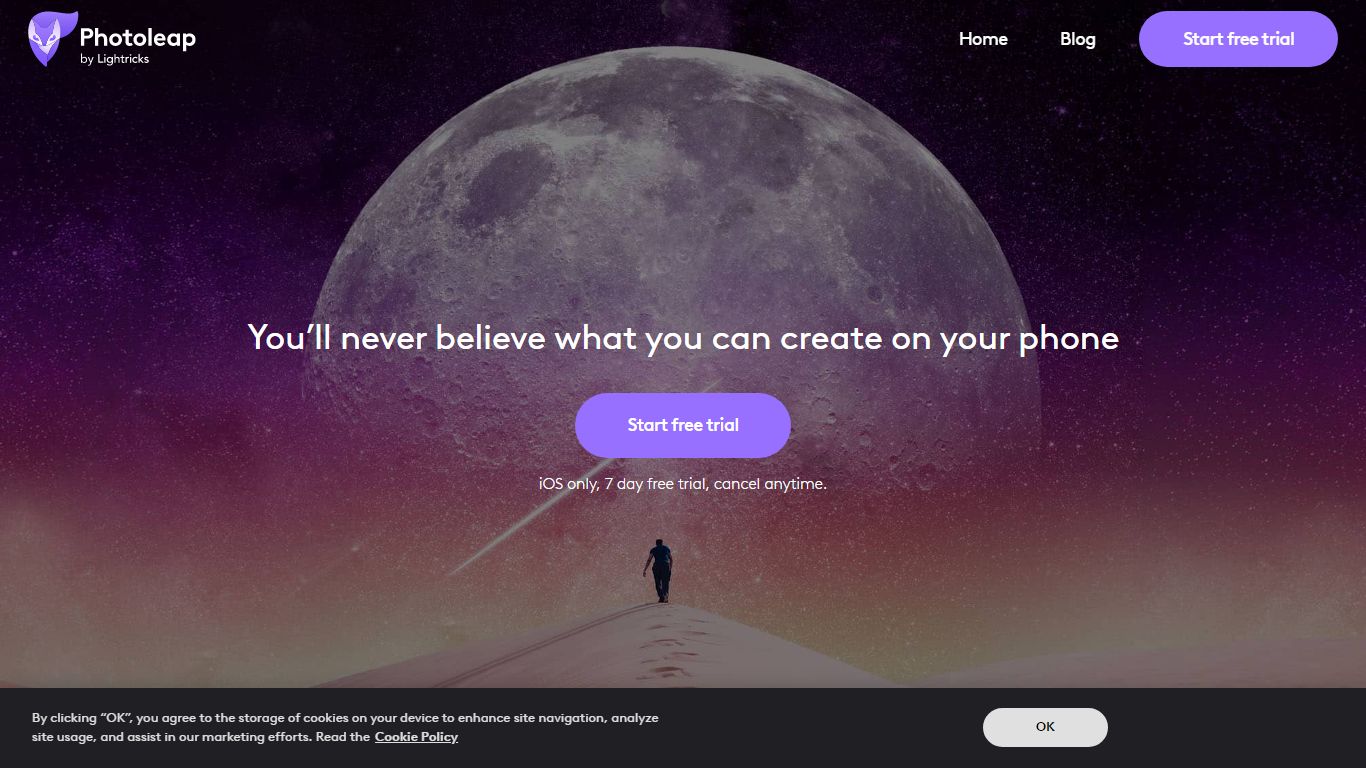
What is Photoleap?
Lightricks built Photoleap as a phone-first photo editor where AI handles retouching, background swaps, text-to-image generation, and novelty filters through tap-friendly controls. Free tools include the Cutout background remover, and a Pro subscription unlocks the full creative suite after a 7-day trial.
Desktop editors like Photoshop expect manual layers and masking. Photoleap instead ships one-tap AI transforms such as face swaps, yearbook filters, tattoo previews, and sketch-to-image directly on mobile. Text-to-Image works in the browser, but Sketch-to-Image, AI Rooms, and AI Selfies remain app-only, so the web experience stays narrower than the full mobile app.
With 65M+ downloads and a 4.7/5 rating from 600K users, Photoleap fits Instagram creators, small business marketers, and casual photographers who edit on iOS or Android without design training. Pro subscribers get up to 12 layers plus every AI tool listed on the site.
InstructPix2Pix Upvotes
Photoleap Upvotes
InstructPix2Pix Top Features
Edit an uploaded image from a written instruction without manual masking or per-image fine-tuning
Runs edits in a forward pass and returns results in seconds rather than minutes-long inversion workflows
Generalizes to real photos up to about 768 pixels wide despite 256x256 training resolution
Open source code on github.com/timothybrooks/instruct-pix2pix with a Hugging Face demo space
Allows chained instructions where multiple sequential edits compound on the same photo
Photoleap Top Features
65M+ downloads across iOS and Android app stores
7-day free Pro trial before subscription billing starts
Annual Pro plan bills at $47.99 per year ($3.99 per month effective)
Text-to-Image runs in the browser; Sketch-to-Image and AI Rooms are app-only
Cutout tool removes or replaces backgrounds with preset or custom backdrops
Pro unlocks up to 12 layers for complex edits
InstructPix2Pix Category
- Photo Editing
Photoleap Category
- Photo Editing
InstructPix2Pix Pricing Type
- Free
Photoleap Pricing Type
- Freemium