Invideo AI vs Gling
When comparing Invideo AI vs Gling, which AI Video Editing tool shines brighter? We look at pricing, alternatives, upvotes, features, reviews, and more.
In a comparison between Invideo AI and Gling, which one comes out on top?
When we put Invideo AI and Gling side by side, both being AI-powered video editing tools, In the race for upvotes, Invideo AI takes the trophy. Invideo AI has been upvoted 6 times by aitools.fyi users, and Gling has been upvoted 4 times.
Want to flip the script? Upvote your favorite tool and change the game!
Invideo AI

What is Invideo AI?
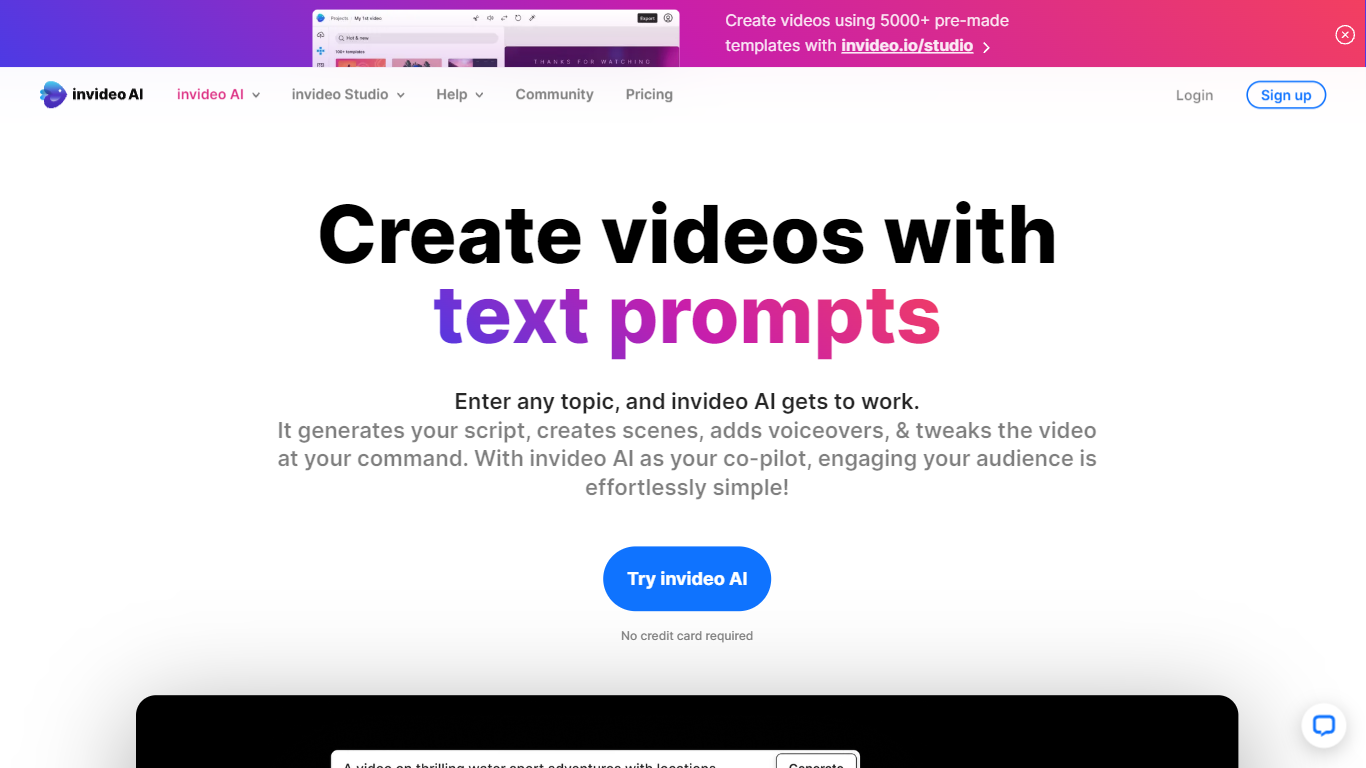
Invideo AI turns prompts into multi-scene films, ads, and microdramas through Agent Two, a crew of AI agents that remember your project's full context across shots. Characters, costumes, and locations stay consistent because agents store long-term memory instead of treating each clip as isolated. You can edit multiple clips at once, swap backdrops without regenerating entire scenes, and let agents pick the right model and write per-shot prompts for you.
Runway and Pika focus on single-clip generation. Invideo targets full productions with storyboarding from scripts, a timeline editor, multiplayer collaboration with live cursors, and custom agents for roles like cinematographer or music designer. Paid plans unlock 200+ generative models including Veo 3.1, Kling 3.0, and Seedance 2.0 plus stock from iStock and Storyblocks.
Filmmakers, ad teams, and social creators use Invideo when they need binge-worthy microdrama series or dozens of vertical cuts from one idea without babysitting every generation. Credits power AI actions while exports stay unlimited on paid tiers, though unused monthly credits do not roll over.
Gling

What is Gling?
Gling is desktop video editing software that uses transcription to cut bad takes, silences, and filler words from raw recordings before you export to Premiere, Final Cut Pro, or DaVinci Resolve. Upload a talking-head or voiceover file, review an AI-trimmed timeline, tweak cuts in text form, and download MP4, MP3, or SRT captions. It also generates YouTube titles, chapters, and short viral clips from links.
Manual timeline scrubbing eats hours on repetitive cleanup, while Gling automates the boring first pass and leaves creative decisions to you. That trade-off suits creators who record long sessions but do not want a fully automated publish pipeline. Desktop-only delivery keeps processing local-friendly, though you need a Mac or PC rather than a browser tab.
YouTube creators and podcast-style video makers use Gling to shrink edit time on tutorials, vlogs, and multicam sessions. The free plan includes 1 hour of AI-edited media per month with watermarked exports, Plus costs $20 per month with 10 hours, and Pro adds 30 hours without watermarks plus premium support.
Invideo AI Upvotes
Gling Upvotes
Invideo AI Top Features
Agent Two maintains long-term project memory so characters and locations stay consistent across shots
Edit multiple clips at once to swap costumes, locations, or characters without full regeneration
Access 200+ image, video, audio, and music models including Veo 3.1, Kling 3.0, and Seedance 2.0
Storyboarding turns scripts into shot-by-shot plans before any generation starts
Timeline editor with multiplayer live cursors for real-time team collaboration
Plus plan at $20/mo includes 75 monthly credits and watermark-free unlimited exports
Stock footage from iStock and Storyblocks available alongside generative clip creation
Gling Top Features
Automatically remove bad takes, silences, and filler words from uploaded recordings
Edit cuts through a text-based transcript instead of scrubbing the timeline manually
Export XML projects to Adobe Premiere, Final Cut Pro, or DaVinci Resolve
Generate AI captions, YouTube titles, chapters, and viral clips from links
Plus plan includes 10 hours of AI-edited media per month for $20
Invideo AI Category
- Video Editing
Gling Category
- Video Editing
Invideo AI Pricing Type
- Freemium
Gling Pricing Type
- Freemium