Ionyx vs Video To Blog
Compare Ionyx vs Video To Blog and see which AI Content Creation tool is better when we compare features, reviews, pricing, alternatives, upvotes, etc.
Which one is better? Ionyx or Video To Blog?
When we compare Ionyx with Video To Blog, which are both AI-powered content creation tools, Neither tool takes the lead, as they both have the same upvote count. Join the aitools.fyi users in deciding the winner by casting your vote.
Want to flip the script? Upvote your favorite tool and change the game!
Ionyx

What is Ionyx?
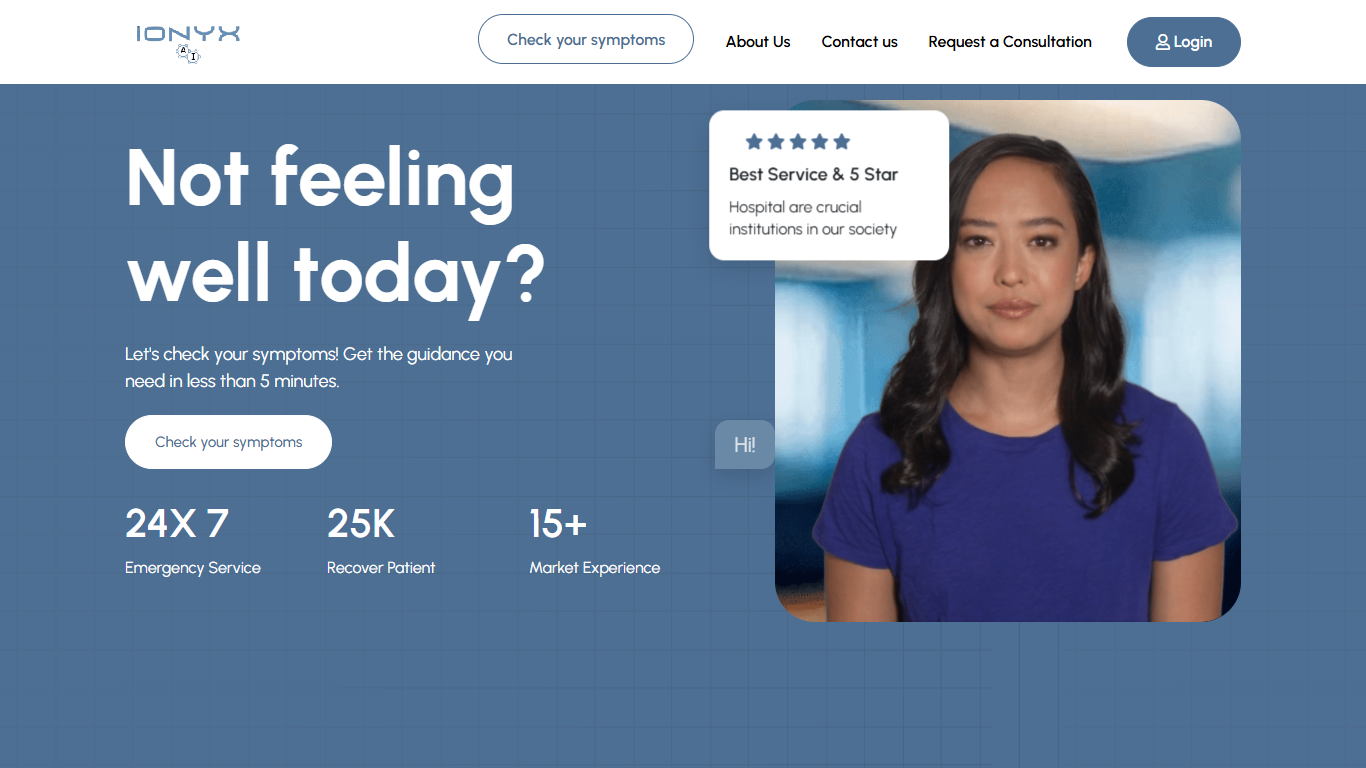
Ionyx hosts Ion, a virtual medical assistant that runs a symptom checker you can start from the homepage. You type what you feel in your own words, answer follow-up questions, and receive a list of possible conditions with guidance on what to do next. The site offers this triage flow around the clock and states it is for general health guidance, not emergency diagnosis.
Where many symptom tools rely on fixed multiple-choice trees, Ionyx collects demographic context before the check, including sex assigned at birth, date of birth, race, and ethnicity, and lets you map symptoms to specific body parts on front and back anatomy views. It also says Ion is the first AI medical assistant clinically validated through trials with real patients, a claim most consumer triage chatbots do not publish.
The checker fits anyone deciding whether symptoms need a clinic visit, urgent care, or home monitoring. Clinics can request consultations through the doctors list, book demos, or point patients to the public triage URL. Registered users can log in to an account area, and support is reachable by email or phone listed in the site footer.
Video To Blog

What is Video To Blog?
Video To Blog turns spoken video and audio into publish-ready blog articles. Paste a YouTube link, upload a file, drop in a transcript, record audio, or connect a channel, and the service outputs structured posts with headings, screenshots, smart links, metadata, and calls to action you can send to a website, newsletter, or download as HTML, Markdown, PDF, or Word.
Transcript-to-ChatGPT workflows still leave you stitching screenshots, links, and publishing steps by hand. Video To Blog bundles those production tasks: auto screenshots from the source video, reusable CTA blocks, SEO and GEO formatting, YouTube upload automations, and a built-in Publications feature for hosting a blog plus email newsletter on a custom domain. The homepage cites 500,000+ articles created and a 4.8 average across 500+ reviews on Trustpilot, G2, and Capterra.
YouTube creators, podcasters, agencies, and teams publishing sermons or webinars are the target users. Pricing starts free with one monthly upload, scales to Business at $69 per month (yearly billing) for 50 videos, and every paid tier adds publications, website integrations, and longer runtime limits.
Ionyx Upvotes
Video To Blog Upvotes
Ionyx Top Features
Type symptoms in your own words and Ion asks follow-up questions before suggesting conditions
Returns possible conditions with next-step recommendations in under 3 minutes
Clinically validated AI medical assistant built by doctors and AI experts
Optional body-part selector maps symptoms on front and back anatomy views
Collects sex assigned at birth, date of birth, race, and ethnicity before triage begins
24/7 symptom checker with user login and doctor consultation requests
Video To Blog Top Features
Imports YouTube links, uploaded video/audio, transcripts, Google Drive files, and channel automations
Auto screenshots pull key visual moments from source videos into each article
Smart links and reusable CTA blocks insert internal and external links automatically
Publications host a blog, email newsletter, and custom domain without extra services
Free plan includes 1 monthly upload for videos up to 30 minutes with no credit card
Pro plan ($39/mo yearly) allows 15 monthly uploads up to 1.5 hours with 3 team members
Exports finished posts as HTML, Markdown, PDF, or Word and publishes to connected websites
Ionyx Category
- Content Creation
Video To Blog Category
- Content Creation
Ionyx Pricing Type
- Free
Video To Blog Pricing Type
- Freemium