Jupitrr AI vs Clipchamp
In the battle of Jupitrr AI vs Clipchamp, which AI Video Editing tool comes out on top? We compare reviews, pricing, alternatives, upvotes, features, and more.
Between Jupitrr AI and Clipchamp, which one is superior?
Upon comparing Jupitrr AI with Clipchamp, which are both AI-powered video editing tools, The upvote count reveals a draw, with both tools earning the same number of upvotes. Be a part of the decision-making process. Your vote could determine the winner.
Think we got it wrong? Cast your vote and show us who's boss!
Jupitrr AI
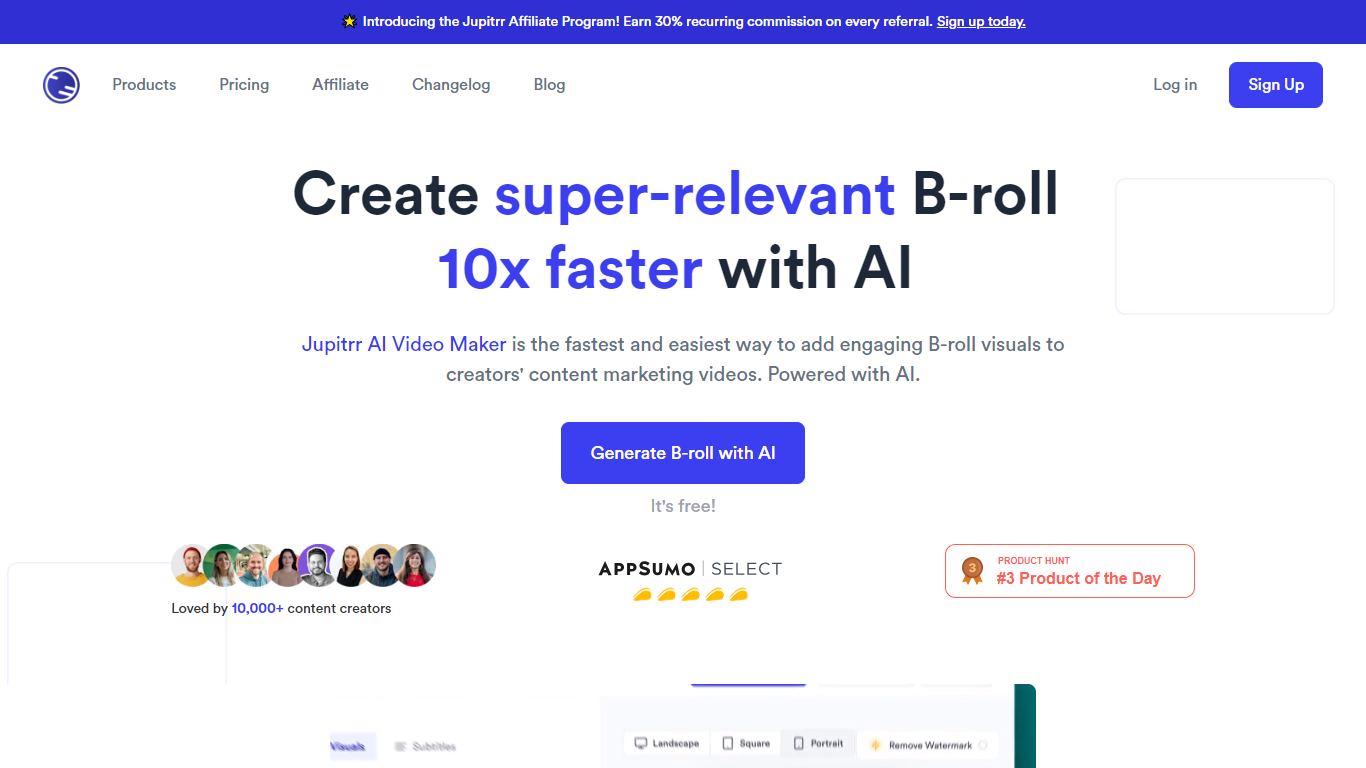

What is Jupitrr AI?
Jupitrr AI is an all-in-one video workflow for small businesses and marketing teams who need to record, edit, and publish social video without juggling a stack of separate apps. It covers research, scripting, recording, editing, scheduling, and analytics in one workspace built around talking-head and short-form content.
The product centers on an AI video editor that takes raw camera footage and automatically adds subtitles, B-roll, hooks, text overlays, transitions, background music, and brand elements. A teleprompter app, script writer trained on your past videos, viral topic search, and direct publishing to YouTube, Instagram, LinkedIn, and TikTok round out the pipeline from idea to posted clip.
Jupitrr is aimed at founders, coaches, consultants, real estate agents, and small marketing teams who want consistent video output without learning traditional timeline editing. The founding team has built creator tools since 2017, starting with the freelance platform Freehunter in Southeast Asia before launching Jupitrr to simplify business video production.
Clipchamp

What is Clipchamp?
Clipchamp is a versatile video editing platform that empowers users to create stunning videos with ease. Whether you're editing on a browser, using the Windows app, or on mobile, Clipchamp simplifies the process with its smart tools and royalty-free content. It's ideal for everything from YouTube and TikTok videos to promo videos and Facebook video ads. Notable for its AI video editing capabilities, such as autocaptions and text-to-speech, Clipchamp also offers features like green screen effects, video overlays, and even speaker coaching. It ensures that your video fits any platform perfectly by allowing you to resize and transform your video with stylish elements. For business, education, or fun, Clipchamp is the way to go for creating high-quality videos without watermarks in up to 4K resolution. Now a part of Microsoft, this tool assures a smooth experience for all your video creation needs.
Jupitrr AI Upvotes
Clipchamp Upvotes
Jupitrr AI Top Features
Drop talking-head footage and get auto subtitles, B-roll, hooks, and music in minutes
Script writer trained on your past videos with hook, body, and CTA structure
Teleprompter app with auto jump-cut and silence removal for cleaner takes
Publish or schedule to YouTube, Instagram, LinkedIn, and TikTok from one dashboard
Subtitles and text overlays in 54+ languages with Getty iStock B-roll on paid plans
Viral video search, content calendar, brand kit, and cross-channel analytics for teams
Clipchamp Top Features
Autocaptions: Automatically generate accurate captions in over 140 languages using advanced speech-to-text technology.
Text to Speech: Easily convert text into natural-sounding speech in various languages and voices.
Resize Video: Adjust the aspect ratio of your videos to fit different platforms with customizable background colors and blur effects.
Speaker Coach: Improve communication skills with feedback on pace pitch and filler words using the webcam recorder tool.
Royalty-Free Elements: Enhance your videos with access to a wide range of stock elements including text overlays filters and templates.
Jupitrr AI Category
- Video Editing
Clipchamp Category
- Video Editing
Jupitrr AI Pricing Type
- Freemium
Clipchamp Pricing Type
- Freemium