Karaoke Tracks vs GetSound.ai
In the face-off between Karaoke Tracks vs GetSound.ai, which AI Audio Generation tool takes the crown? We scrutinize features, alternatives, upvotes, reviews, pricing, and more.
When we put Karaoke Tracks and GetSound.ai head to head, which one emerges as the victor?
If we were to analyze Karaoke Tracks and GetSound.ai, both of which are AI-powered audio generation tools, what would we find? The upvote count is neck and neck for both Karaoke Tracks and GetSound.ai. The power is in your hands! Cast your vote and have a say in deciding the winner.
Does the result make you go "hmm"? Cast your vote and turn that frown upside down!
Karaoke Tracks

What is Karaoke Tracks?
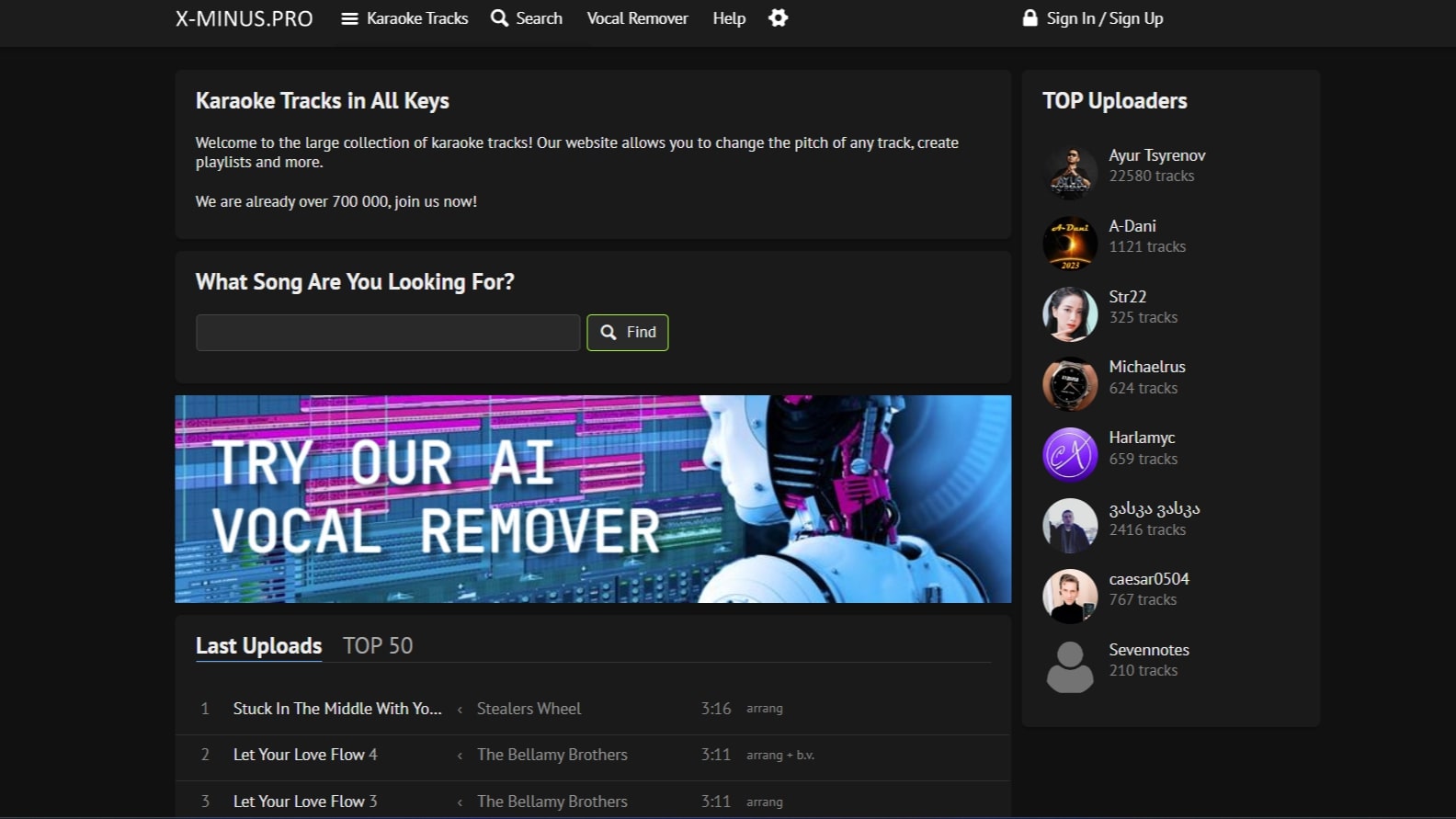
x-minus.pro is a karaoke backing track library where you can search, play, and download tracks across genres and languages. The site hosts a community catalog with over 700,000 tracks, organized into collections by genre, language, and theme.
You can shift the pitch of any track to match your vocal range, build playlists, and browse recent uploads or the top 50 chart. Registered users can upload their own karaoke tracks to share with the community.
The site also includes separate online tools for vocal removal and pitch or tempo adjustment. The vocal remover uses multiple stem separation models and can split vocals, backing vocals, drums, bass, guitar, and other stems from uploaded audio.
GetSound.ai
What is GetSound.ai?
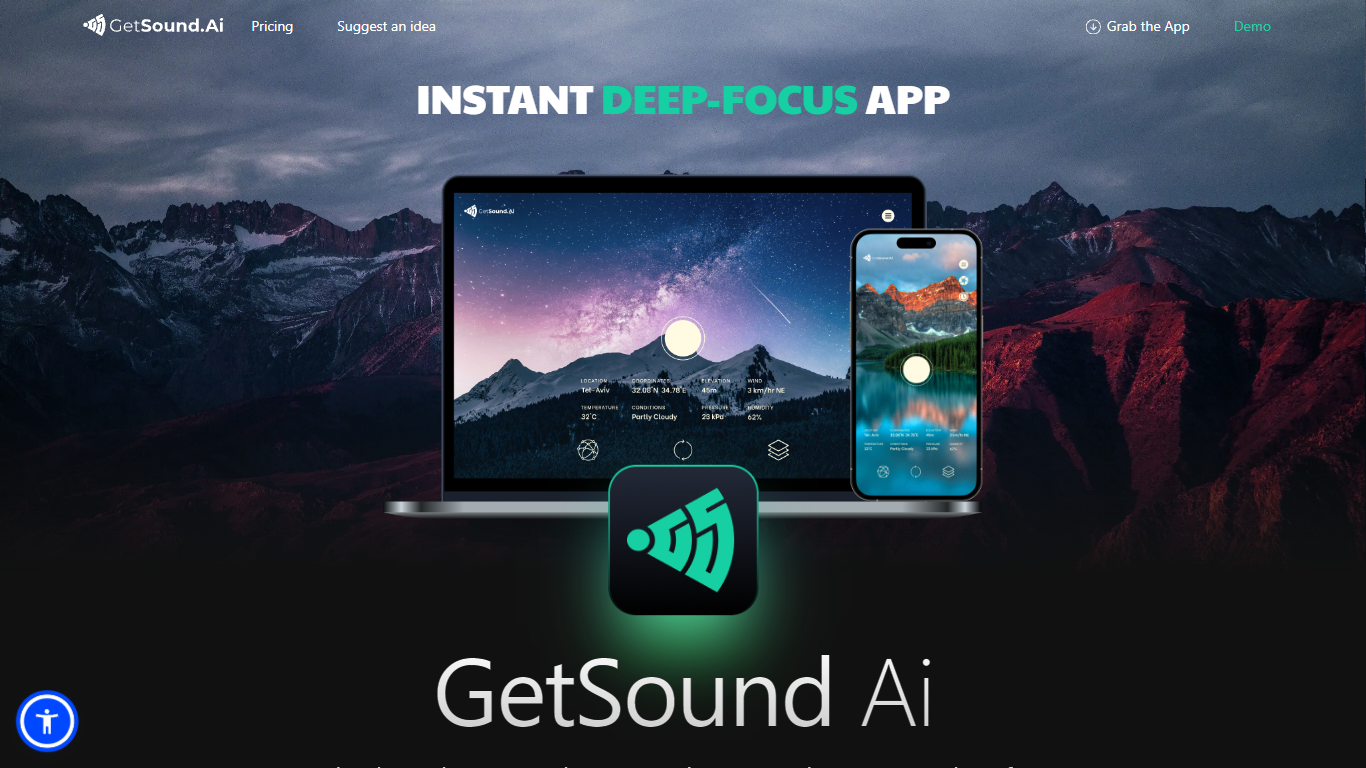
GetSound.ai generates real-time ambient soundscapes meant to help you focus, study, or unwind. Its desktop apps for macOS, Windows, and Linux, plus a mobile app, play deep-focus music and background layers that change with your location, weather, light, and wind conditions. Each session produces a fresh soundscape rather than looping the same track.
Unlike static focus playlists, GetSound.ai ties audio to your environment through what it calls RTS technology and weather-reactive layers. That means rustling leaves or flowing water can shift when the weather changes outside. The trade-off is you need the app running and location access for the reactive effect, not just a simple offline playlist.
GetSound.ai targets students, remote workers, and teams in offices, libraries, coworking spaces, or schools who want ambient audio without picking tracks manually. Businesses with multiple rooms can control sound per zone, according to the about page. Support is available at [email protected], and the site links to a knowledge base, idea suggestions, and Medium articles.
Karaoke Tracks Upvotes
GetSound.ai Upvotes
Karaoke Tracks Top Features
Search a large karaoke library organized by genre, language, and themed collections
Change the pitch of any track in the player to match your vocal range
Create playlists to organize favorites for practice or events
Upload your own karaoke tracks after signing in to an account
Remove vocals from songs with an online AI stem separator and multiple model options
Split stems including drums, bass, guitar, vocals, and backing vocals from uploaded audio
Shift pitch or tempo on uploaded files with a separate transpose tool
GetSound.ai Top Features
Real-time soundscapes generated fresh each session via RTS technology
Weather-reactive audio based on location, weather, light, and wind
Desktop apps for macOS, Windows, and Linux plus a mobile app
Free plan with limited daily usage, ambient layers, and location switches
Personal plan adds unlimited refresh, session timer, and removes ads
Business controls for separate ambient sound in multiple rooms or zones
Karaoke Tracks Category
- Audio Generation
GetSound.ai Category
- Audio Generation
Karaoke Tracks Pricing Type
- Freemium
GetSound.ai Pricing Type
- Freemium