Karpo vs Microsoft Copilot+ PC
In the contest of Karpo vs Microsoft Copilot+ PC, which AI Assistant tool is the champion? We evaluate pricing, alternatives, upvotes, features, reviews, and more.
If you had to choose between Karpo and Microsoft Copilot+ PC, which one would you go for?
When we examine Karpo and Microsoft Copilot+ PC, both of which are AI-enabled assistant tools, what unique characteristics do we discover? Both tools are equally favored, as indicated by the identical upvote count. You can help us determine the winner by casting your vote and tipping the scales in favor of one of the tools.
Disagree with the result? Upvote your favorite tool and help it win!
Karpo


What is Karpo?
Karpo is a proactive assistant that lives inside iMessage and texts you personalized picks for where to go and what to do for fun. You chat with it like a friend, asking about dinner spots, weekend plans, or neighborhood gems, and it pulls from curated city content rather than generic search results.
Most assistants wait for you to open an app and type a prompt. Karpo flips that: it learns what you liked and skipped, then pushes spots, shows, and experiences your way before you start scrolling. That push-first model, tied to iMessage instead of a standalone app, is the trade-off. You get local discovery inside a thread you already check, but you need an iPhone and iMessage to use it.
Karpo's public site leans heavily into New York, with Explore guides for arts, dining, wellness, and nights out across boroughs, plus City Guides like bar lists and weekend picks. Privacy docs also describe group chat support and optional location sharing for nearby suggestions. It fits people who want a local-minded planner in their pocket, not another search tab.
Microsoft Copilot+ PC
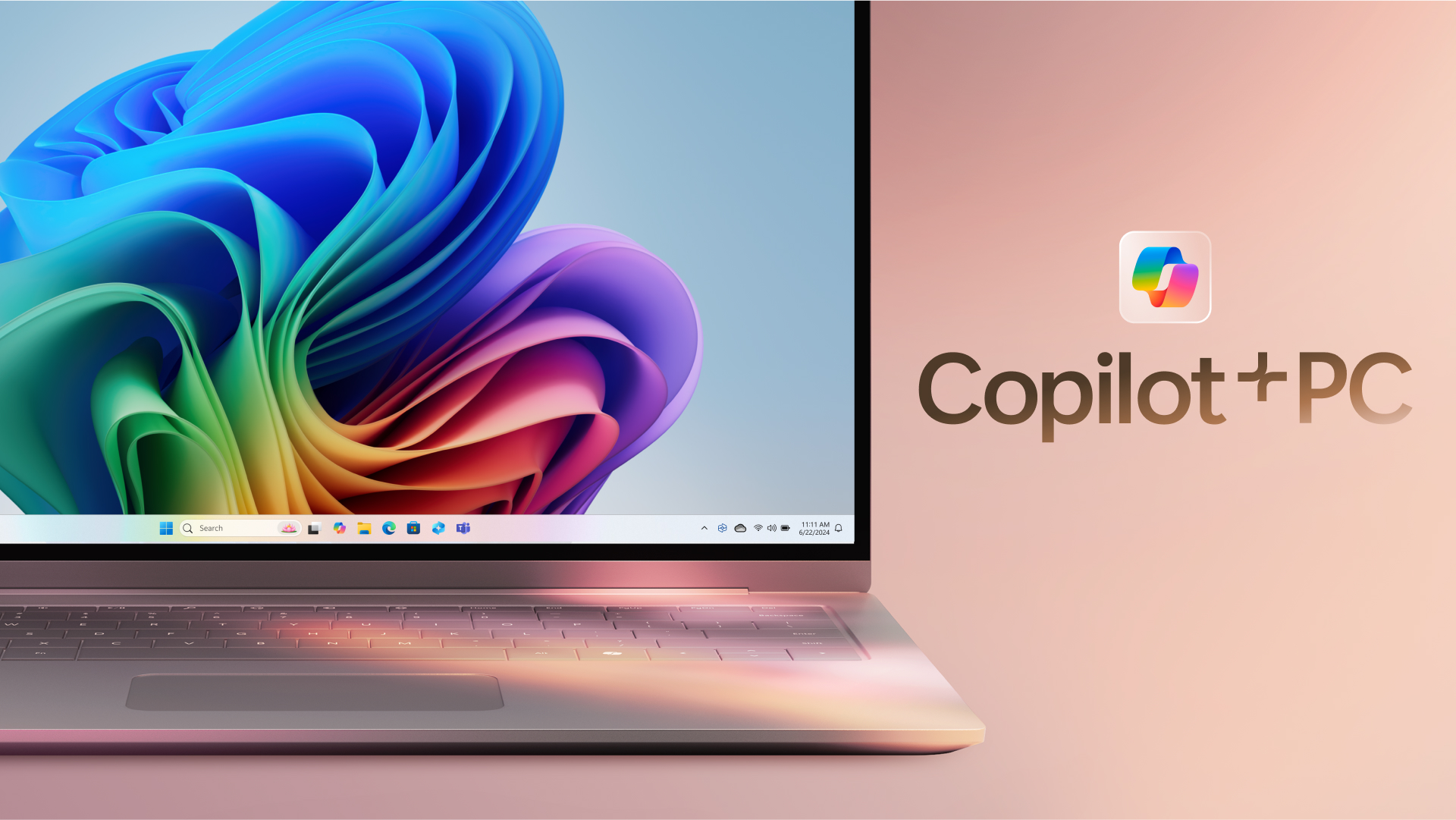
What is Microsoft Copilot+ PC?
Microsoft Copilot+ PC is a Windows PC category built around a dedicated Neural Processing Unit (NPU) for on-device AI workloads. Microsoft introduced the lineup in May 2024 as thin, light laptops and 2-in-1s from Surface and major OEM partners, with silicon that delivers 40+ trillion operations per second alongside all-day battery life.
The hardware pairs CPU, GPU, and NPU with Windows 11 experiences that run locally instead of relying only on the cloud. That includes Recall for finding past activity on your PC, Cocreator for near real-time image generation in Paint and Photos, Live Captions with translation from 40+ languages, Click to Do, improved Windows search, and Windows Studio Effects for video calls.
Copilot+ PCs target students, remote workers, creators, and anyone who wants Windows with built-in local AI. Devices are sold through Microsoft and retailers such as Dell, HP, Lenovo, Samsung, Acer, and ASUS, with Copilot+ PC experiences that vary by device, market, and software updates.
Karpo Upvotes
Microsoft Copilot+ PC Upvotes
Karpo Top Features
Runs inside iMessage so you text Karpo like a contact instead of opening a separate app
Remembers what you loved and skipped so later suggestions track your taste more closely
Publishes NYC Explore guides across Arts & Culture, Sip & Dine, Wellness & Beauty, and Out & About
City Guides cover curated bars, restaurants, walks, and local discoveries by mood
Proactively sends spots, shows, and experiences before you go looking for plans
Supports group interactions in iMessage threads for shared planning context
Requires users to be at least 18 years old per MachinePulse terms
Microsoft Copilot+ PC Top Features
Dedicated NPU rated at 40+ TOPS for on-device AI workloads without constant cloud calls
Recall helps you find apps, sites, and documents you have already seen on your PC
Cocreator in Paint and Photos generates and refines images in near real time on the device
Live Captions translates audio from 40+ languages into English subtitles across apps
Click to Do and improved Windows search speed up common tasks on Copilot+ PCs
Karpo Category
- Assistant
Microsoft Copilot+ PC Category
- Assistant
Karpo Pricing Type
- Freemium
Microsoft Copilot+ PC Pricing Type
- Paid