Kie.ai - 4o Image API vs Canva-Text to Image
Dive into the comparison of Kie.ai - 4o Image API vs Canva-Text to Image and discover which AI Image Generation tool stands out. We examine alternatives, upvotes, features, reviews, pricing, and beyond.
In a comparison between Kie.ai - 4o Image API and Canva-Text to Image, which one comes out on top?
When we compare Kie.ai - 4o Image API and Canva-Text to Image, two exceptional image generation tools powered by artificial intelligence, and place them side by side, several key similarities and differences come to light. Canva-Text to Image is the clear winner in terms of upvotes. The upvote count for Canva-Text to Image is 108, and for Kie.ai - 4o Image API it's 7.
Disagree with the result? Upvote your favorite tool and help it win!
Kie.ai - 4o Image API
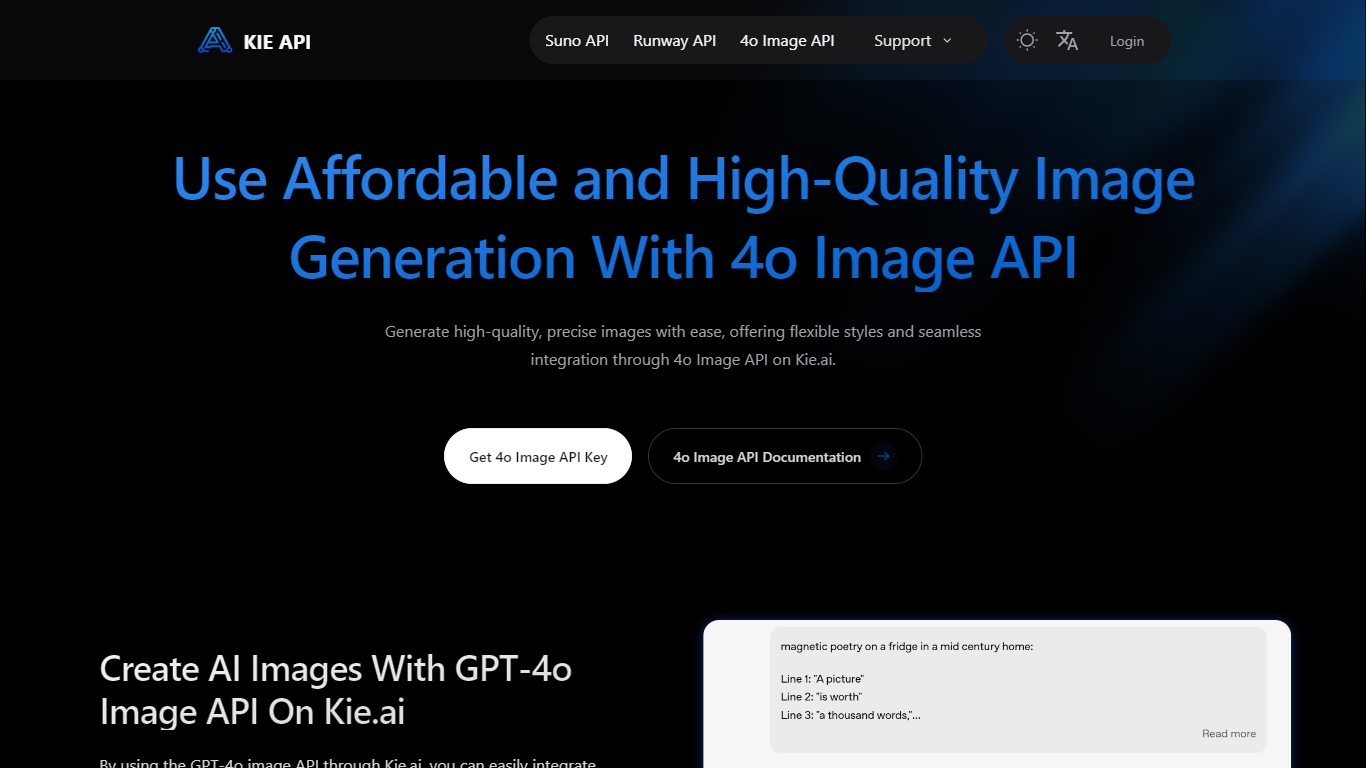

What is Kie.ai - 4o Image API?
Kie.ai - 4o Image API is a developer image generation API that exposes OpenAI's GPT-Image-1 model through Kie.ai's gateway at api.kie.ai. You send text prompts or source images over REST and receive generated or edited visuals, with a browser playground on the product page for testing before integration. The model is pitched as ChatGPT 4o Image and targets workflows where prompts, layout, and readable text matter.
Kie.ai prices calls on a flat credit system rather than OpenAI's token-based image billing. A single-image generation costs 6 credits, about $0.03, with no subscription required and credit top-ups starting at $5. That trade-off favors predictable per-call costs over running your own GPU stack or decoding OpenAI's output token math.
The API fits product teams, marketers, and app builders who need instruction-following generation, legible text in images, and style consistency across batches. Kie.ai documents use cases such as product mockups, labeled infographics, Ghibli-style art, and keeping characters consistent across scenes.
Canva-Text to Image
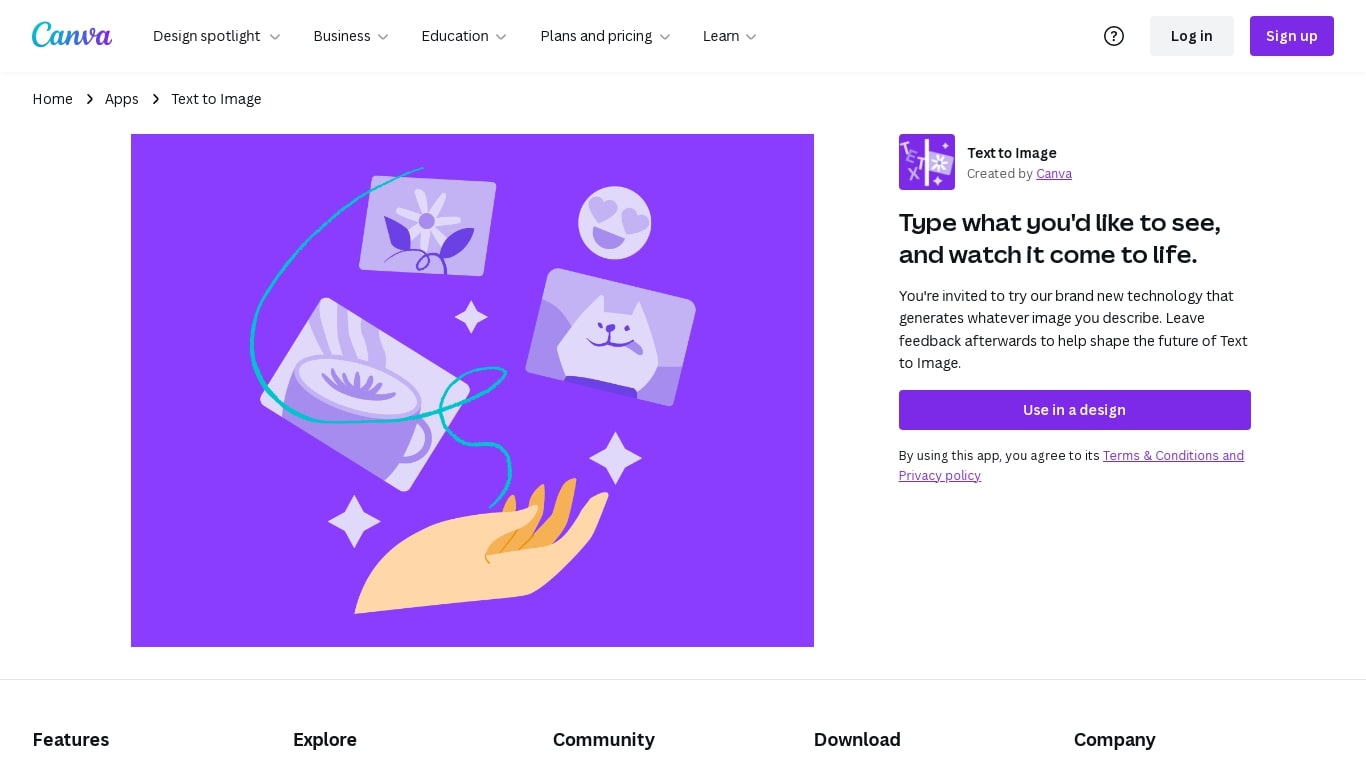
What is Canva-Text to Image?
Canva Text to Image turns a written prompt into a finished visual without leaving the Canva editor. You describe what you want, pick from 10+ preset art styles like Photo, Vibrant, Sketch, or Retrowave, and set an aspect ratio. The tool generates several variations in seconds, and you can drop any result straight into a presentation, social post, or poster layout.
Where standalone generators like Midjourney or DALL-E hand you a file to download and edit elsewhere, Canva keeps everything in one workflow. Background removal, Magic Edit prompt-based retouching, text overlays, and export to PNG, JPG, PDF, or PPTX all sit in the same canvas. That trade-off means less raw control over model parameters, but a much faster path from prompt to publishable design.
Content creators use it for social graphics and thumbnails, entrepreneurs for quick branding assets, and hobbyists for concept sketches. You can also upload a reference photo and generate new images that keep the original layout or subject. Pro and Business plans unlock higher AI generation allowances, Magic Expand for extending image borders, and a content planner for scheduling posts.
Free accounts include up to 200 Standard AI uses or 20 Premium AI uses per year. Canva runs automated prompt checks to block inappropriate content, and commercial use is permitted under Canva's AI Product Terms, though you are responsible for trademark and public figure rights.
Kie.ai - 4o Image API Upvotes
Canva-Text to Image Upvotes
Kie.ai - 4o Image API Top Features
Single-image API calls cost 6 credits, about $0.03 per generation
Output aspect ratios are limited to 1:1, 3:2, and 2:3
Each request can return 1, 2, or 4 variants through the nVariants parameter
Image-to-image uploads accept PNG, JPG, and WEBP files in the playground
Async jobs return a task ID polled through the /record-info endpoint
Canva-Text to Image Top Features
Choose from 10+ preset art styles including Photo, Vibrant, 3D Render, Cinematic, and Retrowave
Free plan includes up to 200 Standard AI uses or 20 Premium AI uses per year
Generate from a text prompt or upload a reference photo to preserve layout and subject
Export finished designs as PNG, JPG, PDF, or PPTX without leaving Canva
Pro plan at $180 per year includes 10x the AI generation allowance of the Free tier
Magic Edit and Magic Eraser let you refine generated images with short written prompts
Kie.ai - 4o Image API Category
- Image Generation
Canva-Text to Image Category
- Image Generation
Kie.ai - 4o Image API Pricing Type
- Paid
Canva-Text to Image Pricing Type
- Freemium