Kimi.ai vs uLog.ai
Dive into the comparison of Kimi.ai vs uLog.ai and discover which AI Companion tool stands out. We examine alternatives, upvotes, features, reviews, pricing, and beyond.
In a comparison between Kimi.ai and uLog.ai, which one comes out on top?
When we compare Kimi.ai and uLog.ai, two exceptional companion tools powered by artificial intelligence, and place them side by side, several key similarities and differences come to light. Neither tool takes the lead, as they both have the same upvote count. Your vote matters! Help us decide the winner among aitools.fyi users by casting your vote.
Want to flip the script? Upvote your favorite tool and change the game!
Kimi.ai
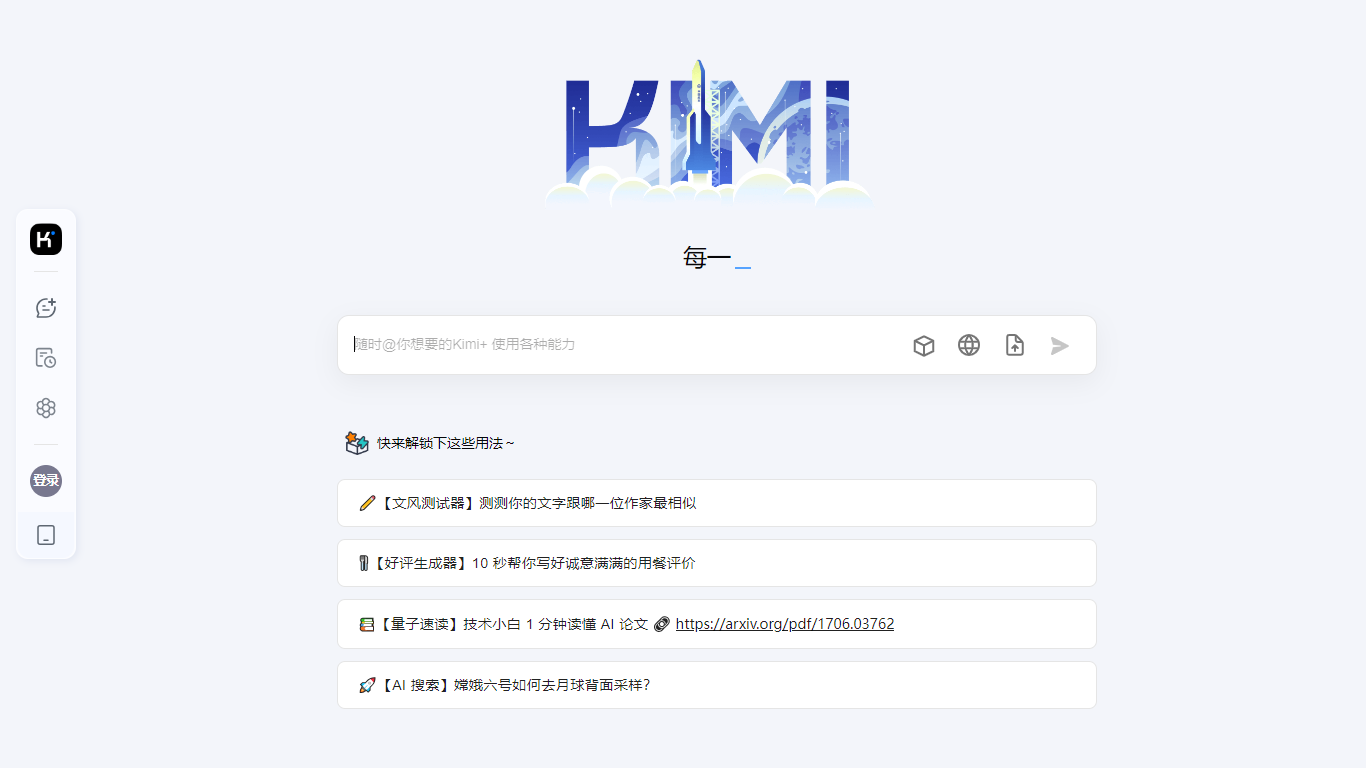

What is Kimi.ai ?
Kimi is Moonshot AI's conversational assistant built around the K3 model, designed for agentic coding and knowledge work. You can chat, delegate multi-step tasks to specialized agents, and generate slides, documents, spreadsheets, and even playable games from a single prompt.
The platform spans a web app, a desktop agent called Kimi Work, and Kimi Code, a CLI that drops into terminal and IDE workflows. Agent modes include Swarm for parallel tasks, Deep Research for investigation, and dedicated tools for slides, websites, docs, and sheets.
Kimi Work extends the assistant to your desktop with local file access, browser automation through WebBridge, scheduled cron tasks, and built-in market data for A-shares, Hong Kong, and US equities. Kimi Code targets developers with up to 1 million context tokens, shell command execution, and subagent support for parallel coding tasks.
uLog.ai
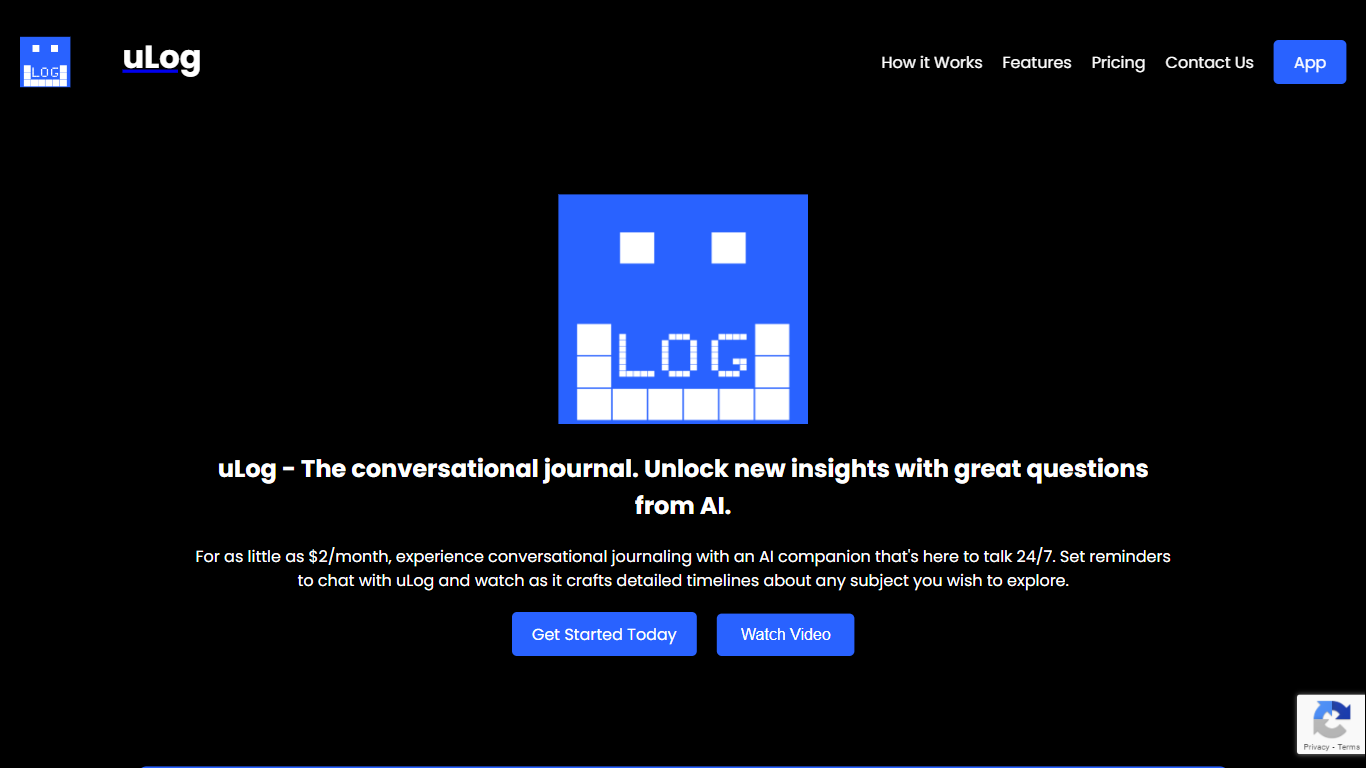
What is uLog.ai?
uLog.ai turns journaling into a guided conversation. You pick a topic, answer adaptive questions from an AI companion, and each session becomes an editable timeline summary you can revisit later.
Most journaling apps wait for you to write. uLog flips that by guiding the conversation with follow-up questions and building timelines from your replies. It also limits what leaves your device: only the text you just submitted goes to OpenAI for a single response, not your full journal history, and the privacy policy states your content is not used to train foundation models.
It fits anyone who wants a low-friction way to log goals, habits, or personal reflections without staring at an empty document. Optional reminders help you stay consistent, and the installable PWA works from a browser without a separate mobile app store download.
Kimi.ai Upvotes
uLog.ai Upvotes
Kimi.ai Top Features
K3 model with up to 1 million context tokens for long documents and codebases
Agent Swarm coordinates parallel agents for complex multi-step tasks
Kimi Code CLI installs in terminal and IDE with shell and web search tools
Kimi Work desktop agent automates local files, cron tasks, and browser actions
Built-in modes for slides, deep research, websites, docs, and spreadsheets
uLog.ai Top Features
Paid plans start at $2 per month on the uLog website
Journal entries stored in Supabase Postgres in the us-east-1 region
Only your latest reply is sent to OpenAI, not your full journal history
Optional reminders nudge you to log on a schedule you set per topic
Installable PWA with no ad trackers or marketing pixels
Kimi.ai Category
- Companion
uLog.ai Category
- Companion
Kimi.ai Pricing Type
- Freemium
uLog.ai Pricing Type
- Paid