Kompas AI vs TypingMind
In the contest of Kompas AI vs TypingMind, which AI Chat Bot tool is the champion? We evaluate pricing, alternatives, upvotes, features, reviews, and more.
If you had to choose between Kompas AI and TypingMind, which one would you go for?
When we examine Kompas AI and TypingMind, both of which are AI-enabled chat bot tools, what unique characteristics do we discover? Kompas AI is the clear winner in terms of upvotes. Kompas AI has been upvoted 7 times by aitools.fyi users, and TypingMind has been upvoted 6 times.
You don't agree with the result? Cast your vote to help us decide!
Kompas AI

What is Kompas AI?
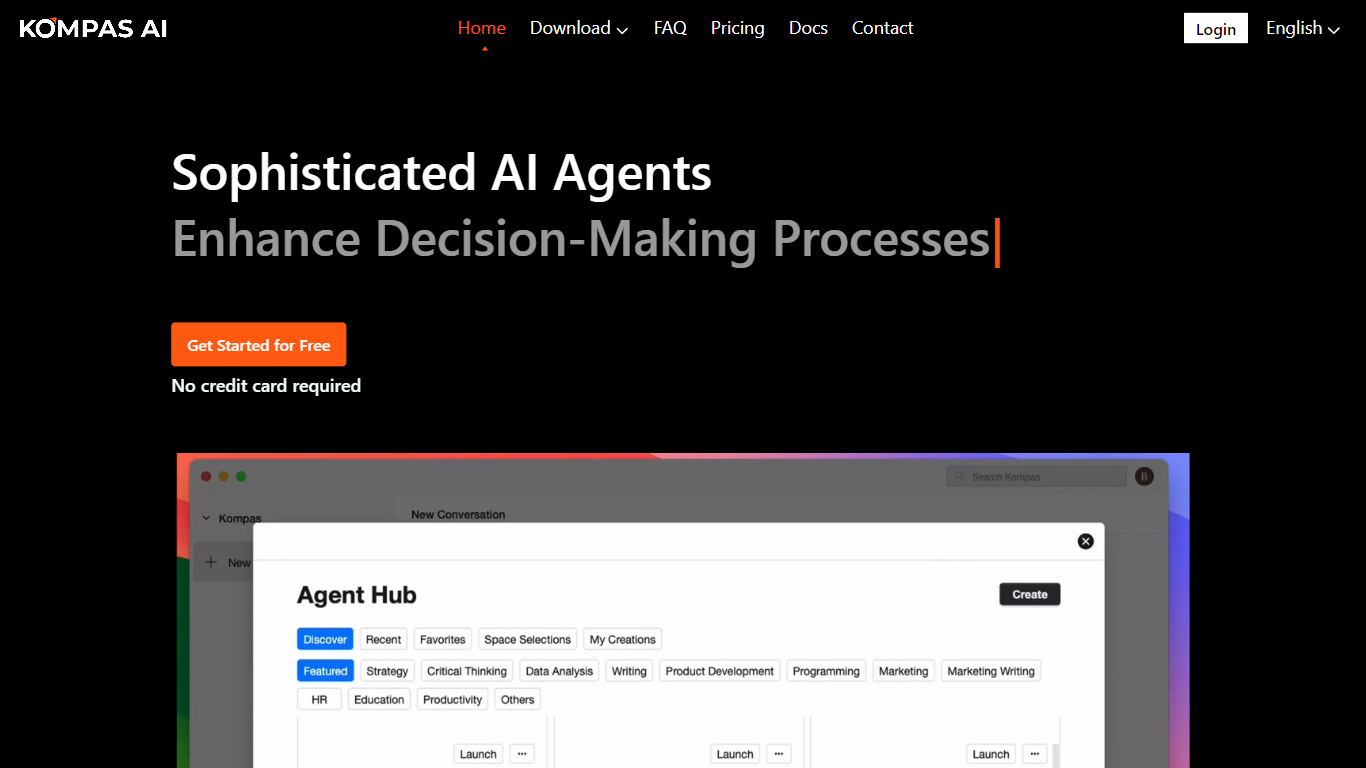
Kompas is a desktop chat and knowledge app for macOS and Windows that turns your reading, conversations, and half-formed ideas into a connected graph you can search and write from. You capture documents, highlights, voice notes, and web pages locally, then run sessions where Kompas pulls your past notes and decisions into the thread. Sessions leave traces linked to earlier work, so today's thought can brush against something you wrote last month. The free desktop build keeps everything on your device; Pro adds cross-device sync and optional managed AI.
Most chatbots answer and forget. Kompas is built for people who want conversations to compound: it remembers what you already wrote and surfaces it when it matters, without training models on your content. The trade-off is scope: there is no web app, only a desktop binary, and Pro cloud sync is not self-hostable. If you want a persistent thinking workspace rather than a one-off Q&A box, that narrow focus is the point.
Essayists use Kompas for drafts that carry their argument, not the model's voice. Researchers keep continuous note chains and spot links between concepts. Founders revisit decisions with the reasons they recorded earlier. Obsidian and Logseq users who tired of only collecting material can extend thinking inside the same graph-backed sessions.
TypingMind
What is TypingMind?
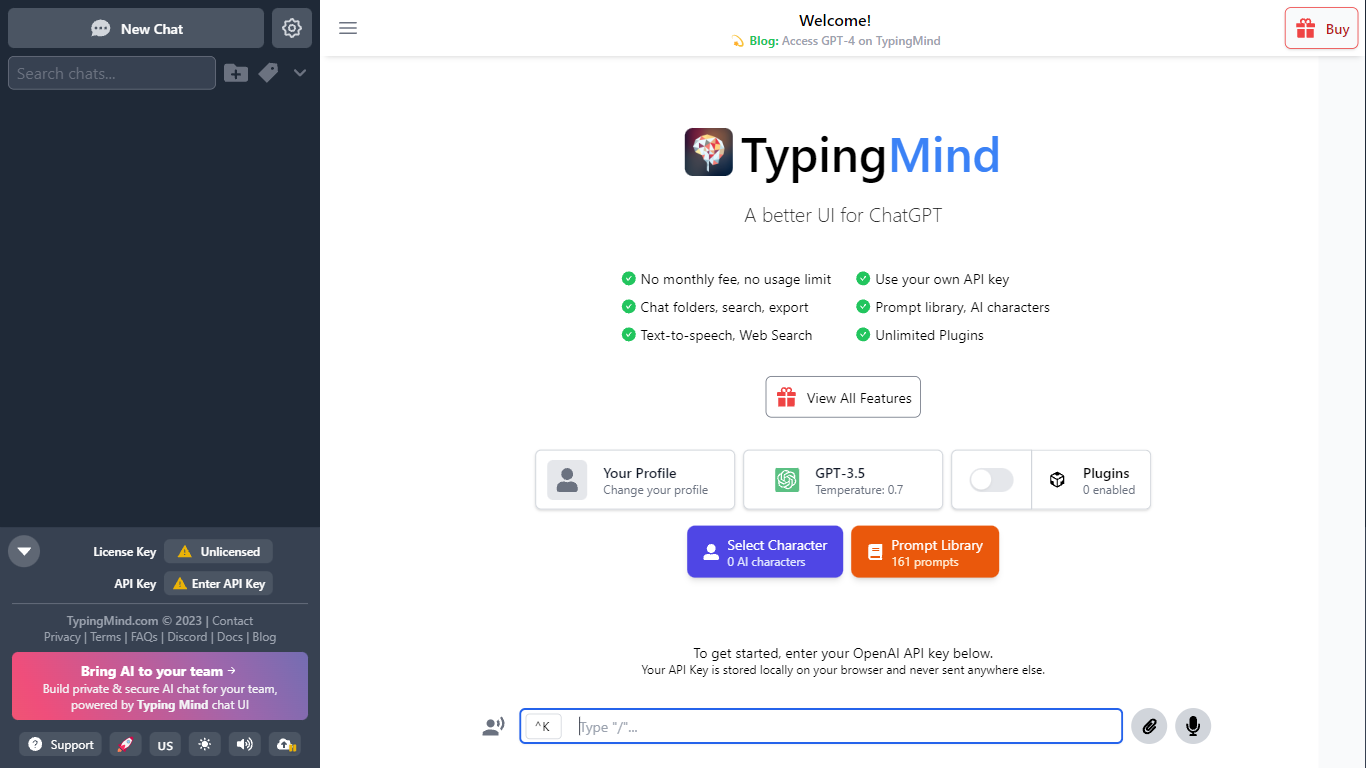
TypingMind gives you one chat interface for ChatGPT, Claude, Gemini, DeepSeek, and other LLMs while you bring your own API keys. You pay a one-time license fee to TypingMind, then only for the tokens each model provider charges. Chats, folders, agents, and API credentials stay in local browser storage by default, so your conversations are not sent for model training.
Where ChatGPT Plus locks you into OpenAI and caps usage, TypingMind lets you switch models mid-conversation, run multi-model parallel chats, and connect MCP tools, RAG knowledge bases, and custom plugins. Prompt caching can cut token costs up to 90% on supported models. Over 50 pre-built agents cover coding, research, and marketing workflows out of the box.
TypingMind suits power users and teams who already pay for API access and want a richer UI than vendor defaults. More than 20,641 customers use it daily, and a separate TypingMind for Teams product adds admin controls, custom branding, and self-hosting for companies.
Kompas AI Upvotes
TypingMind Upvotes
Kompas AI Top Features
Free desktop app for macOS Apple Silicon, Intel, and Windows x64 with unlimited local sessions and graph storage
Pro Sync at $3 per month adds cross-device sync with 5 GB soft and 10 GB hard hosted graph storage
Pro Full at $38 per month includes frontier AI, a 7-day free trial, and no credit card required to start
Bring your own OpenAI, Anthropic, Claude Code, Codex, or Ollama keys on Free and Pro Sync tiers
Desktop app is open source under the MIT license at github.com/bc-dunia/kompas
Kompas does not train on your content; Free keeps data local and Pro hosts graphs privately for sync only
TypingMind Top Features
Access ChatGPT, Claude, Gemini, and 20+ LLMs from one interface
Lifetime licenses from $39 Standard to $99 Premium with no TypingMind subscription
Prompt caching reduces token costs up to 90% on supported models
50+ pre-built AI agents plus custom agent and plugin builder
MCP connectors for Figma, GitHub, GitLab, Redis, Make, and Apify
Local-first storage keeps chats and API keys on your device by default
Kompas AI Category
- Chat Bot
TypingMind Category
- Chat Bot
Kompas AI Pricing Type
- Freemium
TypingMind Pricing Type
- Paid