Konjer vs ChatPDF
In the face-off between Konjer vs ChatPDF, which AI PDF tool takes the crown? We scrutinize features, alternatives, upvotes, reviews, pricing, and more.
When we put Konjer and ChatPDF head to head, which one emerges as the victor?
If we were to analyze Konjer and ChatPDF, both of which are AI-powered pdf tools, what would we find? The users have made their preference clear, ChatPDF leads in upvotes. ChatPDF has been upvoted 19 times by aitools.fyi users, and Konjer has been upvoted 6 times.
Want to flip the script? Upvote your favorite tool and change the game!
Konjer
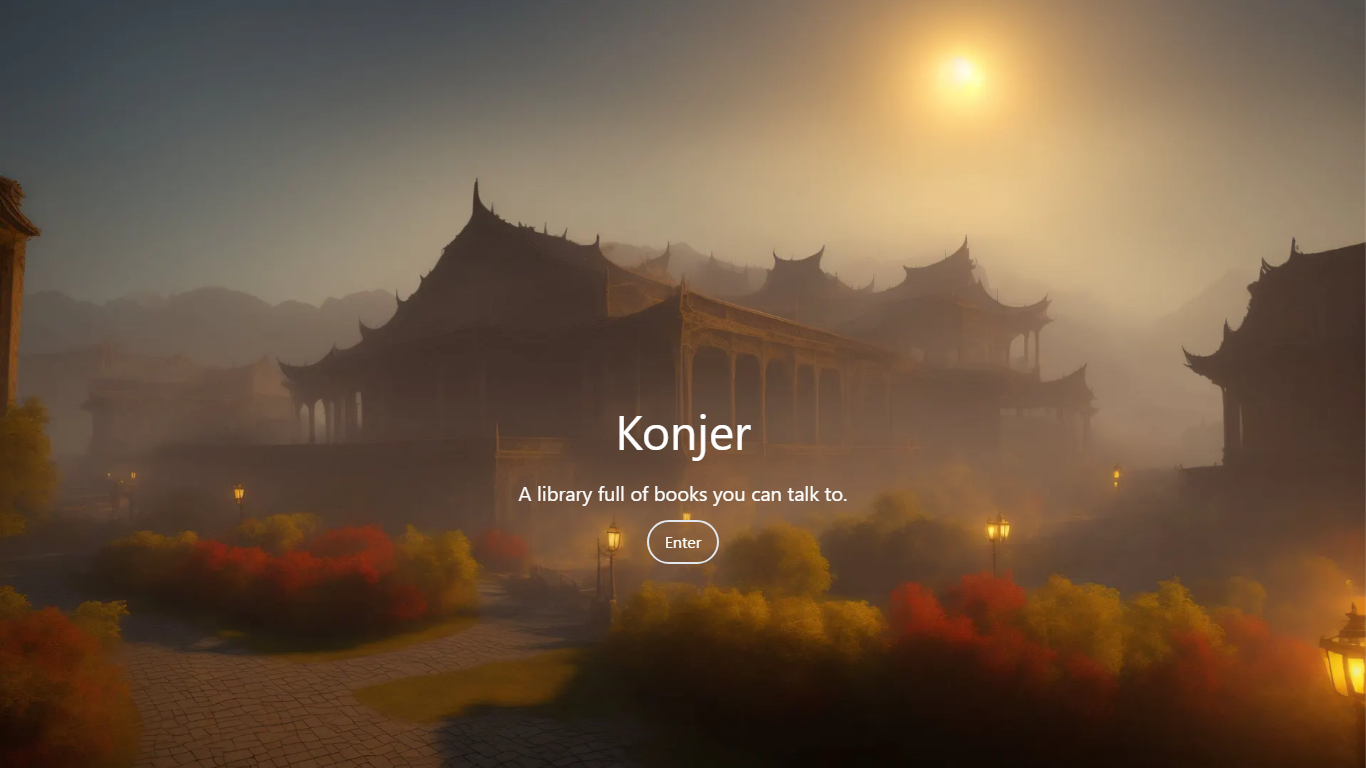

What is Konjer?
Konjer is a chat library where books become conversational partners instead of static files. The site calls itself a library full of books you can talk to, and the portal welcomes visitors to chat with any title in the collection.
Unlike a PDF reader or a general-purpose chatbot, Konjer lists each book with a short topic blurb before you open a chat. The portal shows nonfiction titles like The Mom Test and Sapiens, so you choose a work and then ask questions in dialogue form.
Konjer fits curious readers who want to probe ideas through back-and-forth conversation rather than linear reading. Students and self-learners exploring business or science books can use it as a lightweight study companion when they want a title to answer follow-up questions.
ChatPDF
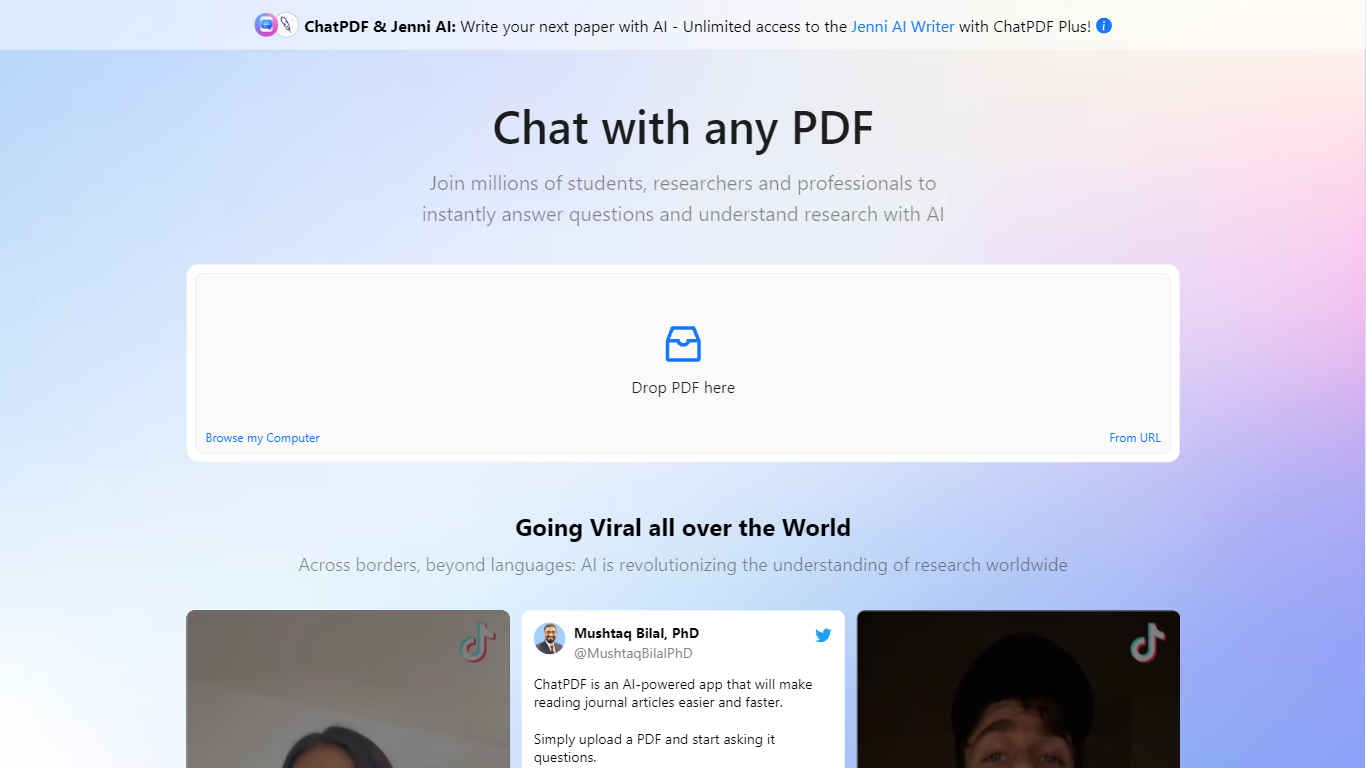
What is ChatPDF?
Upload a PDF and ask questions in plain language; ChatPDF maps every answer back to the page where it found the evidence. You can also paste YouTube links, website URLs, or plain text to start a chat without uploading a file. Supported uploads include PDF, Word, PowerPoint, Markdown, and plain text.
Unlike standalone PDF chat apps, ChatPDF bundles document chat with AI Research, AI Writer, AI Detector, YouTube chat, flashcards, and slides under one account. The side-by-side layout keeps your source open next to the chat, and citations jump straight to the referenced passage. General chatbots can summarize pasted text, but they do not map answers back to page numbers across multiple files in a folder.
Students use it to study for exams, summarize lecture notes, and work through homework faster. Researchers run literature reviews, chat with open-access papers in AI Research, and draft cite-ready text in AI Writer. Professionals turn to it for contracts, manuals, financial reports, and training materials.
The site cites more than 10 million users and over one million questions answered daily. ChatPDF routes queries between GPT-4o and GPT-4o-mini, and the free tier covers two documents per day with no account required.
Konjer Upvotes
ChatPDF Upvotes
Konjer Top Features
Portal lists books such as The Mom Test and Sapiens with a one-line topic blurb before you chat
Homepage tagline frames the product as a library full of books you can talk to
Meta description promises chats with favorite characters and historical figures, not just text search
Each book entry opens as a conversational session from the living library portal
Built as a Next.js web app hosted on konjer.xyz with a dedicated portal-sub entry path
ChatPDF Top Features
Free tier analyzes up to 2 documents per day with no account required
Supports PDF, Word (.doc/.docx), PowerPoint (.ppt/.pptx), Markdown, and .txt uploads
Answers include clickable citations that jump to the exact page in your document
Multi-file folders let you query and compare several documents in one conversation
Routes queries between GPT-4o and GPT-4o-mini for speed and answer quality
AI Research searches academic papers and chats with open-access PDFs
YouTube chat returns answers with timestamp links to relevant video moments
Konjer Category
- PDF
ChatPDF Category
- PDF
Konjer Pricing Type
- Freemium
ChatPDF Pricing Type
- Freemium