Konjer vs LightPDF
When comparing Konjer vs LightPDF, which AI PDF tool shines brighter? We look at pricing, alternatives, upvotes, features, reviews, and more.
Between Konjer and LightPDF, which one is superior?
When we put Konjer and LightPDF side by side, both being AI-powered pdf tools, Both tools have received the same number of upvotes from aitools.fyi users. The power is in your hands! Cast your vote and have a say in deciding the winner.
Disagree with the result? Upvote your favorite tool and help it win!
Konjer

What is Konjer?
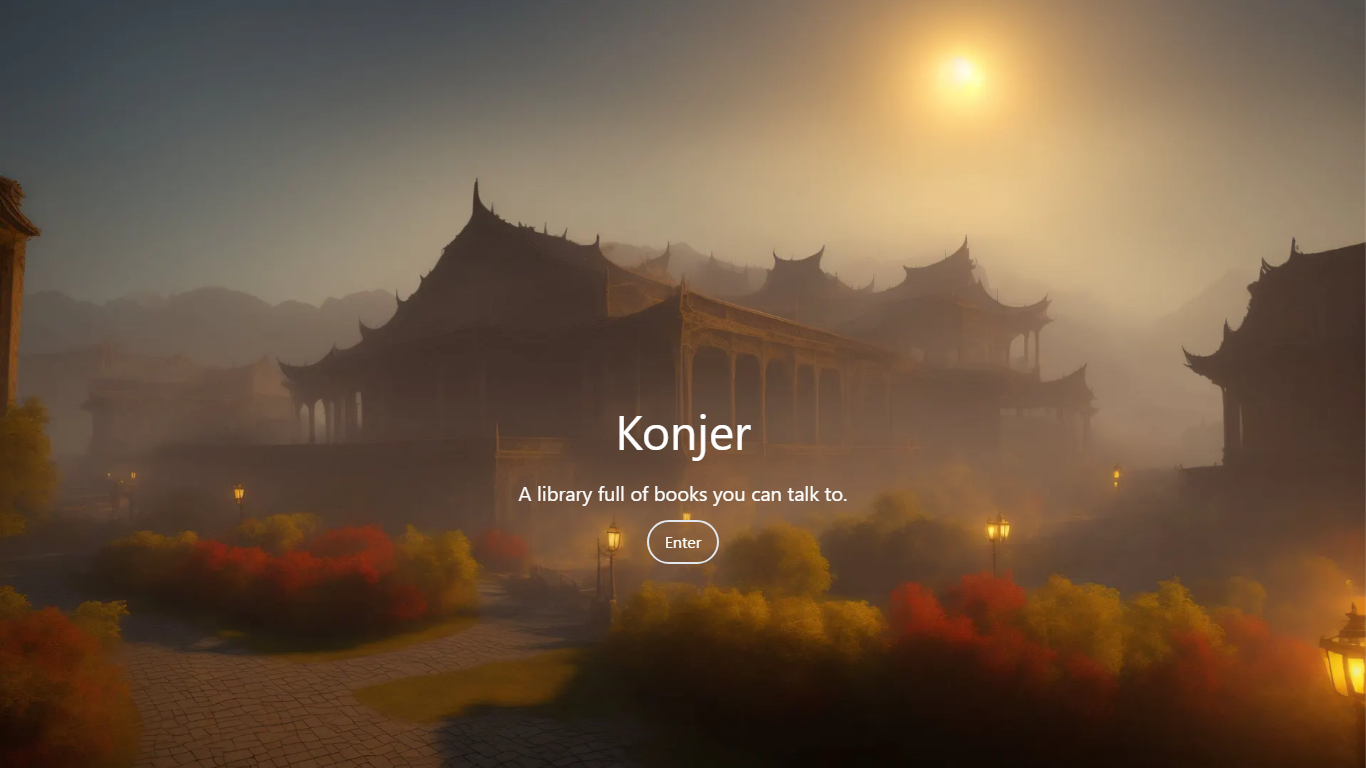
Konjer is a chat library where books become conversational partners instead of static files. The site calls itself a library full of books you can talk to, and the portal welcomes visitors to chat with any title in the collection.
Unlike a PDF reader or a general-purpose chatbot, Konjer lists each book with a short topic blurb before you open a chat. The portal shows nonfiction titles like The Mom Test and Sapiens, so you choose a work and then ask questions in dialogue form.
Konjer fits curious readers who want to probe ideas through back-and-forth conversation rather than linear reading. Students and self-learners exploring business or science books can use it as a lightweight study companion when they want a title to answer follow-up questions.
LightPDF
What is LightPDF?
LightPDF lets you upload PDFs, Word files, Excel spreadsheets, PowerPoint decks, and scanned documents, then ask questions and get cited answers back. The ChatPDF feature runs on GPT-4, supports multi-document chats, OCR for scanned files, and follow-up questions. You can upload a file up to 100 pages on the free web tier before upgrading.
Unlike standalone ChatPDF clones, LightPDF bundles document chat into a wider PDF toolkit with conversion, editing, e-signatures, and a dozen other AI tools like mind map creation, PDF translation, and presentation generation. One premium subscription covers Windows, Mac, Android, iOS, and the web app, with AI credits allocated monthly or as a one-time pool on the perpetual plan.
Researchers, students, and office workers use LightPDF to summarize contracts, extract tables from financial reports, and pull outlines from long readings. Business teams can also use it for document Q&A on proposals and compliance files. The company behind LightPDF has operated since 2015 and holds ISO/IEC 27001, ISO/IEC 27701, and GDPR certifications.
Konjer Upvotes
LightPDF Upvotes
Konjer Top Features
Portal lists books such as The Mom Test and Sapiens with a one-line topic blurb before you chat
Homepage tagline frames the product as a library full of books you can talk to
Meta description promises chats with favorite characters and historical figures, not just text search
Each book entry opens as a conversational session from the living library portal
Built as a Next.js web app hosted on konjer.xyz with a dedicated portal-sub entry path
LightPDF Top Features
Chat with PDF, Word, Excel, PPT, EPUB, TXT, and scanned files using GPT-4
Upload documents up to 100 pages free on the web app before upgrading
Multi-document chat lets you query several files in one session
Answers include clickable citations pointing to the source passage
Premium includes 1,000 AI credits per month on monthly and annual plans
One subscription covers Windows, Mac, Android, iOS, and web platforms
Konjer Category
- PDF
LightPDF Category
- PDF
Konjer Pricing Type
- Freemium
LightPDF Pricing Type
- Freemium