koolio.ai vs audyo.ai
In the contest of koolio.ai vs audyo.ai, which AI Audio Generation tool is the champion? We evaluate pricing, alternatives, upvotes, features, reviews, and more.
If you had to choose between koolio.ai and audyo.ai, which one would you go for?
When we examine koolio.ai and audyo.ai, both of which are AI-enabled audio generation tools, what unique characteristics do we discover? In the race for upvotes, koolio.ai takes the trophy. The number of upvotes for koolio.ai stands at 7, and for audyo.ai it's 6.
You don't agree with the result? Cast your vote to help us decide!
koolio.ai

What is koolio.ai?
koolio.ai turns prompts, documents, links, or uploaded recordings into polished audio you can publish without opening a traditional mixer. The marketing site sends you to crystal.koolio.ai, where you input a concept, refine the script and voices, layer soundscapes, clean raw takes, and export or push episodes to major streaming platforms.
Most audio editors assume you already have a finished recording and focus on waveform cuts. koolio.ai spans the full path from idea to publish: it generates scripts and character voices for audiobooks and ads, auto-cleans podcast takes, and even compiles daily news briefings with a broadcast-style voice.
Podcasters, audiobook creators, students, marketers, and enterprises use koolio.ai when they need studio-grade output fast. The homepage highlights five workflows (podcasts, audiobooks, audio ads, study revision audio, and curated news updates) inside one product rather than separate single-purpose apps.
audyo.ai
What is audyo.ai?
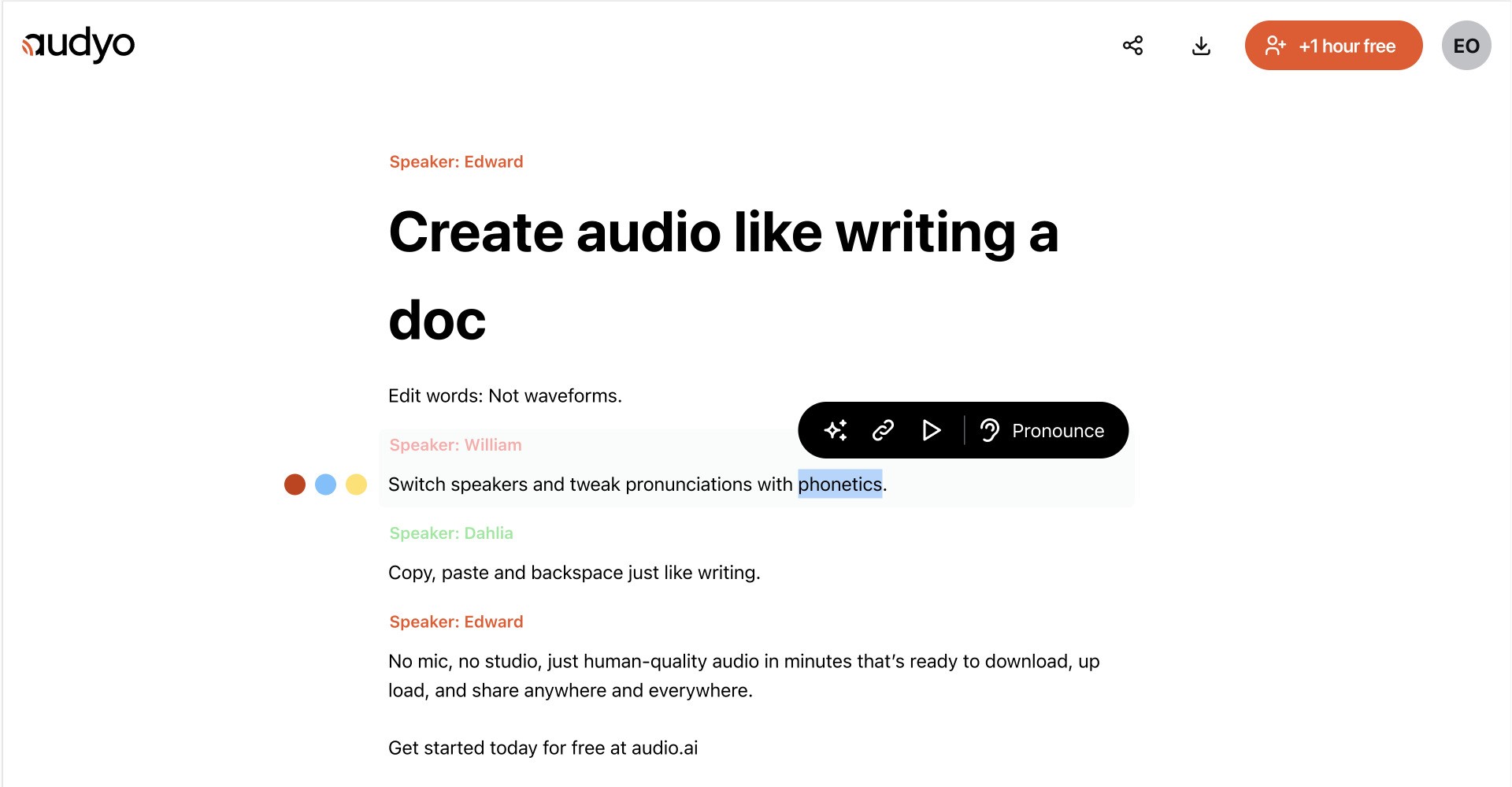
Audyo converts typed text into downloadable speech through a document-style editor. You write or paste a script, choose from 100+ voices across languages and accents, and export audio for videos, podcasts, presentations, and other projects without recording in a studio.
Most audio tools make you trim waveforms and re-record when a line changes. Audyo keeps the script as the source of truth, so you revise text, swap speakers, and regenerate audio without touching a timeline. That text-first workflow fits creators who treat narration like a draft, not a one-take studio session.
You can build multi-voice conversations, mix languages in one project, set custom pronunciations with phonetics, format scripts with Markdown, and use the built-in assistant to refine copy before generating audio. Audyo lists support for English, French, Spanish, German, Italian, Brazilian Portuguese, Japanese, Korean, Chinese, Hindi, Arabic, Turkish, and Russian, with use cases such as voice-overs, podcasts, audiobooks, and video narration.
koolio.ai Upvotes
audyo.ai Upvotes
koolio.ai Top Features
Three-step workflow on crystal.koolio.ai: Input Concept, Edit and Fine-Tune, then Export or publish
Five built-in workflows on the homepage: podcasts, audiobooks, audio ads, student revision audio, and daily news briefings
Podcasters can record live, upload files, auto-clean raw audio, and add intros and outros before publishing
Audiobook mode converts text to audio with character voices and dynamically generated ambient soundscapes
Audio ad workflow generates scripts from a single prompt, then adds background music for quick campaigns
Students can turn lecture notes into audio revision guides with summaries and Q&A interactions
audyo.ai Top Features
Choose from 100+ voices across 13 supported languages and regional accents
Edit scripts like a document instead of trimming audio waveforms
Generate up to 15 minutes of audio on the free plan before upgrading
Swap speakers quickly to build multi-voice conversations
Buy one-time audio hour packs from $3 with no subscription required
Export finished MP3 audio for videos, podcasts, and presentations
koolio.ai Category
- Audio Generation
audyo.ai Category
- Audio Generation
koolio.ai Pricing Type
- Freemium
audyo.ai Pricing Type
- Freemium