Korbit vs Gorilla Terminal
Dive into the comparison of Korbit vs Gorilla Terminal and discover which AI Code Assistant tool stands out. We examine alternatives, upvotes, features, reviews, pricing, and beyond.
When comparing Korbit and Gorilla Terminal, which one rises above the other?
When we compare Korbit and Gorilla Terminal, two exceptional code assistant tools powered by artificial intelligence, and place them side by side, several key similarities and differences come to light. There's no clear winner in terms of upvotes, as both tools have received the same number. Every vote counts! Cast yours and contribute to the decision of the winner.
You don't agree with the result? Cast your vote to help us decide!
Korbit

What is Korbit?
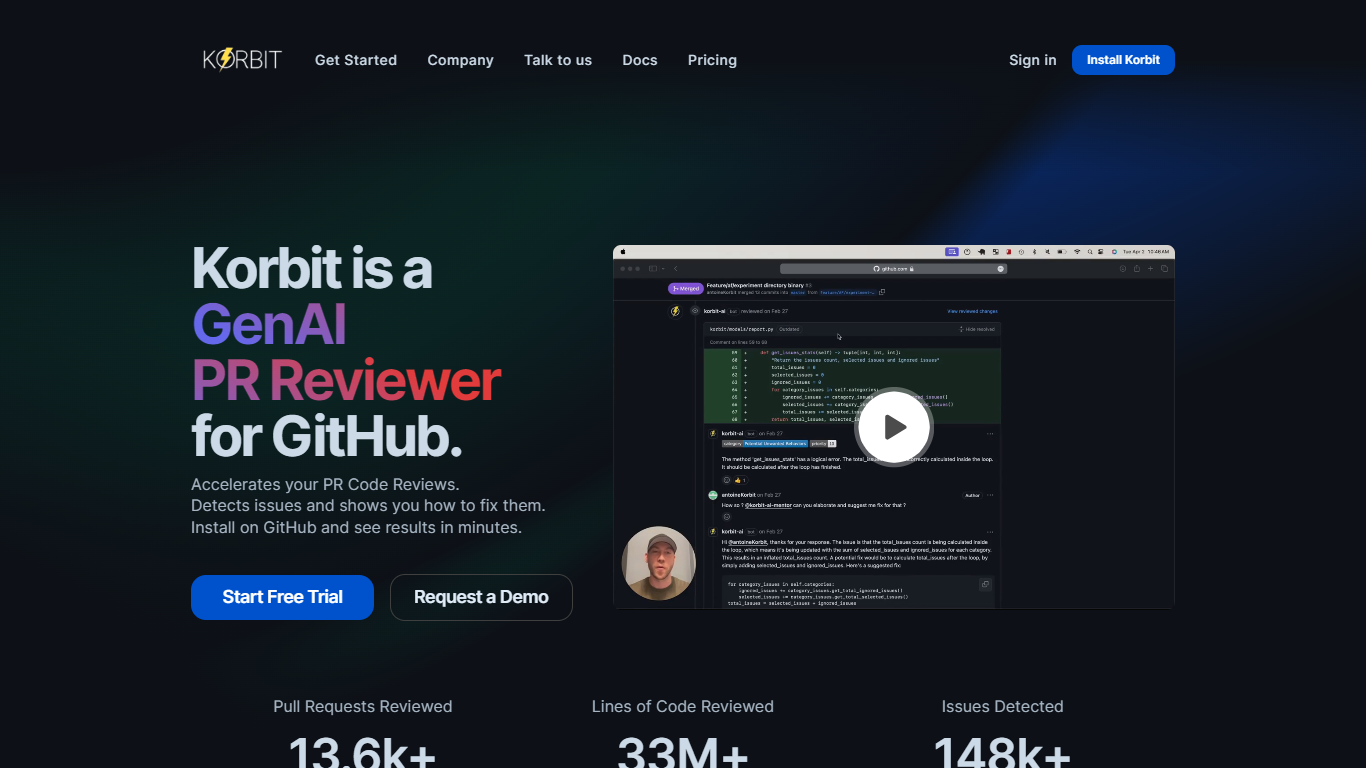
Korbit is an AI code reviewer that plugs into pull requests on GitHub, GitLab, and Bitbucket. It scans diffs before human reviewers open them, flags functional, security, and design issues, and leaves inline comments with replacement code. The same bot drafts PR descriptions and review summaries so reviewers see context without rereading every changed file.
Static analyzers flag rule violations; Korbit leans on project context instead. It weighs past team feedback, custom severity settings, and similar dismissed issues to cut noise. Korbit Insights turns review history into stand-up reports, sprint recaps, release notes, and 1:1 summaries, and lets you ask which merged change might explain a crash or compliance gap.
Engineering teams at AppLovin, YouVersion, and ServiceNow use it to unblock senior reviewers and catch logical bugs in dense TypeScript. Junior developers get threaded explanations inside the PR. Open source maintainers get Korbit Max free on public repos. Paid plans start with a 14-day Max trial, then Pro at $12 per git author per month on annual billing.
Gorilla Terminal

What is Gorilla Terminal?
Gorilla Terminal pulls stock data, SEC filings, macro indicators, and earnings call transcripts into one terminal-style dashboard in your browser. Search by ticker and you get charts, quarterly reports, insider trades, Twitter sentiment, and live futures without hopping between Bloomberg tabs and scattered finance sites.
Most research terminals either dump raw data tables or lean on generic summaries. Gorilla Terminal focuses on earnings calls: it runs sentiment analysis on what executives actually said, flags positive and negative statements, and lets you filter by quarter. That transcript-first angle is the trade-off. You get deeper call breakdowns than a charting site, but the product is built for equity research rather than crypto or forex.
Portfolio managers, solo investors, and finance students use this investment research tool to prep for earnings season, scan sector averages, and stress-test holdings with value-at-risk and regression tools. The macro panel covers CPI, unemployment, retail sales, and consumer sentiment in one click.
Korbit Upvotes
Gorilla Terminal Upvotes
Korbit Top Features
Reviews pull requests on GitHub, GitLab, and Bitbucket with inline fix suggestions and threaded bot replies
Pro plan costs $12 per git author per month on annual billing, or $15 month-to-month
Every new team gets a 14-day Korbit Max trial with no credit card required
Korbit Insights generates sprint recaps, stand-up reports, release notes, and 1:1 summaries from PR activity
Supports 13+ programming languages with customizable issue categories and severity levels
Pro tier runs 2 concurrent PR scans with automatic queueing when both slots are busy
Gorilla Terminal Top Features
Earnings call transcripts with AI sentiment scoring and positive/negative statement filters per quarter
Macro dashboard covering CPI, unemployment, retail sales, and consumer sentiment in one view
Stock search returns charts, 10-Ks, 10-Qs, insider buying, and Twitter sentiment on one page
Value-at-risk and regression analysis for portfolio risk modeling
Industry average metrics across revenue growth, margins, and tax rates by sector
Pro plan at $29 per month, down from a listed $49 per month on the pricing page
7-day pass at $9.99 for short-term access without a monthly commitment
Korbit Category
- Code Assistant
Gorilla Terminal Category
- Code Assistant
Korbit Pricing Type
- Freemium
Gorilla Terminal Pricing Type
- Paid