LangSync vs Bing Microsoft AI Translator
In the battle of LangSync vs Bing Microsoft AI Translator, which AI Translation tool comes out on top? We compare reviews, pricing, alternatives, upvotes, features, and more.
Between LangSync and Bing Microsoft AI Translator, which one is superior?
Upon comparing LangSync with Bing Microsoft AI Translator, which are both AI-powered translation tools, The upvote count favors Bing Microsoft AI Translator, making it the clear winner. Bing Microsoft AI Translator has attracted 10 upvotes from aitools.fyi users, and LangSync has attracted 6 upvotes.
Think we got it wrong? Cast your vote and show us who's boss!
LangSync

What is LangSync?
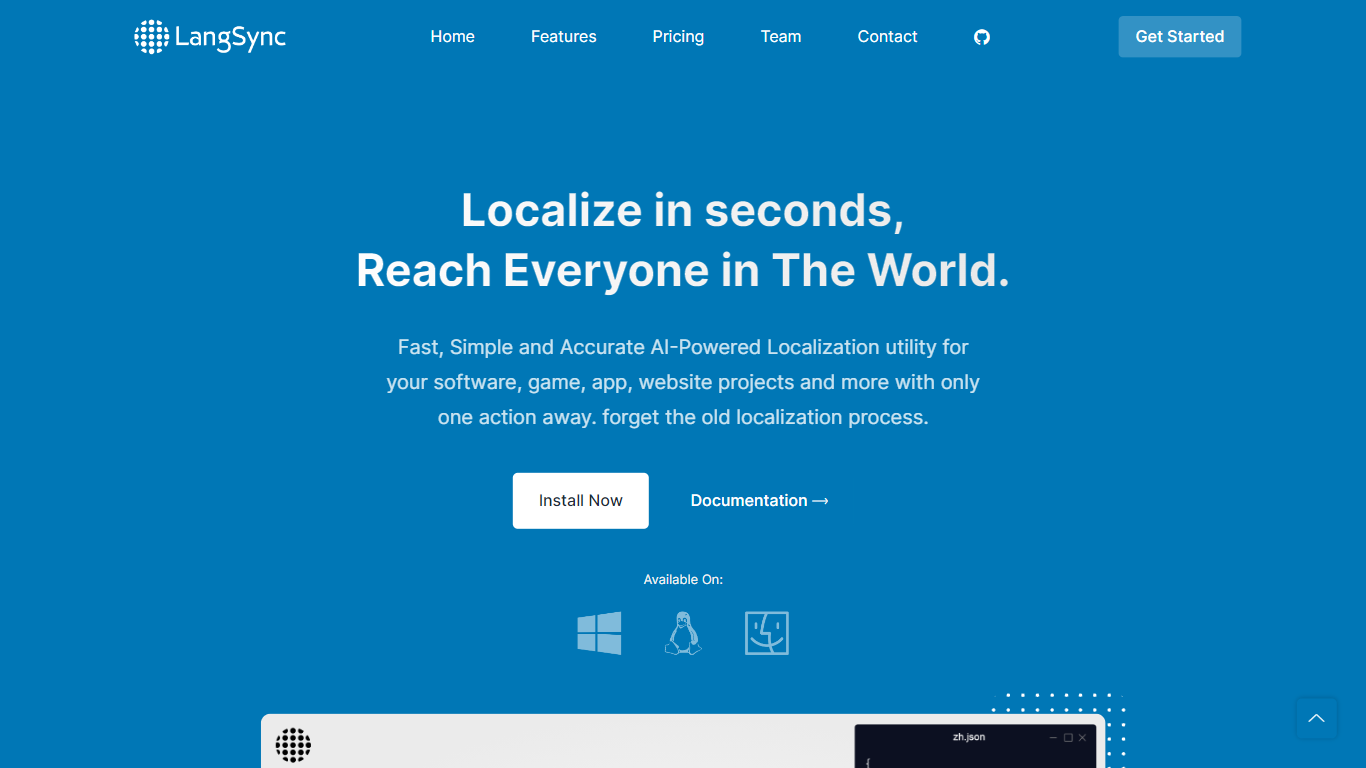
LangSync offers a revolutionary AI-Powered Localization tool that ensures fast, simple, and accurate adaptation of your software, game, app, or website projects for global audiences. With LangSync, you can say goodbye to the cumbersome traditional localization processes. This developer-friendly platform provides direct commands without any unnecessary complexity, allowing for localizations to be completed in mere seconds. LangSync is designed to work across all sorts of projects, regardless of the programming language or framework, making it universally applicable to any software endeavor.
The tool prides itself on its AI-powered capabilities, ensuring not only precision in translation but also contextual accuracy that respects the nuance of local dialects and customs. Speed is of the essence with LangSync, enabling swift translations that keep up with the agile needs of development teams. The platform is available for different environments and ready to be integrated into your project workflow with ease.
Bing Microsoft AI Translator

What is Bing Microsoft AI Translator?
Microsoft Translator on Bing is a free web translator for turning words and phrases between English and more than 100 languages. Paste text, pick languages from long dropdown lists, or let the page auto-detect the source language before you translate.
The Bing interface adds practical extras beyond basic text swap. You can listen to a translation, open an on-screen keyboard, capture or upload an image to translate text in photos, and regenerate results in Standard, Casual, or Formal tone. A phrase helper surfaces common expressions grouped by topics like travel, dining, and emergencies.
It fits travelers, students, and anyone who needs a quick translation in the browser without installing software. Navigation on the page also points to separate Microsoft Translator experiences for live conversation, mobile apps, and business use.
LangSync Upvotes
Bing Microsoft AI Translator Upvotes
LangSync Top Features
AI Powered: LangSync utilizes AI to provide advanced localization that adapts to specific contexts.
Accurate and Precise: The technology offers contextually accurate and precise translations.
Quick and Flawless: Enable rapid translation of software within seconds to minutes.
Developer Friendly: Offers straightforward commands designed for developer efficiency.
Universally Compatible: Can be used for any project – websites apps games in any language or framework.
Bing Microsoft AI Translator Top Features
Auto-detect source language across more than 100 listed language options
Each translation request accepts up to 1,000 characters of input text
Regenerate results in Standard, Casual, or Formal tone with one click
Capture or upload an image to translate text found in photos
Speak to translate when typing is awkward on mobile or desktop
Listen to translations read aloud from the results panel
Browse common phrase sets for travel, dining, and emergencies
LangSync Category
- Translation
Bing Microsoft AI Translator Category
- Translation
LangSync Pricing Type
- Paid
Bing Microsoft AI Translator Pricing Type
- Free