LanguageGUI vs Geniverse
In the contest of LanguageGUI vs Geniverse, which AI Design tool is the champion? We evaluate pricing, alternatives, upvotes, features, reviews, and more.
If you had to choose between LanguageGUI and Geniverse, which one would you go for?
When we examine LanguageGUI and Geniverse, both of which are AI-enabled design tools, what unique characteristics do we discover? Neither tool takes the lead, as they both have the same upvote count. Every vote counts! Cast yours and contribute to the decision of the winner.
You don't agree with the result? Cast your vote to help us decide!
LanguageGUI
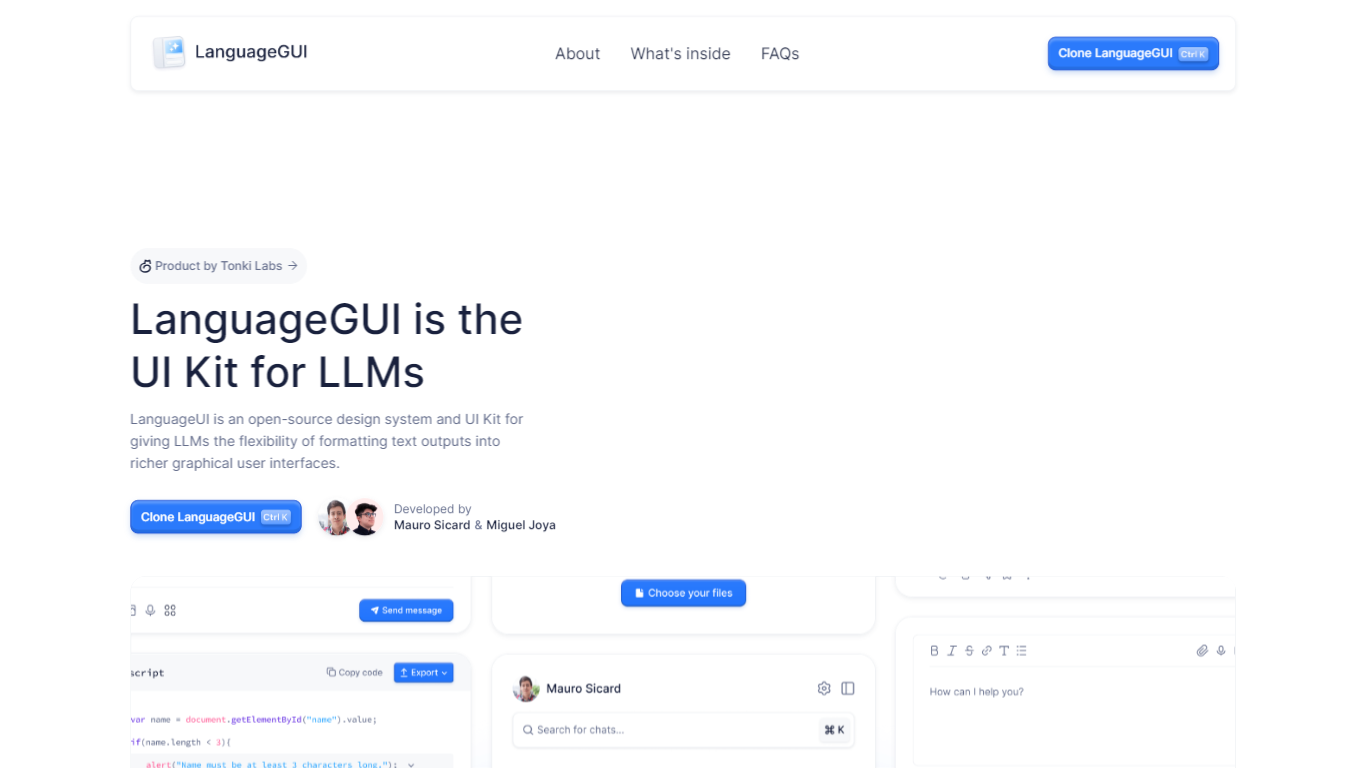

What is LanguageGUI ?
LanguageGUI is an open-source Figma UI kit and design system from Tonki Labs for building richer graphical interfaces around LLM text outputs. It gives developers and designers pre-built components to turn plain chat responses into dashboards, charts, forms, and structured conversational screens.
The kit includes 100+ UI components, 10+ conversational widgets, 20+ chat bubbles, 30+ pre-built screens, multi-prompt workflow designs, and dark mode support. Everything is built with Figma variables, styles, and Auto Layout for easy customization.
LanguageGUI is free under the MIT license for personal and commercial use. Clone it from Figma Community to start designing LLM-powered apps with more visual depth than standard text-only chat UIs.
Geniverse
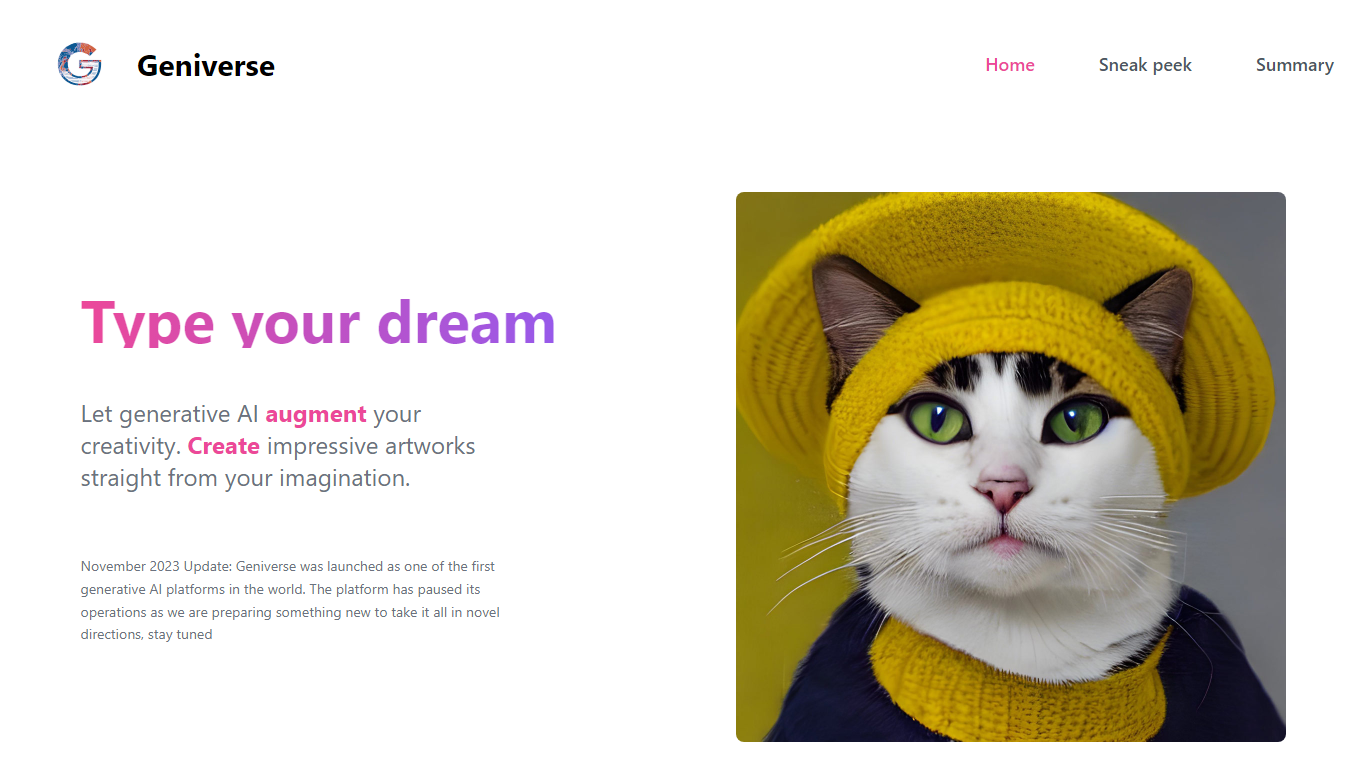
What is Geniverse?
Geniverse lets you create artwork from text prompts through its Human-latent Interface (HLI), an interactive workspace for tuning generative models without writing code. The site still hosts product demos, team bios, and a public roadmap, though a November 2023 notice states the platform paused active operations while the team prepares a new direction.
Where most prompt tools hide model controls behind presets, Geniverse centers on tunable generative models you adjust through the HLI rather than a code editor. It also ties into an open-source hub on GitHub where community models and utilities plug into the same interface and API, which is a different bet than closed, all-in-one image apps.
It fits digital artists who want hands-on control over generative models, plus developers who prefer uploading models to a shared hub instead of wiring pipelines from scratch. The Discord channel remains linked for community discussion while the product is on pause.
LanguageGUI Upvotes
Geniverse Upvotes
LanguageGUI Top Features
100+ UI components and customizable screens for LLM apps
10+ conversational widgets and 20+ chat bubble styles
30+ pre-built screens and multi-prompt workflow designs
Dark mode, Figma variables, and Auto Layout included
Free MIT-licensed Figma file for personal and commercial use
Geniverse Top Features
Human-latent Interface (HLI) for tuning generative AI models through an interactive UI instead of code
Text-to-art prompt workflow with demo examples like generate_from_prompt on the homepage
Open-source hub on GitHub (thegeniverse/geniverse_hub) for uploading models used in the HLI and API
Open-source library with a simple API for plugging generative AI into programming pipelines
Discord community channel linked from the homepage for sharing work and feedback
Team includes researchers with ICCV and NeurIPS publication credits listed on the site
LanguageGUI Category
- Design
Geniverse Category
- Design
LanguageGUI Pricing Type
- Free
Geniverse Pricing Type
- Freemium