LanguageGUI vs Magic Brush AI
Explore the showdown between LanguageGUI vs Magic Brush AI and find out which AI Design tool wins. We analyze upvotes, features, reviews, pricing, alternatives, and more.
When comparing LanguageGUI and Magic Brush AI, which one rises above the other?
When we contrast LanguageGUI with Magic Brush AI, both of which are exceptional AI-operated design tools, and place them side by side, we can spot several crucial similarities and divergences. Neither tool takes the lead, as they both have the same upvote count. Be a part of the decision-making process. Your vote could determine the winner.
Don't agree with the result? Cast your vote and be a part of the decision-making process!
LanguageGUI
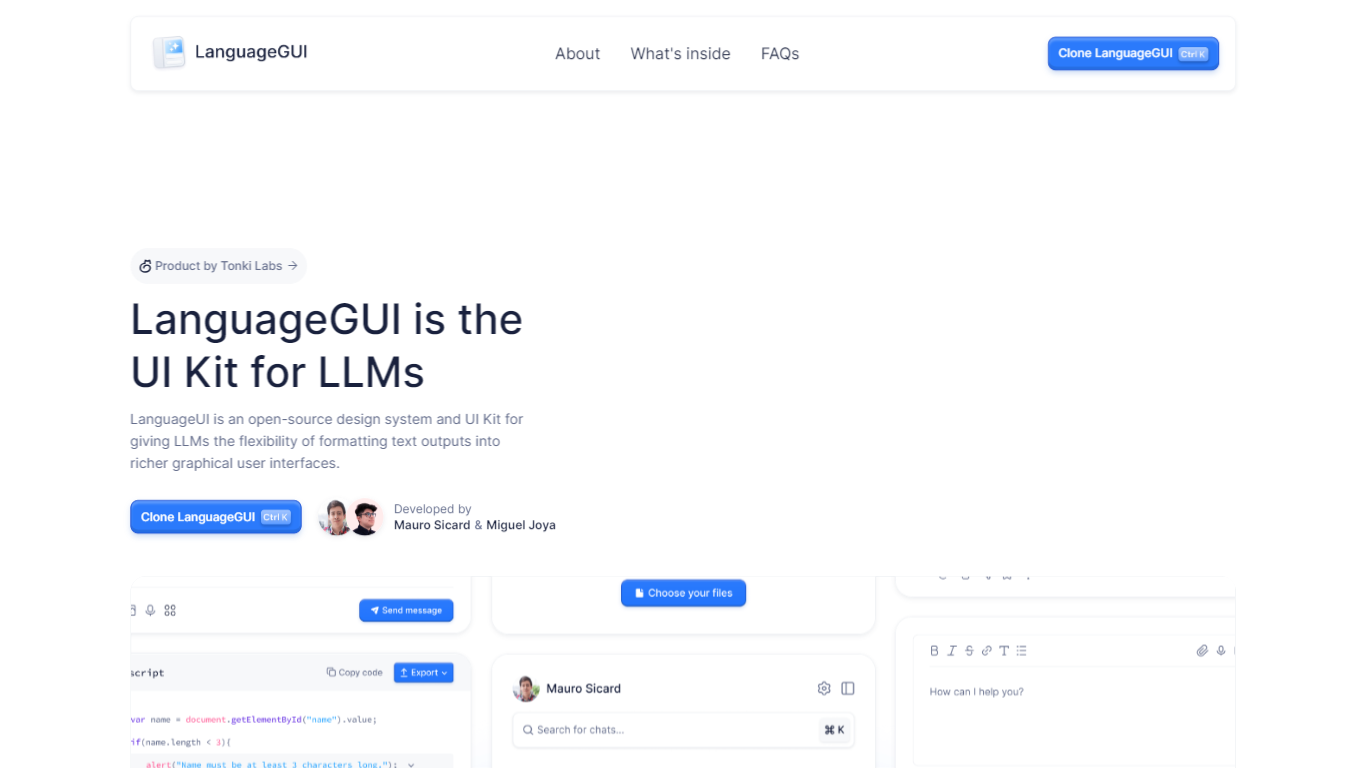

What is LanguageGUI ?
LanguageGUI is an open-source Figma UI kit and design system from Tonki Labs for building richer graphical interfaces around LLM text outputs. It gives developers and designers pre-built components to turn plain chat responses into dashboards, charts, forms, and structured conversational screens.
The kit includes 100+ UI components, 10+ conversational widgets, 20+ chat bubbles, 30+ pre-built screens, multi-prompt workflow designs, and dark mode support. Everything is built with Figma variables, styles, and Auto Layout for easy customization.
LanguageGUI is free under the MIT license for personal and commercial use. Clone it from Figma Community to start designing LLM-powered apps with more visual depth than standard text-only chat UIs.
Magic Brush AI

What is Magic Brush AI?
Magic Brush AI introduces an innovative AI-powered plugin specifically designed for Figma users who wish to enhance their design process. The Magic Brush AI plugin seamlessly integrates with Figma, allowing designers to generate and edit images directly within the application. If you're looking to speed up your design workflow and leverage artificial intelligence in your projects, Magic Brush AI offers a simple yet powerful solution. With easy installation and a user-friendly interface, Magic Brush expands creative possibilities without ever leaving your favorite design platform. Additionally, the community aspect is emphasized with an invitation to join their Discord, suggesting a focus on user engagement and support. Designed by Elie Toubiana from sunshine-filled Los Angeles, CA, Magic Brush AI is poised to transform how creatives interact with Figma and image editing.
LanguageGUI Upvotes
Magic Brush AI Upvotes
LanguageGUI Top Features
100+ UI components and customizable screens for LLM apps
10+ conversational widgets and 20+ chat bubble styles
30+ pre-built screens and multi-prompt workflow designs
Dark mode, Figma variables, and Auto Layout included
Free MIT-licensed Figma file for personal and commercial use
Magic Brush AI Top Features
AI Powered Plugin: A convenient Figma plugin that utilizes AI for image generation and editing.
Seamless Integration: Integrates with Figma for a streamlined design workflow.
Easy Installation: Simple process to install the plugin directly on Figma.
Community Support: Access to a Discord community for networking and support.
Frequent Updates: Continual improvements and feature additions to enhance user experience.
LanguageGUI Category
- Design
Magic Brush AI Category
- Design
LanguageGUI Pricing Type
- Free
Magic Brush AI Pricing Type
- Freemium