LanguageTool vs Supercreator AI
Dive into the comparison of LanguageTool vs Supercreator AI and discover which AI Video Generation tool stands out. We examine alternatives, upvotes, features, reviews, pricing, and beyond.
In a comparison between LanguageTool and Supercreator AI, which one comes out on top?
When we compare LanguageTool and Supercreator AI, two exceptional video generation tools powered by artificial intelligence, and place them side by side, several key similarities and differences come to light. Supercreator AI stands out as the clear frontrunner in terms of upvotes. Supercreator AI has been upvoted 52 times by aitools.fyi users, and LanguageTool has been upvoted 6 times.
Think we got it wrong? Cast your vote and show us who's boss!
LanguageTool
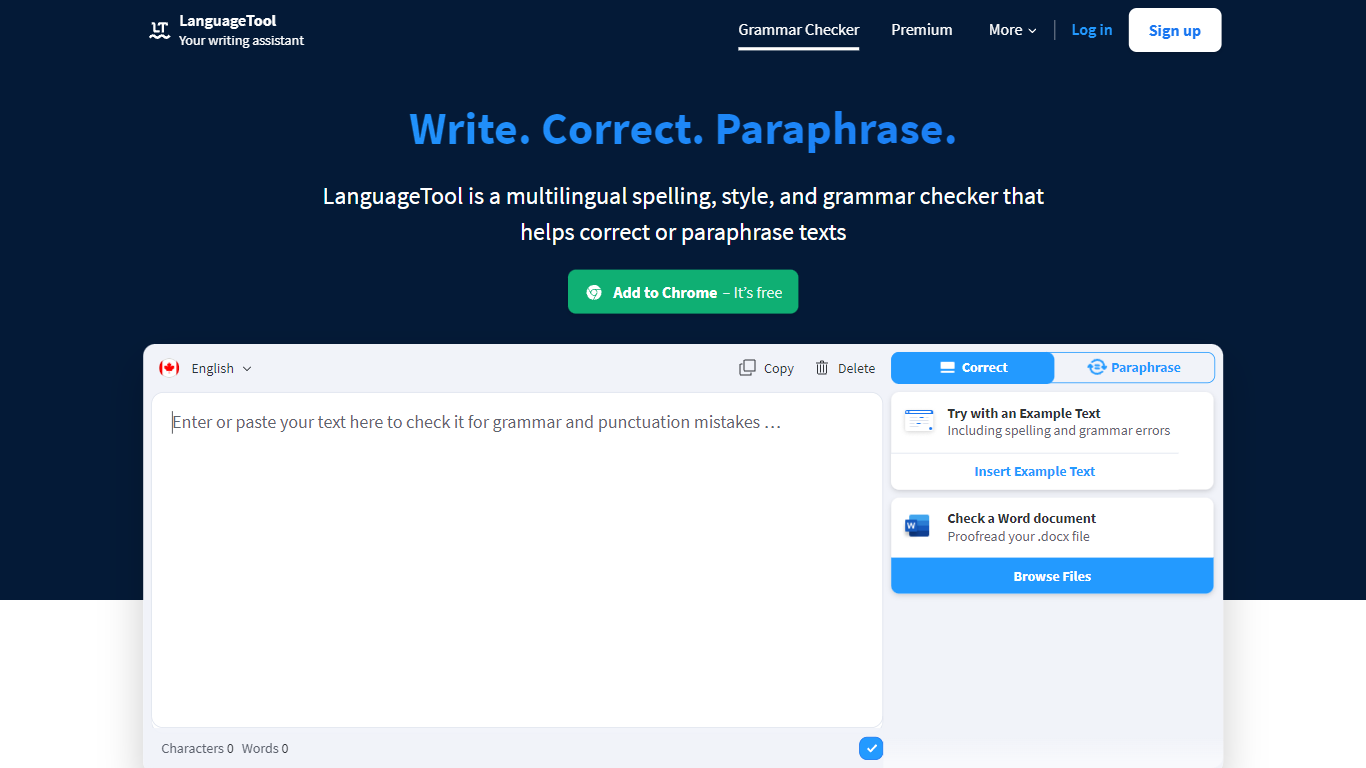

What is LanguageTool?
LanguageTool checks grammar, spelling, punctuation, and style in more than 30 languages through a web editor and browser extensions. Paste or type text to get underlined suggestions for subject-verb agreement, comma placement, word choice, and casing, plus a paraphrasing mode that rewrites sentences to be more formal or concise.
Compared with built-in spell checkers that catch typos only, LanguageTool adds over 20,000 extra style and grammar rules on Premium for English, German, French, Spanish, Dutch, Polish, and Portuguese. Picky Mode pushes even further on advanced punctuation and typography, and Premium raises the per-field character limit to 150,000 for long articles or emails.
Writers, students, and teams use LanguageTool inside Chrome, Firefox, Safari, Edge, Google Docs, Microsoft Word, LibreOffice, Slack, and macOS apps. The free Basic tier covers core grammar checks, while Premium and Team plans add shared style guides, team dictionaries, and unlimited AI paraphrasing.
Supercreator AI

What is Supercreator AI?
Supercreator AI lets you plan a short video scene by scene, record it with a scrolling teleprompter, then trim and caption the footage in the same browser workspace. Storyboarding, recording, timeline editing, and mini apps for AI media, talking avatars, and multi-shot sequences all sit on one home screen. You sign in to save creations, but every tool is listed before you start.
Where many video editors assume you already have footage, Supercreator AI front-loads scripting and recording. The storyboard maps scenes before capture, the recorder scrolls your script while you film, and one-click templates plus AI captions sit beside standalone tools like a Reel transcriber and clip editor. That workflow keeps scripting, capture, and polish in one tab instead of three separate apps.
It fits creators who publish to TikTok, Reels, and Shorts and want scripting, capture, and caption polish without switching tools. Founders, educators, and on-camera marketers get teleprompter support, visual aids, and reusable identity presets across projects.
LanguageTool Upvotes
Supercreator AI Upvotes
LanguageTool Top Features
Checks grammar and spelling in 30+ languages with automatic language detection
Premium adds 20,000+ extra checks for English, German, French, Spanish, Dutch, Polish, and Portuguese
Browser extensions for Chrome, Firefox, Safari, Edge, and Opera with 4M+ Chrome users
Premium supports up to 150,000 characters per text field
AI paraphrasing rewrites sentences to be more formal, fluid, or shorter
Supercreator AI Top Features
Storyboard maps scripts scene by scene before you hit record
Built-in recorder pairs a teleprompter with visual aids and smart overlays
Timeline editor cuts clips and adds AI-generated stylized captions
One-click templates turn raw clips into scroll-stopping social videos
Script Trainer collects high-performing videos, transcribes them, and drafts new scripts
Avatars mini app builds talking-head videos with AI voices
Super Director stitches multi-shot AI video sequences from one workspace
LanguageTool Category
- Video Generation
Supercreator AI Category
- Video Generation
LanguageTool Pricing Type
- Freemium
Supercreator AI Pricing Type
- Freemium