Lateral vs Browse AI
When comparing Lateral vs Browse AI, which AI Research tool shines brighter? We look at pricing, alternatives, upvotes, features, reviews, and more.
In a comparison between Lateral and Browse AI, which one comes out on top?
When we put Lateral and Browse AI side by side, both being AI-powered research tools, The upvote count shows a clear preference for Browse AI. Browse AI has garnered 25 upvotes, and Lateral has garnered 6 upvotes.
You don't agree with the result? Cast your vote to help us decide!
Lateral


What is Lateral?
Lateral was a browser-based research workspace from Lateral GmbH, built for academics and analysts who needed to read papers faster and keep literature reviews organized. It gave you one place to upload PDFs, search across your full library at once, tag passages with Concepts, and export highlights to Word, Excel, or Notion.
Super Search let you query every document in a project with boolean operators, while the underlying machine learning surfaced relevant passages based on the concepts you defined. Help docs also noted that Lateral did not use GPT and did not train models on user data. Workspace features covered inviting collaborators, managing subscriptions, and sharing public table links.
Lateral sunset the product on June 26, 2025. Sign ups are closed and the team is focusing on an open-source platform at coordination.network. The lateral.io site remains online with a sunset notice and archived help content.
Browse AI
What is Browse AI?
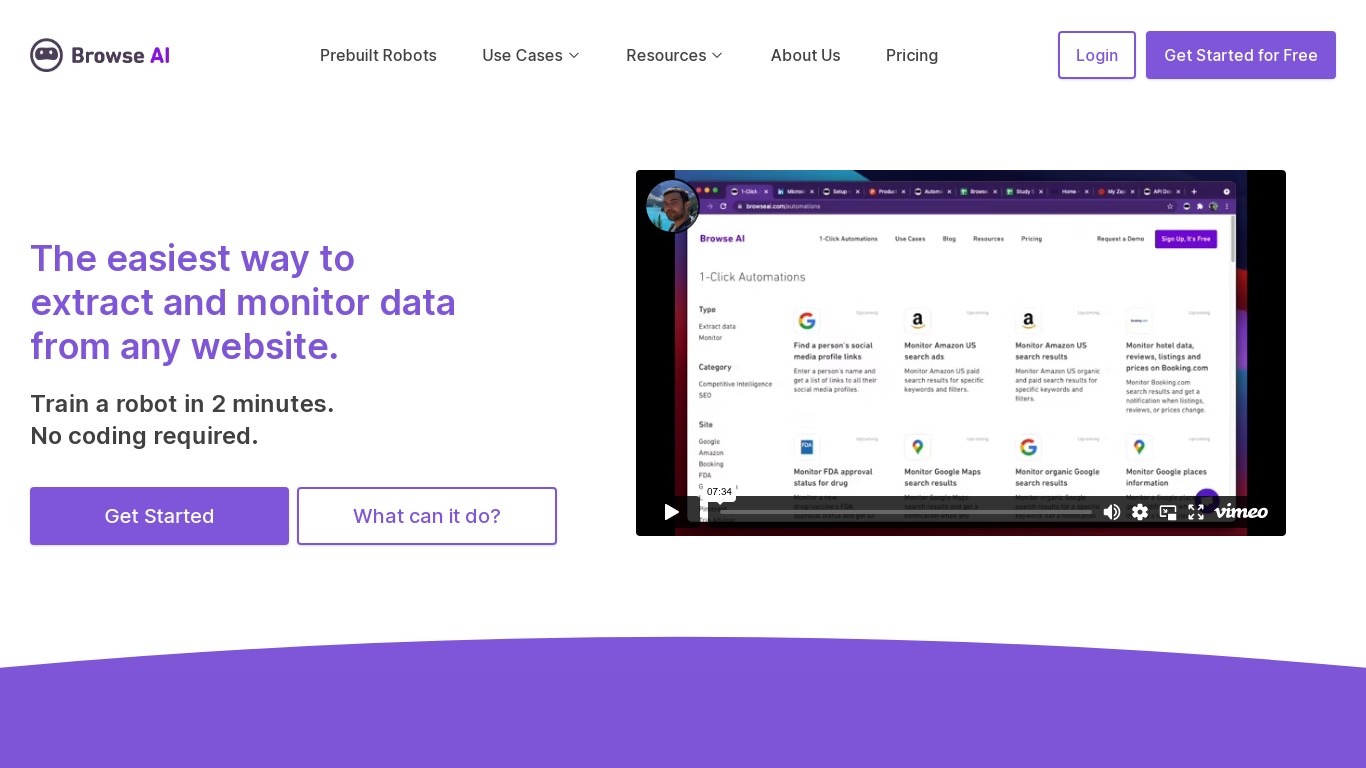
Browse AI is a no-code web scraping and website monitoring platform built for research teams that need structured data from sites they do not control. You train robots with point-and-click actions to extract lists, details, and screenshots, then schedule runs or set change alerts without writing scripts. The platform reports over 770,000 users and has delivered more than 10 billion rows of extracted data.
Where most scrapers break the moment a target site redesigns, Browse AI leans on adaptive change detection that adjusts robot selectors when layouts shift. That trade-off favors operators who monitor competitor pricing or job boards on a schedule and cannot babysit Python scripts every time a CSS class changes. You still get deep scraping workflows, bulk runs across up to 500,000 pages, and exports to Google Sheets, Airtable, Zapier, Make, webhooks, or a REST API.
Browse AI fits ecommerce analysts tracking catalogs, real estate teams pulling listings from Airbnb or Redfin, and growth operators building lead lists from directories. Over 250 prebuilt robots cover Amazon, Indeed, Google Maps, and other high-traffic sites. A Premium tier adds fully managed scraping with custom delivery for high-volume or complex pipelines.
Lateral Upvotes
Browse AI Upvotes
Lateral Top Features
Keep every paper in one project workspace instead of scattered folders
Super Search runs boolean queries across your entire document library at once
Concepts tag highlights so you can group findings without manual keyword tagging
Machine learning suggests relevant passages based on the concepts you define
Export findings to Word, Excel, or Notion when your review is ready to write up
Invite workspace members and share public links to your findings table
OCR support for scanned PDFs when text highlighting fails on image-based pages
Browse AI Top Features
Point-and-click robot builder trains on any page with no code required
Adaptive change detection adjusts robots when target sites redesign layouts
250+ prebuilt robots for Amazon, Indeed, Google Maps, and other popular sites
Bulk extraction runs across up to 500,000 pages in a single operation
Paid plans monitor sites every 5 minutes; free plans allow hourly checks at minimum
Syncs to Google Sheets, Airtable, Zapier, Make, REST API, webhooks, or Amazon S3
Lateral Category
- Research
Browse AI Category
- Research
Lateral Pricing Type
- Paid
Browse AI Pricing Type
- Freemium