LectoMate vs StudyShift
In the battle of LectoMate vs StudyShift, which AI Education tool comes out on top? We compare reviews, pricing, alternatives, upvotes, features, and more.
Between LectoMate and StudyShift, which one is superior?
Upon comparing LectoMate with StudyShift, which are both AI-powered education tools, Interestingly, both tools have managed to secure the same number of upvotes. Be a part of the decision-making process. Your vote could determine the winner.
Think we got it wrong? Cast your vote and show us who's boss!
LectoMate
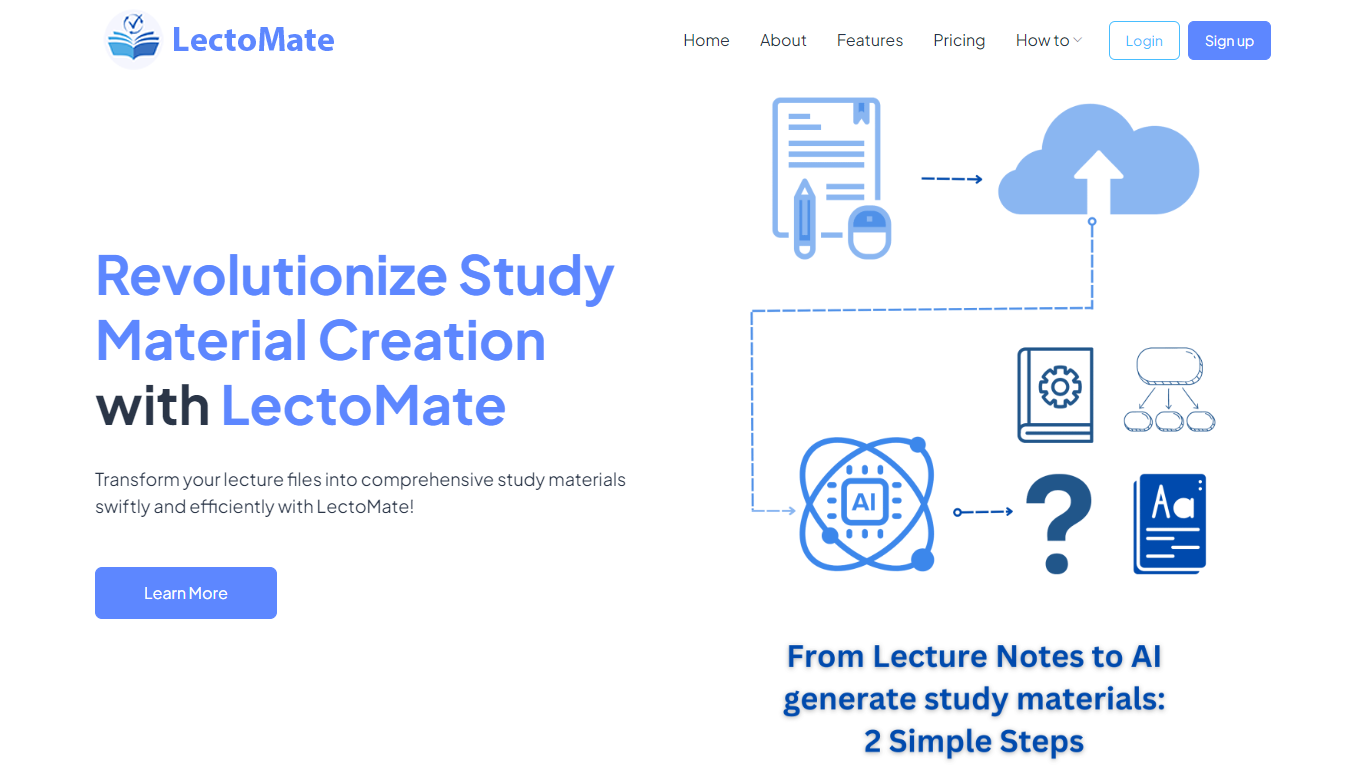

What is LectoMate?
LectoMate is an AI-powered platform that transforms lecture notes and scientific text into clear, educational visuals. It helps researchers, educators, and science communicators create diagrams, graphical abstracts, journal covers, and teaching materials without any design skills. Users simply type or paste their text, select visual styles, and generate visuals that explain complex ideas effectively. The tool supports a wide range of scientific and educational use cases, from illustrating research findings to designing exam questions and engaging social media content. LectoMate’s value lies in making science accessible and visually appealing, helping users communicate ideas faster and with greater impact. It also offers export options for easy sharing and publication-ready images. This platform broadens its audience beyond students and educators to include researchers, influencers, and science communicators who need to visualize data and concepts quickly. The interface is straightforward, focusing on simplicity and speed, with no prior graphic design experience required. LectoMate continues to evolve by adding new visual styles and templates tailored to academic and educational needs.
StudyShift
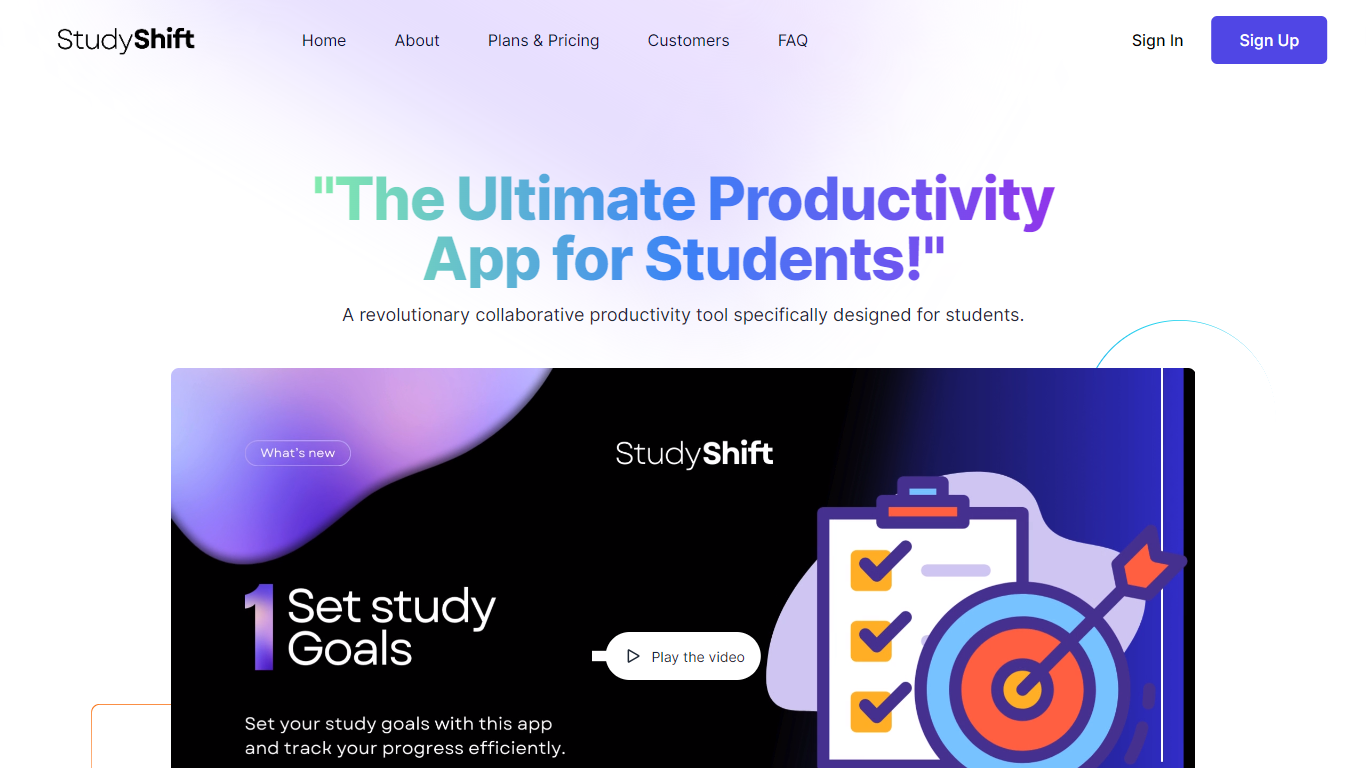
What is StudyShift?
StudyShift remains a versatile productivity app tailored for students, now enhanced with new features to support academic integrity and writing quality. Beyond managing study goals, assignments, and notes, it integrates tools to help students check their work for AI-generated content, reflecting the growing importance of ethical writing practices. The app supports seamless document collaboration and offers a clear overview of study progress across devices. It also provides access to resources that explain university-level AI detection methods, helping users understand how their texts might be evaluated. StudyShift's updated value lies in combining productivity with proactive academic compliance, making it a comprehensive companion for modern students. The platform ensures privacy and data security, with all processing done securely and anonymously. This focus on transparency and user control sets it apart from other study apps. While the core remains user-friendly task and note management, the addition of AI detection awareness tools addresses a critical need in today's academic environment.
LectoMate Upvotes
StudyShift Upvotes
LectoMate Top Features
🖼️ Generate scientific visuals instantly from plain text to explain complex ideas
🎨 Customize diagrams with different styles, colors, and labels for clarity
📄 Create publication-ready journal covers and graphical abstracts easily
👩🏫 Design engaging teaching visuals and exam materials without design skills
📤 Download and share visuals quickly for presentations and social media
StudyShift Top Features
📚 Set and track personalized study goals to stay motivated
📝 Manage assignments with collaborative document editing
🔍 Check texts for AI-generated content to ensure originality
📊 Visual progress reports help monitor study effectiveness
🔒 Secure and anonymous processing protects your data
LectoMate Category
- Education
StudyShift Category
- Education
LectoMate Pricing Type
- Freemium
StudyShift Pricing Type
- Freemium