LectoMate vs Tandem GPT
Compare LectoMate vs Tandem GPT and see which AI Education tool is better when we compare features, reviews, pricing, alternatives, upvotes, etc.
Which one is better? LectoMate or Tandem GPT?
When we compare LectoMate with Tandem GPT, which are both AI-powered education tools, The upvote count is neck and neck for both LectoMate and Tandem GPT. Be a part of the decision-making process. Your vote could determine the winner.
Does the result make you go "hmm"? Cast your vote and turn that frown upside down!
LectoMate

What is LectoMate?
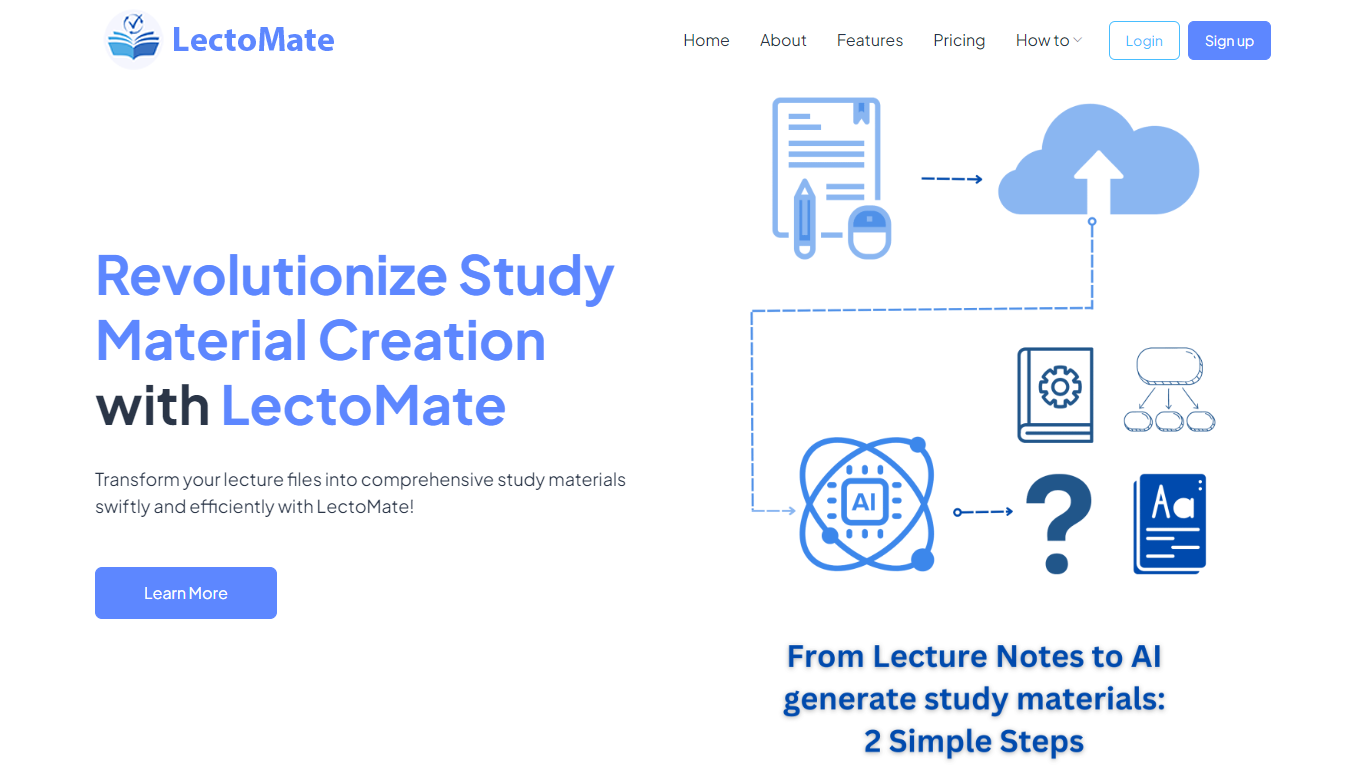
LectoMate is an AI-powered platform that transforms lecture notes and scientific text into clear, educational visuals. It helps researchers, educators, and science communicators create diagrams, graphical abstracts, journal covers, and teaching materials without any design skills. Users simply type or paste their text, select visual styles, and generate visuals that explain complex ideas effectively. The tool supports a wide range of scientific and educational use cases, from illustrating research findings to designing exam questions and engaging social media content. LectoMate’s value lies in making science accessible and visually appealing, helping users communicate ideas faster and with greater impact. It also offers export options for easy sharing and publication-ready images. This platform broadens its audience beyond students and educators to include researchers, influencers, and science communicators who need to visualize data and concepts quickly. The interface is straightforward, focusing on simplicity and speed, with no prior graphic design experience required. LectoMate continues to evolve by adding new visual styles and templates tailored to academic and educational needs.
Tandem GPT
What is Tandem GPT?
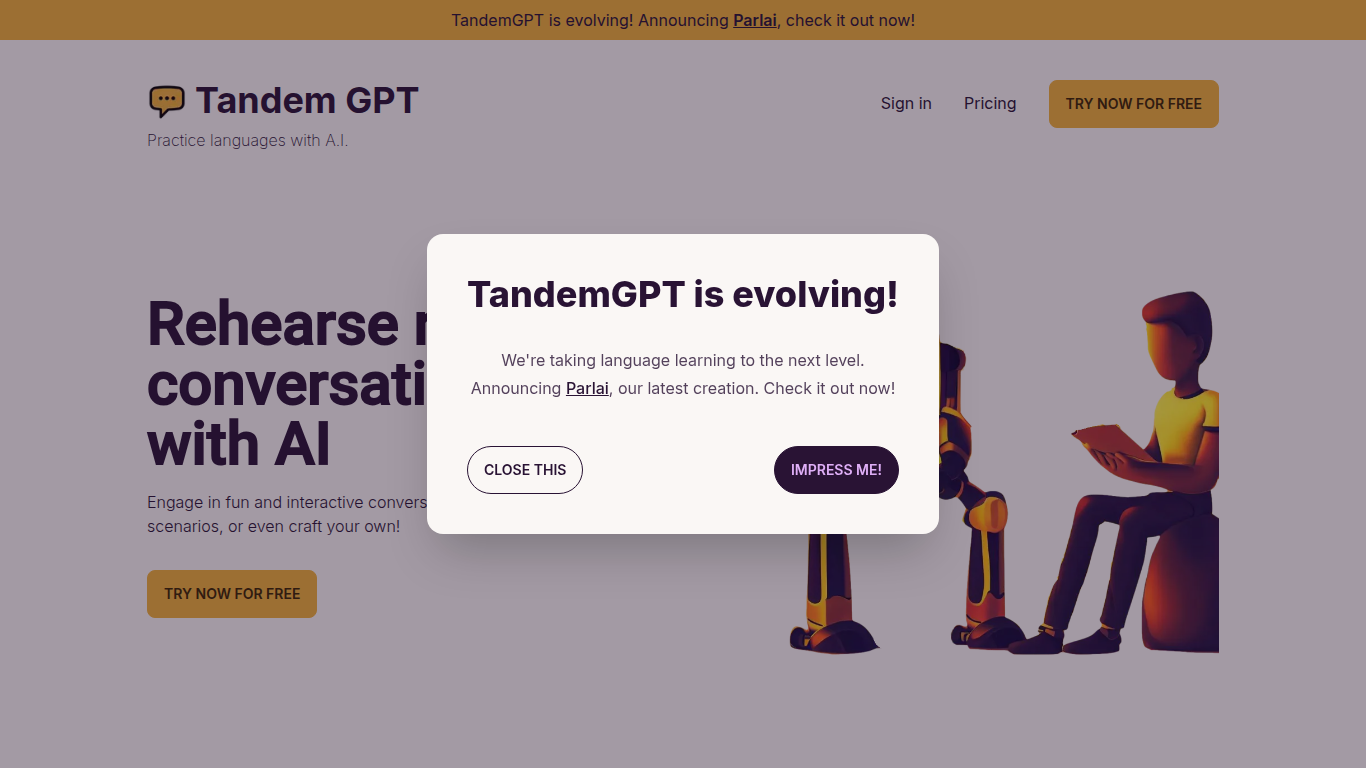
Tandem GPT puts you in realistic back-and-forth chats with an AI partner so you practice speaking a language, not just memorizing words. Pick from pre-built scenarios or write your own, then talk by text or voice message whenever you have a few minutes. The homepage advertises 24/7 access so sessions fit commutes or late-night study blocks.
Most language apps optimize for vocabulary drills and grammar exercises. Tandem GPT bets on open-ended dialogue, which is closer to how you actually need to speak when traveling or working abroad. You trade structured lesson progression for scenario flexibility, and the built-in voice messaging pushes you past typing-only comfort zones. The team notes they are evolving the product into Parlai, a separate app linked from the homepage.
Self-directed learners and busy professionals use Tandem GPT when they want conversational reps without booking a human tutor every week. Juan and Felipe, two Colombian software engineers based in Austria, built it after struggling with German immersion. The site reports more than 8,000 AI conversations and 900 new users, with a free entry point at tandem-gpt.com/new.
LectoMate Upvotes
Tandem GPT Upvotes
LectoMate Top Features
🖼️ Generate scientific visuals instantly from plain text to explain complex ideas
🎨 Customize diagrams with different styles, colors, and labels for clarity
📄 Create publication-ready journal covers and graphical abstracts easily
👩🏫 Design engaging teaching visuals and exam materials without design skills
📤 Download and share visuals quickly for presentations and social media
Tandem GPT Top Features
Pre-built conversation scenarios plus a custom scenario builder for practice topics you choose
Voice message support alongside text chat for speaking and listening practice
24/7 availability with no scheduled session required to start a conversation
Free try flow at tandem-gpt.com/new where you pick a language and conversation format
Sign-in accounts to save progress across practice sessions
Homepage demo video walks through setup in about 90 seconds
LectoMate Category
- Education
Tandem GPT Category
- Education
LectoMate Pricing Type
- Freemium
Tandem GPT Pricing Type
- Freemium