Legasite vs Nadi
Compare Legasite vs Nadi and see which AI Developer tool is better when we compare features, reviews, pricing, alternatives, upvotes, etc.
Which one is better? Legasite or Nadi ?
When we compare Legasite with Nadi , which are both AI-powered developer tools, The upvote count is neck and neck for both Legasite and Nadi . You can help us determine the winner by casting your vote and tipping the scales in favor of one of the tools.
Want to flip the script? Upvote your favorite tool and change the game!
Legasite

What is Legasite?
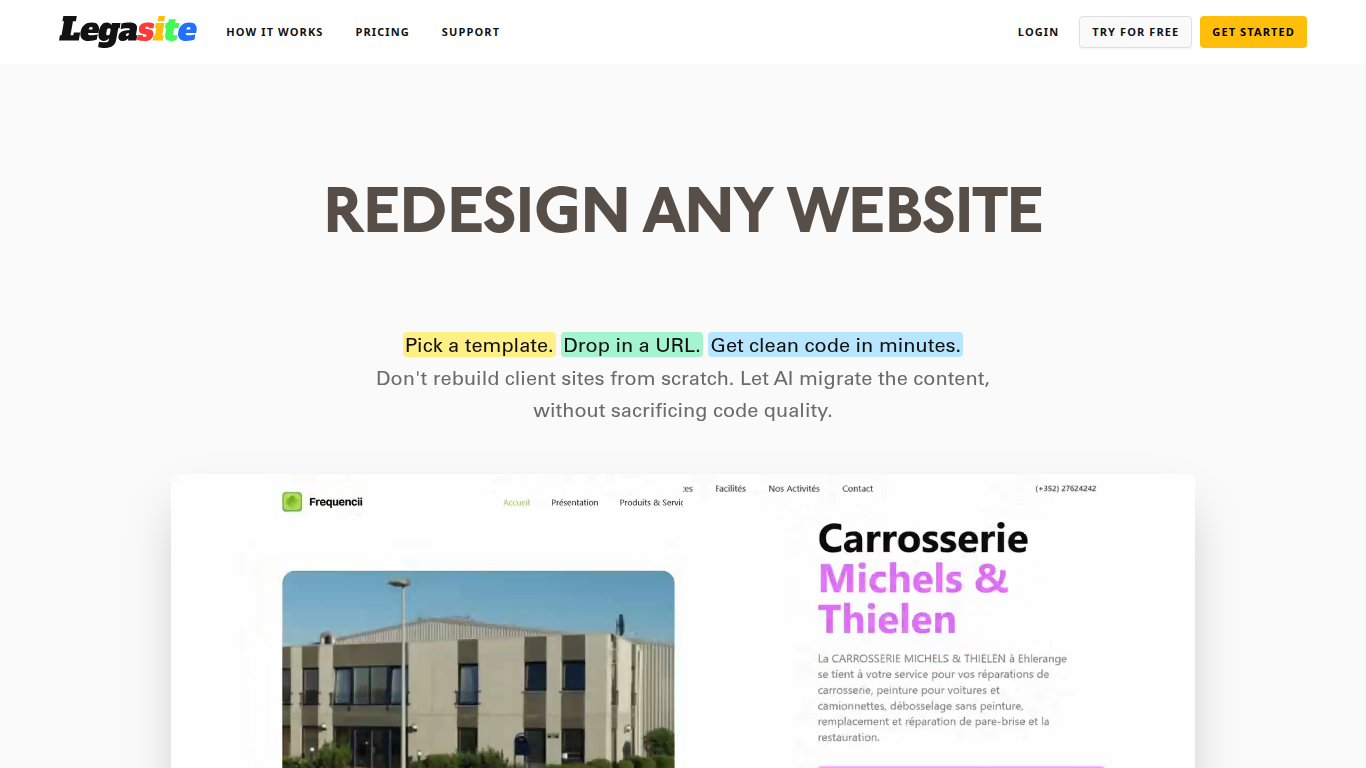
Legasite moves legacy websites into modern React and Next.js templates without rebuilding from scratch. You pick a template, drop in an existing site URL, and the platform extracts content, maps it to the layout, and generates downloadable source code in about 10 to 20 minutes.
The workflow centers on automated content extraction rather than manual copy-paste. Legasite pulls text, structure, and images from the source site, then populates a human-written template so the output follows component-based patterns with Tailwind CSS styling. You get a ZIP of real code you can deploy to Vercel, Netlify, or your own server.
It targets web agencies, freelance developers, and in-house dev teams handling client redesigns or internal UI modernization. The pitch is cutting migration grunt work so you spend time on customization and features instead of transferring content page by page.
Nadi
What is Nadi ?
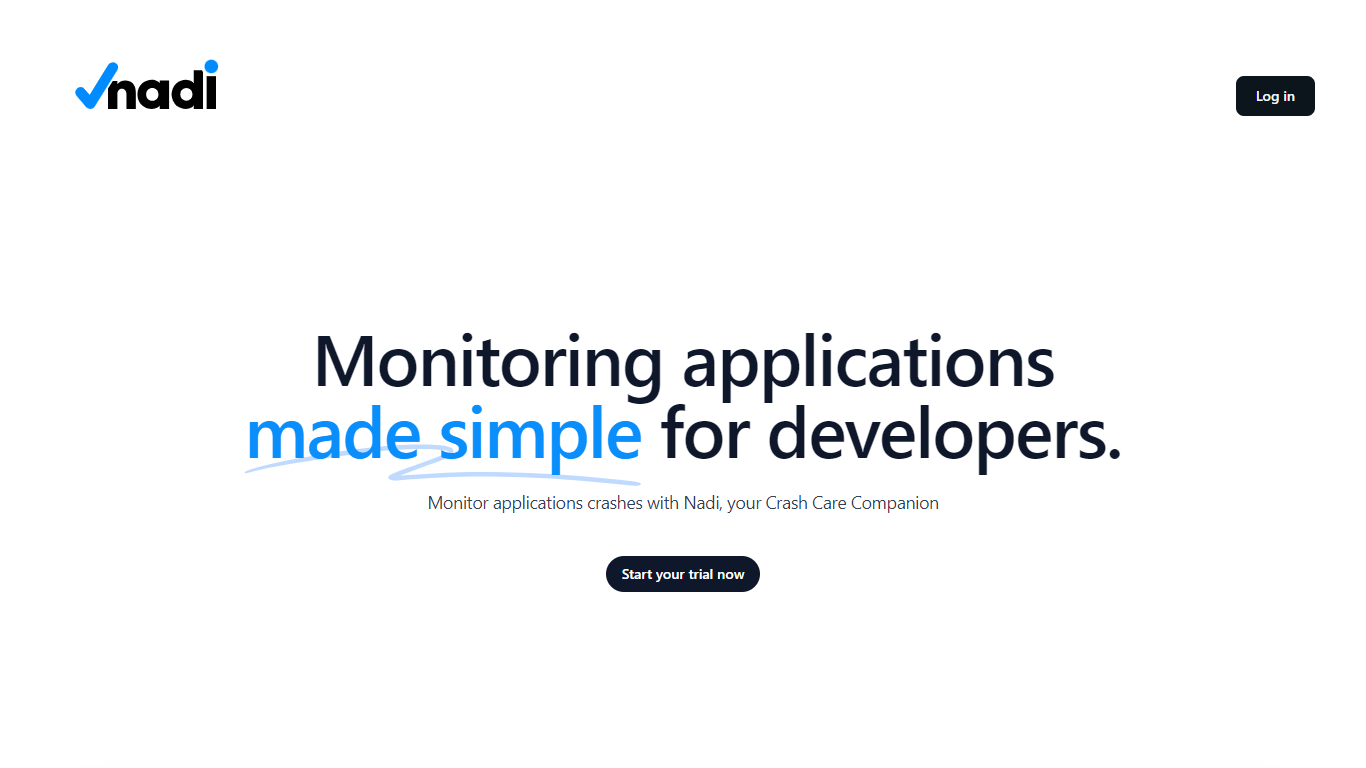
Nadi is a crash care companion for developers who need real-time visibility into application errors and performance. It combines backend error tracking for PHP applications with browser real user monitoring, alerting, and team management in one dashboard. The platform positions itself as the nervous system for your app, capturing exceptions, slow queries, failed jobs, and other issue types with full stack traces and user impact data.
Setup is built around Laravel and PHP first. You install the Nadi Laravel package via Composer, run a single artisan installer command, and add API credentials to your environment. The JavaScript RUM SDK handles Core Web Vitals, session tracking, JavaScript errors, rage click detection, and source map deobfuscation on the frontend. Supported integrations include Laravel, WordPress, and browser JavaScript, with Node.js, Python, and Go SDKs listed as coming soon.
Alerting routes issues to Slack, Microsoft Teams, Telegram, email, and webhooks through configurable rules. Organizations get multi-tenant data isolation, team roles, project grouping, invitations, and audit logs. Nadi offers a free tier for side projects, a Pro plan for growing teams, and custom Enterprise pricing with SSO and SLA options.
Legasite Upvotes
Nadi Upvotes
Legasite Top Features
Drop in a URL and get React or Next.js code in 10 to 20 minutes
Content, structure, and images pulled automatically from the old site
Download a full ZIP you can deploy anywhere with no platform lock-in
Free plan includes 3 demo credits for single-page previews on signup
Basic plan at $20 per month supports about 20 pages with downloadable code
Agency plan at $100 per month supports about 200 pages per month
Tokens reset monthly with roughly 500K tokens consumed per generated page
Nadi Top Features
Captures 10 backend issue types including exceptions, slow queries, queue failures, and HTTP errors with stack traces
JavaScript RUM SDK tracks Core Web Vitals, sessions, browser errors, rage clicks, and page load performance
Alert rules route notifications to Slack, Teams, Telegram, email, and webhooks with acknowledge and resolve workflows
Laravel package installs via Composer and auto-discovers with a two-minute setup path
Multi-organization workspaces with team roles, project grouping, invitations, and audit trails
Legasite Category
- Developer
Nadi Category
- Developer
Legasite Pricing Type
- Freemium
Nadi Pricing Type
- Freemium