Legasite vs Regex Generator By CodePal
In the contest of Legasite vs Regex Generator By CodePal, which AI Developer tool is the champion? We evaluate pricing, alternatives, upvotes, features, reviews, and more.
If you had to choose between Legasite and Regex Generator By CodePal, which one would you go for?
When we examine Legasite and Regex Generator By CodePal, both of which are AI-enabled developer tools, what unique characteristics do we discover? Neither tool takes the lead, as they both have the same upvote count. The power is in your hands! Cast your vote and have a say in deciding the winner.
Does the result make you go "hmm"? Cast your vote and turn that frown upside down!
Legasite

What is Legasite?
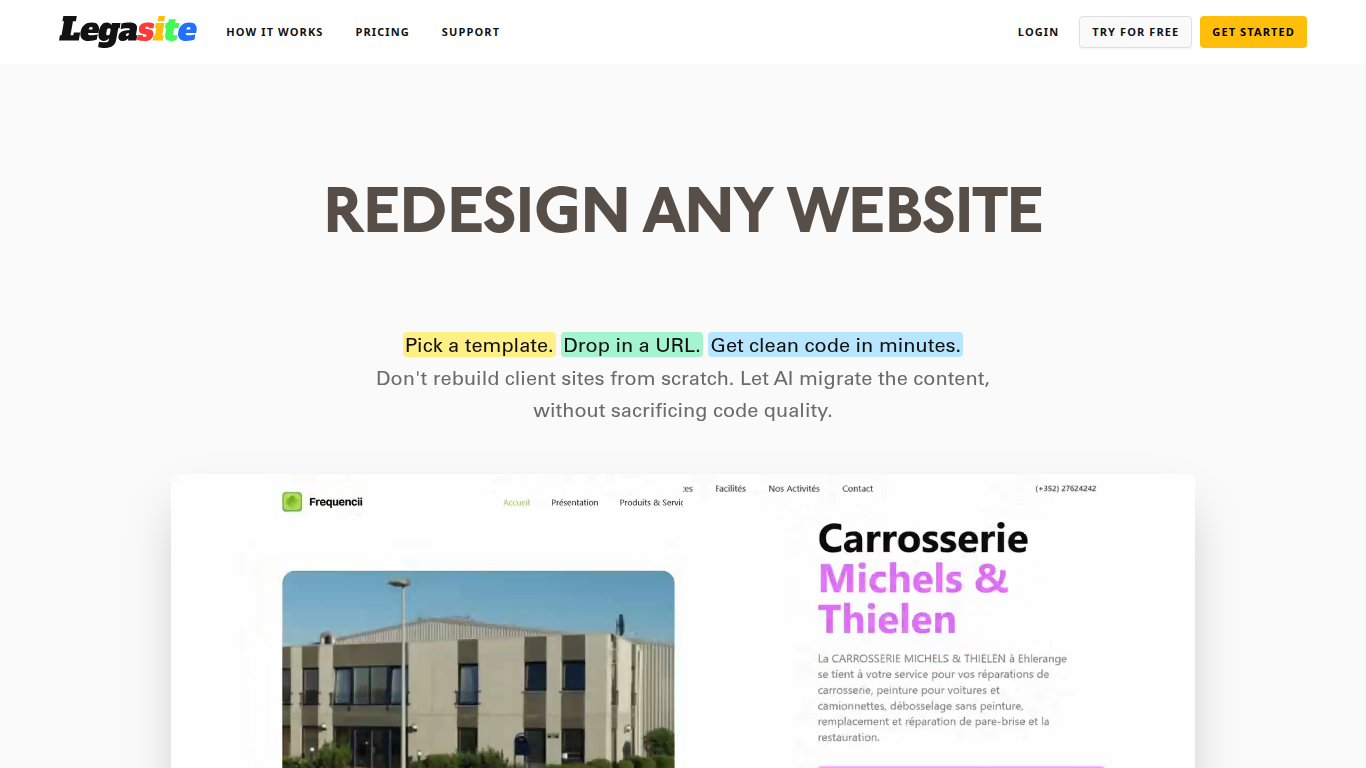
Legasite moves legacy websites into modern React and Next.js templates without rebuilding from scratch. You pick a template, drop in an existing site URL, and the platform extracts content, maps it to the layout, and generates downloadable source code in about 10 to 20 minutes.
The workflow centers on automated content extraction rather than manual copy-paste. Legasite pulls text, structure, and images from the source site, then populates a human-written template so the output follows component-based patterns with Tailwind CSS styling. You get a ZIP of real code you can deploy to Vercel, Netlify, or your own server.
It targets web agencies, freelance developers, and in-house dev teams handling client redesigns or internal UI modernization. The pitch is cutting migration grunt work so you spend time on customization and features instead of transferring content page by page.
Regex Generator By CodePal
What is Regex Generator By CodePal?
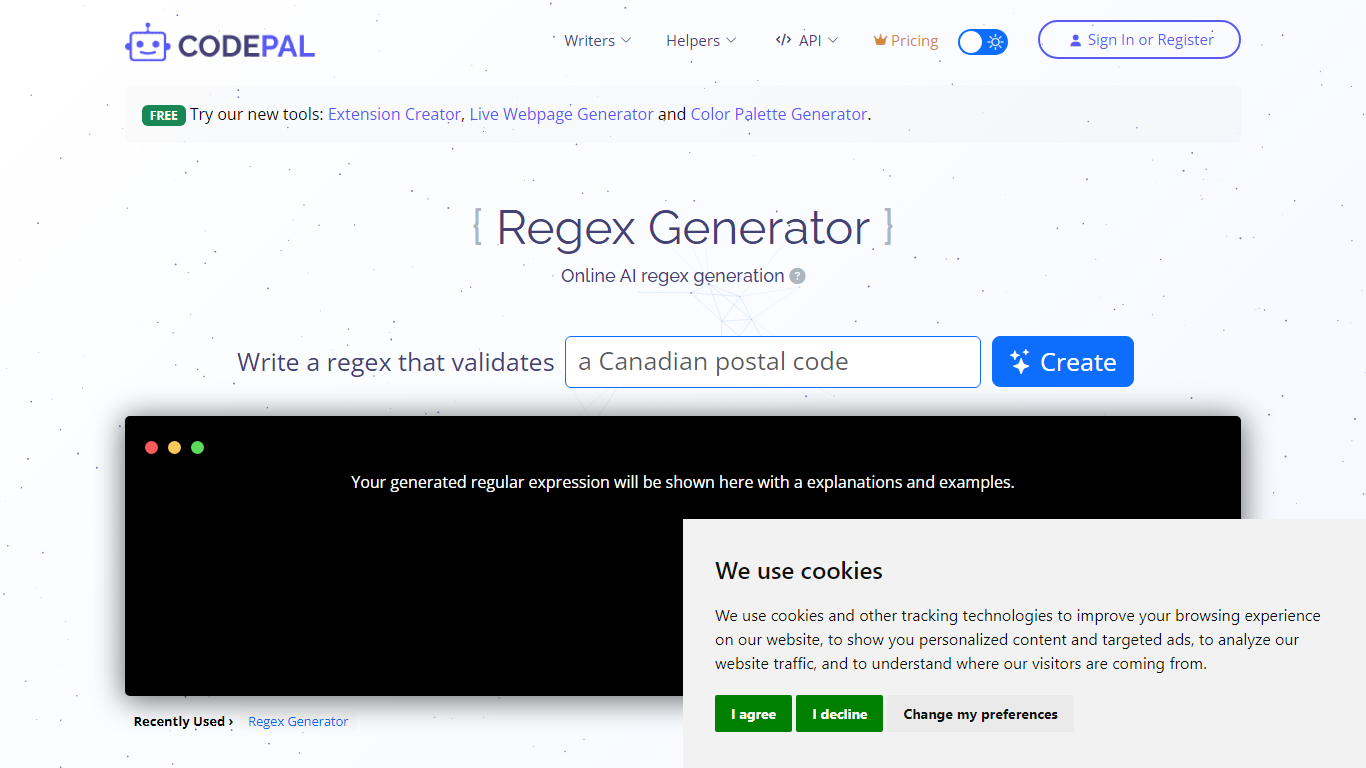
Regex Generator By CodePal writes regular expressions from plain-English descriptions and explains every token before you paste the pattern into production code. You describe what you want to match, pick a flavor like JavaScript, Python, Go, or .NET, and get a working pattern plus sample strings that should and should not match.
Most regex helpers dump a pattern without context. CodePal's generator breaks down groups, anchors, character classes, and quantifiers line by line, and flags common pitfalls like catastrophic backtracking, greedy quantifiers, and missing anchors. That makes it closer to a teaching tool than a one-shot pattern printer, which matters when you are validating emails, parsing logs, or sanitizing user input.
Developers who touch multiple stacks use Regex Generator By CodePal when they need flavor-specific escaping rules without opening a cheat sheet. The tool sits inside the broader CodePal platform, so sign-in unlocks saved history and higher credit limits on the shared free and paid plans.
Legasite Upvotes
Regex Generator By CodePal Upvotes
Legasite Top Features
Drop in a URL and get React or Next.js code in 10 to 20 minutes
Content, structure, and images pulled automatically from the old site
Download a full ZIP you can deploy anywhere with no platform lock-in
Free plan includes 3 demo credits for single-page previews on signup
Basic plan at $20 per month supports about 20 pages with downloadable code
Agency plan at $100 per month supports about 200 pages per month
Tokens reset monthly with roughly 500K tokens consumed per generated page
Regex Generator By CodePal Top Features
Generates regex for JavaScript, Python, PHP, Java, Go, .NET, and PCRE from plain-English prompts
Returns a token-by-token explanation of groups, anchors, and quantifiers with each pattern
Produces sample strings that should and should not match for immediate testing
Free Starter plan includes 2 daily credits and up to 30 credits per month across CodePal tools
Standard plan at $25 per month adds 100 monthly credits and unlimited private projects
Warns against pitfalls like nested quantifier backtracking and unescaped metacharacters
Legasite Category
- Developer
Regex Generator By CodePal Category
- Developer
Legasite Pricing Type
- Freemium
Regex Generator By CodePal Pricing Type
- Freemium