Legasite vs Sixth
Explore the showdown between Legasite vs Sixth and find out which AI Developer tool wins. We analyze upvotes, features, reviews, pricing, alternatives, and more.
In a face-off between Legasite and Sixth, which one takes the crown?
When we contrast Legasite with Sixth, both of which are exceptional AI-operated developer tools, and place them side by side, we can spot several crucial similarities and divergences. In the race for upvotes, Sixth takes the trophy. The upvote count for Sixth is 9, and for Legasite it's 6.
Not your cup of tea? Upvote your preferred tool and stir things up!
Legasite
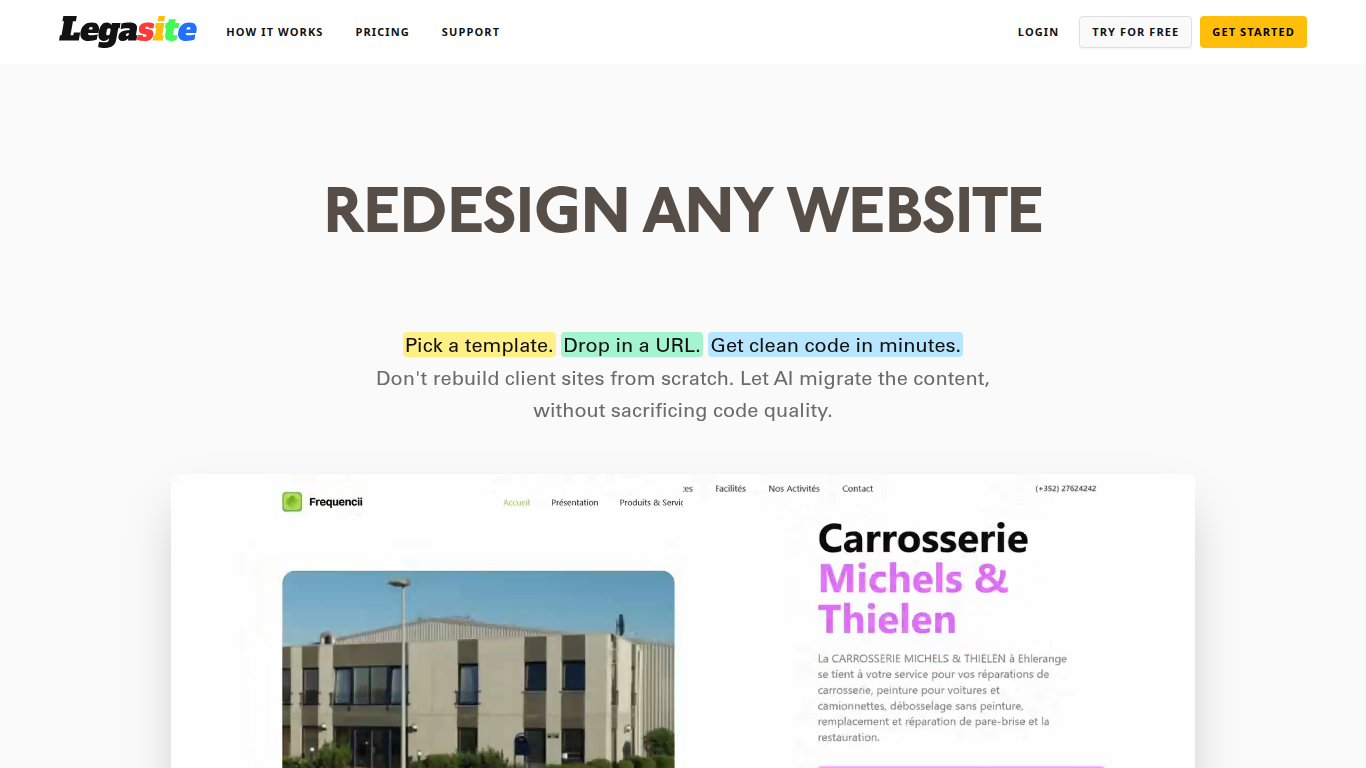

What is Legasite?
Legasite moves legacy websites into modern React and Next.js templates without rebuilding from scratch. You pick a template, drop in an existing site URL, and the platform extracts content, maps it to the layout, and generates downloadable source code in about 10 to 20 minutes.
The workflow centers on automated content extraction rather than manual copy-paste. Legasite pulls text, structure, and images from the source site, then populates a human-written template so the output follows component-based patterns with Tailwind CSS styling. You get a ZIP of real code you can deploy to Vercel, Netlify, or your own server.
It targets web agencies, freelance developers, and in-house dev teams handling client redesigns or internal UI modernization. The pitch is cutting migration grunt work so you spend time on customization and features instead of transferring content page by page.
Sixth
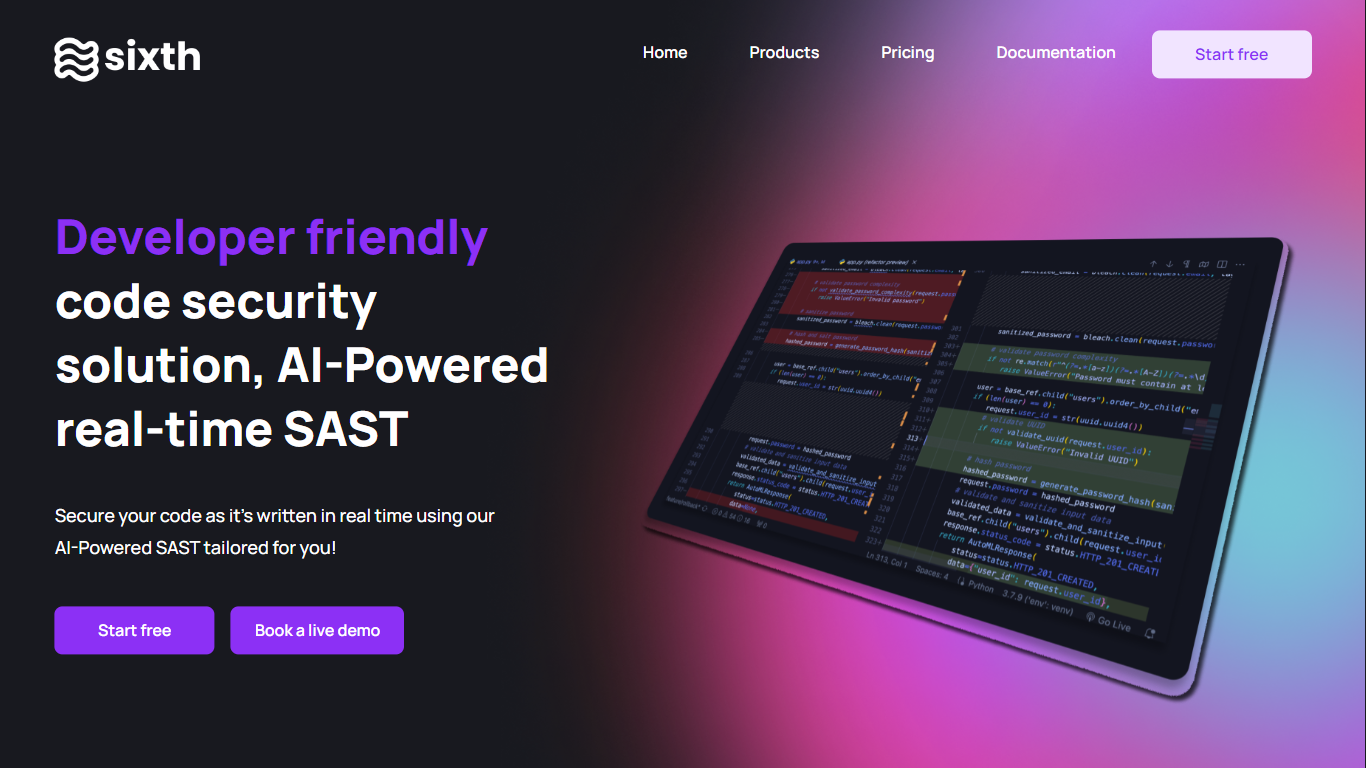
What is Sixth?
Sixth is a developer-focused coding agent that plans, writes, and debugs software inside your editor and through chat. It ships as a web app and a Visual Studio Code extension, and it routes work across frontier models from Anthropic, Google, and OpenAI instead of locking you to one provider.
Where many assistants jump straight to autocomplete, Sixth emphasizes orchestration. Deep Planning Mode drafts a step-by-step strategy before code changes, sub-agents run research and validation in parallel, and Telegram remote control lets you approve tasks from a phone. Paid tiers add MCP server access, with Pro+ listing more than 1,000 integrations.
Individual developers can start on the free tier with monthly agent and completion limits. Pro, Pro+, Ultra, and Teams plans raise usage caps, model access, and support levels, while the Enterprise page adds SOC 2 Type II compliance, SSO, and optional private deployment for regulated teams.
Legasite Upvotes
Sixth Upvotes
Legasite Top Features
Drop in a URL and get React or Next.js code in 10 to 20 minutes
Content, structure, and images pulled automatically from the old site
Download a full ZIP you can deploy anywhere with no platform lock-in
Free plan includes 3 demo credits for single-page previews on signup
Basic plan at $20 per month supports about 20 pages with downloadable code
Agency plan at $100 per month supports about 200 pages per month
Tokens reset monthly with roughly 500K tokens consumed per generated page
Sixth Top Features
Deep Planning Mode maps a step-by-step coding strategy before the agent edits files
Sub-agents run research, writing, and validation tasks in parallel during one session
Free tier includes 50 agent or chat requests and 2,000 completions per month
Pro+ unlocks 1,000+ MCP servers plus models such as GPT-5.6 sol and Gemini 3.6
Telegram remote control lets you monitor, approve, and steer agent work from a phone
Enterprise page lists SOC 2 Type II compliance, SSO, and a 99.99% uptime SLA
Legasite Category
- Developer
Sixth Category
- Developer
Legasite Pricing Type
- Freemium
Sixth Pricing Type
- Freemium