Lifestack vs AI Data Sidekick
When comparing Lifestack vs AI Data Sidekick, which AI Productivity tool shines brighter? We look at pricing, alternatives, upvotes, features, reviews, and more.
In a comparison between Lifestack and AI Data Sidekick, which one comes out on top?
When we put Lifestack and AI Data Sidekick side by side, both being AI-powered productivity tools, In the race for upvotes, Lifestack takes the trophy. The upvote count for Lifestack is 6, and for AI Data Sidekick it's 3.
Think we got it wrong? Cast your vote and show us who's boss!
Lifestack


What is Lifestack?
Lifestack is a productivity planner that builds your daily schedule around sleep, recovery, and focus instead of empty calendar blocks. It reads wearable and health signals, maps energy peaks and calm periods across your day, and drafts a schedule that places demanding work when you can actually focus.
Most calendar apps treat you like a task executor with unlimited stamina. Lifestack treats energy, meals, and rest as first-class inputs, overlaying focus and calm zones on your calendar so you see when deep work fits and when lighter tasks make sense. That body-first layer is the trade-off: it is narrower than a general project manager, but it connects health data to scheduling decisions most planners ignore.
The product suits professionals juggling meetings and deep work, ADHD users who need external structure around energy swings, and anyone syncing tasks from tools like Trello while trying to protect sleep and meal timing. Apps run on iPhone, Mac, Android, and Chrome, with a desktop Mac download and browser extension for calendar access.
AI Data Sidekick
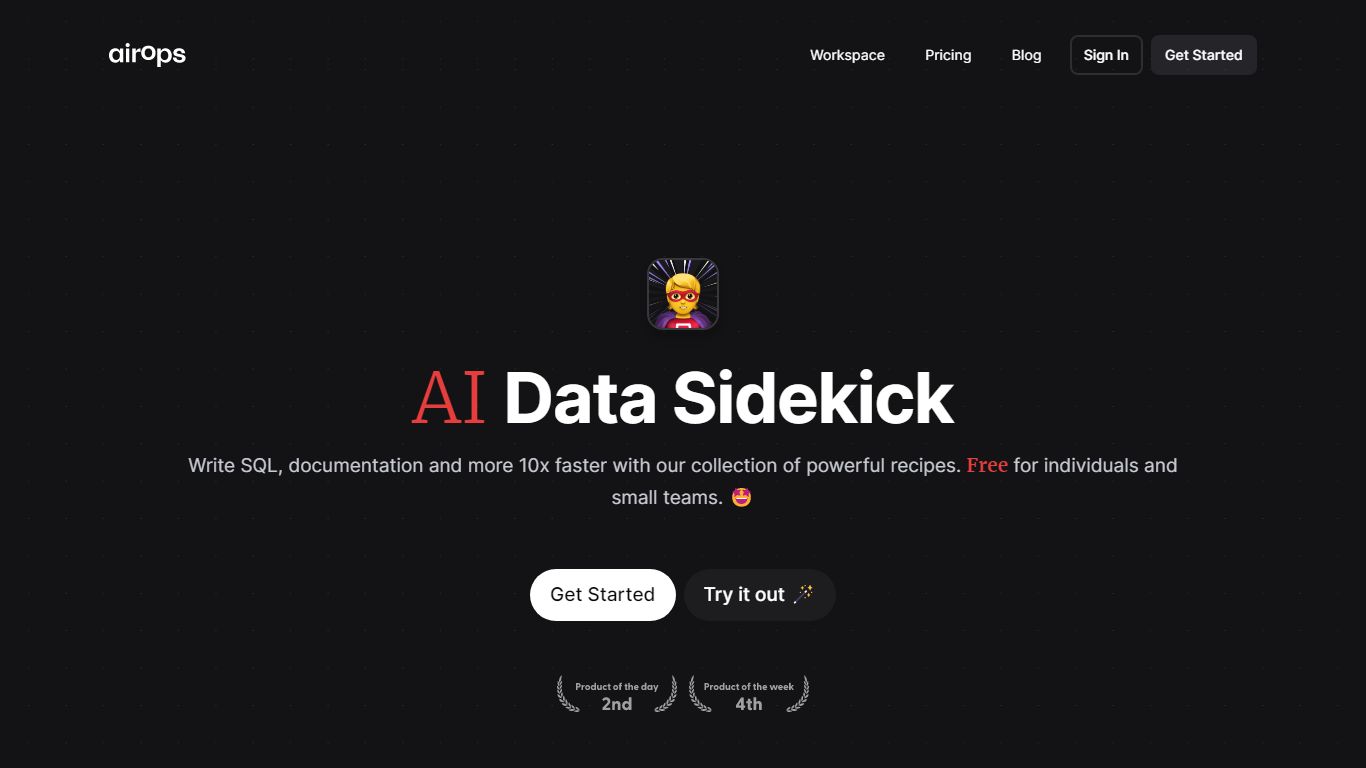
What is AI Data Sidekick?
AI Data Sidekick accelerates SQL database interactions by converting natural language into SQL queries, automating schema documentation, and generating related scripts. It simplifies complex SQL tasks, enabling users to write, debug, and modify queries more efficiently.
What distinguishes AI Data Sidekick is its collection of over 10 AI-powered recipes that not only translate natural language to SQL but also generate Python scripts and dbt YAML files. This integration of multiple database-related functions into one tool streamlines workflows for developers and analysts.
The tool supports automatic documentation of database schemas and offers explanations and fixes for existing SQL queries, which helps users understand and improve their database operations. Its ability to generate code for Python and dbt workflows further enhances productivity.
AI Data Sidekick offers a free plan with core features and a Pro plan with higher usage limits and priority support, catering to different user needs. It is designed for professionals familiar with SQL and database concepts who want to speed up their database-related tasks effectively.
Lifestack Upvotes
AI Data Sidekick Upvotes
Lifestack Top Features
Maps Energy Zones on your calendar so focus work lands during peak energy periods
Pulls wearable and Apple Health data into the same view as your schedule
Syncs tasks from third-party tools such as Trello alongside calendar events
Plans meals and sleep blocks around the day's meetings and task load
Chat copilot answers daily planning questions with your schedule in context
Runs on iPhone, Mac, Android, and Chrome with unlimited calendars and tasks on paid plans
Used by 30,000+ users per the Lifestack homepage
AI Data Sidekick Top Features
Convert natural language into SQL queries instantly
Automatically document database table schemas
Explain and fix existing SQL queries for clarity
Generate Python scripts and dbt YAML files effortlessly
Access over 10 AI-powered recipes to boost database productivity
Free plan available with core features
Pro plan offers higher usage limits and priority support
Lifestack Category
- Productivity
AI Data Sidekick Category
- Productivity
Lifestack Pricing Type
- Paid
AI Data Sidekick Pricing Type
- Freemium