Lifestack vs DashAI
In the face-off between Lifestack vs DashAI, which AI Productivity tool takes the crown? We scrutinize features, alternatives, upvotes, reviews, pricing, and more.
When we put Lifestack and DashAI head to head, which one emerges as the victor?
If we were to analyze Lifestack and DashAI, both of which are AI-powered productivity tools, what would we find? The upvote count reveals a draw, with both tools earning the same number of upvotes. The power is in your hands! Cast your vote and have a say in deciding the winner.
You don't agree with the result? Cast your vote to help us decide!
Lifestack


What is Lifestack?
Lifestack is a productivity planner that builds your daily schedule around sleep, recovery, and focus instead of empty calendar blocks. It reads wearable and health signals, maps energy peaks and calm periods across your day, and drafts a schedule that places demanding work when you can actually focus.
Most calendar apps treat you like a task executor with unlimited stamina. Lifestack treats energy, meals, and rest as first-class inputs, overlaying focus and calm zones on your calendar so you see when deep work fits and when lighter tasks make sense. That body-first layer is the trade-off: it is narrower than a general project manager, but it connects health data to scheduling decisions most planners ignore.
The product suits professionals juggling meetings and deep work, ADHD users who need external structure around energy swings, and anyone syncing tasks from tools like Trello while trying to protect sleep and meal timing. Apps run on iPhone, Mac, Android, and Chrome, with a desktop Mac download and browser extension for calendar access.
DashAI
What is DashAI?
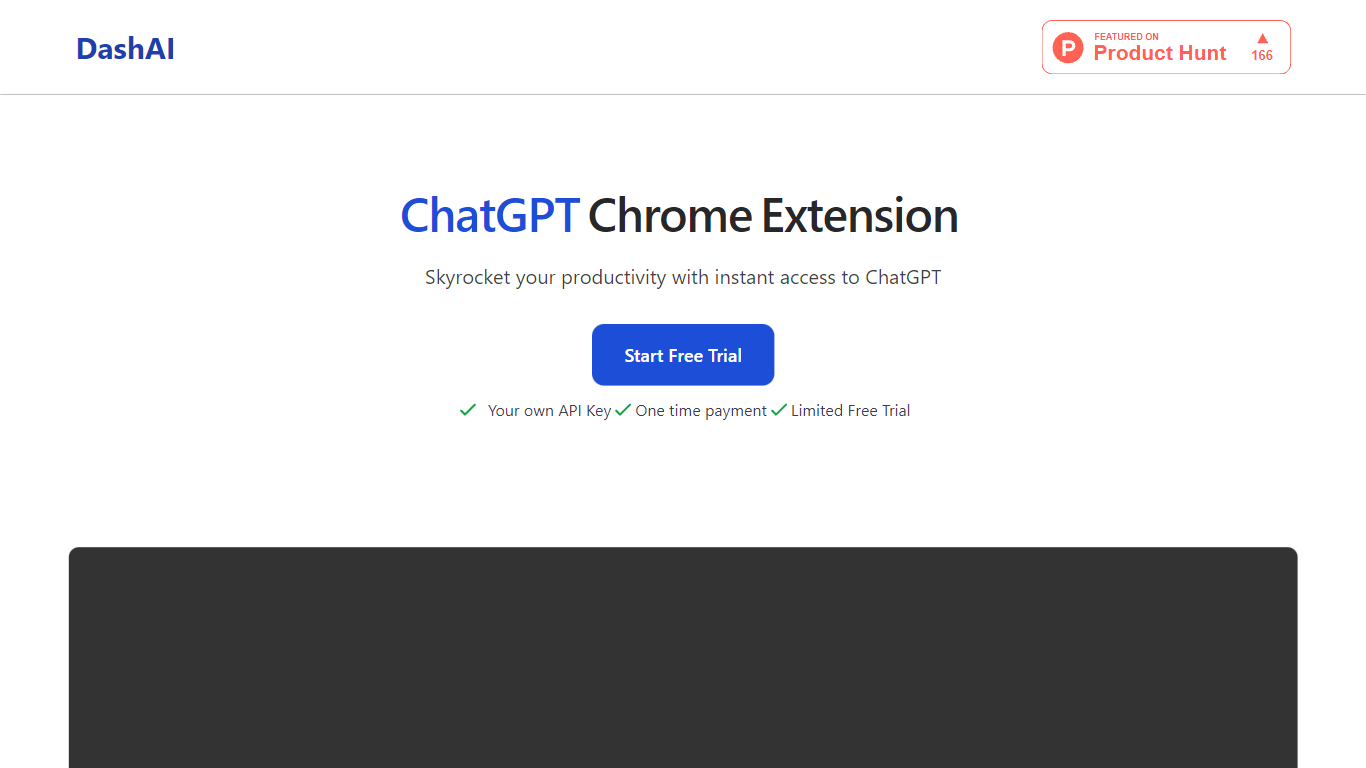
DashAI offers the convenience of instant ChatGPT access on every webpage with their Chrome extension, revolutionizing the way users interact with AI on the web. With the use of a simple ⌘ + K shortcut, you can summon a side chat on any page, tapping into a vast library of prompts for a variety of tasks. This tool saves time by summarizing content, executing text-based commands, and generating AI-crafted text in fields with a simple command. Suited for both personal and professional use, it's particularly beneficial for those looking to boost productivity through quick summaries, translations, audio transcriptions, and custom AI actions. DashAI is easy to install, data is stored locally, and support can be reached via email. Start with a free trial or opt for a one-time payment to enjoy unlimited usage.
Lifestack Upvotes
DashAI Upvotes
Lifestack Top Features
Maps Energy Zones on your calendar so focus work lands during peak energy periods
Pulls wearable and Apple Health data into the same view as your schedule
Syncs tasks from third-party tools such as Trello alongside calendar events
Plans meals and sleep blocks around the day's meetings and task load
Chat copilot answers daily planning questions with your schedule in context
Runs on iPhone, Mac, Android, and Chrome with unlimited calendars and tasks on paid plans
Used by 30,000+ users per the Lifestack homepage
DashAI Top Features
Side Chat: Activate ChatGPT on any webpage with a shortcut to assist in various tasks.
Summaries: Quickly summarize webpage content to grasp essential points without reading the entire text.
AI Quick Actions: Highlight text and execute AI-powered commands to streamline online interactions.
Transcriptions: Effortlessly record audio and convert it to text on any webpage ideal for email replies or social posts.
AI Text Expander (Experimental): Generate AI content in text fields on websites to improve efficiency.
Lifestack Category
- Productivity
DashAI Category
- Productivity
Lifestack Pricing Type
- Paid
DashAI Pricing Type
- Freemium