Lifestack vs MyReport
Compare Lifestack vs MyReport and see which AI Productivity tool is better when we compare features, reviews, pricing, alternatives, upvotes, etc.
Which one is better? Lifestack or MyReport?
When we compare Lifestack with MyReport, which are both AI-powered productivity tools, MyReport is the clear winner in terms of upvotes. The number of upvotes for MyReport stands at 7, and for Lifestack it's 6.
Feeling rebellious? Cast your vote and shake things up!
Lifestack


What is Lifestack?
Lifestack is a productivity planner that builds your daily schedule around sleep, recovery, and focus instead of empty calendar blocks. It reads wearable and health signals, maps energy peaks and calm periods across your day, and drafts a schedule that places demanding work when you can actually focus.
Most calendar apps treat you like a task executor with unlimited stamina. Lifestack treats energy, meals, and rest as first-class inputs, overlaying focus and calm zones on your calendar so you see when deep work fits and when lighter tasks make sense. That body-first layer is the trade-off: it is narrower than a general project manager, but it connects health data to scheduling decisions most planners ignore.
The product suits professionals juggling meetings and deep work, ADHD users who need external structure around energy swings, and anyone syncing tasks from tools like Trello while trying to protect sleep and meal timing. Apps run on iPhone, Mac, Android, and Chrome, with a desktop Mac download and browser extension for calendar access.
MyReport
What is MyReport?
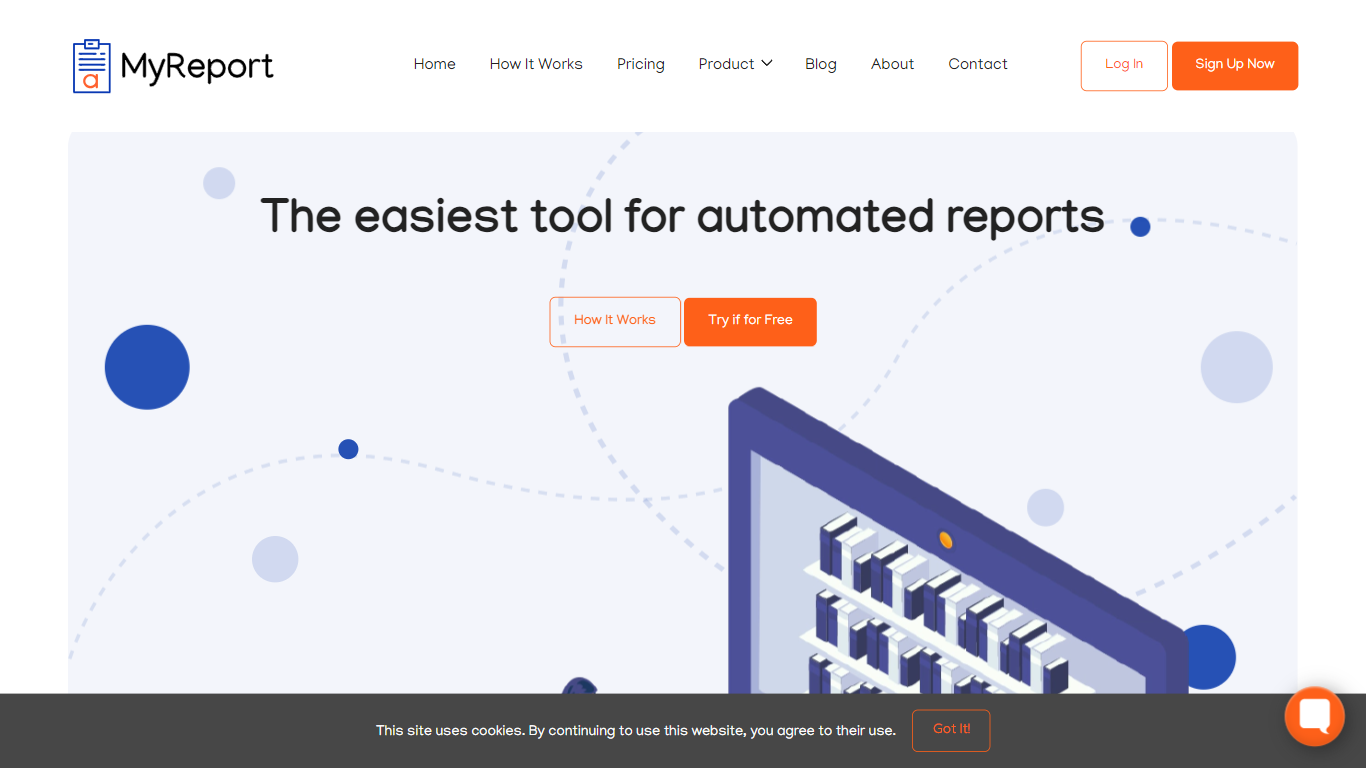
MyReport turns a title and short brief into a cited research report delivered as a Google Docs link. You set the topic, target word count, and language, and the tool searches the web (or your whitelisted sources) to compile text, charts, tables, and references into one structured document.
Unlike open-ended chat assistants, MyReport is built to gather and present existing information, not invent new theories. The FAQ states it will not generate investment advice or novel research angles unless you enable an optional imagination flag. That narrow scope trades creative leaps for source-backed drafts you can edit.
Students, freelancers, and teams use it to skip manual source hunting. The free trial includes three reports in one month with no card required. Paid tiers add higher word limits up to 16,000 words, Google Drive document imports, and REST API access on Business.
Lifestack Upvotes
MyReport Upvotes
Lifestack Top Features
Maps Energy Zones on your calendar so focus work lands during peak energy periods
Pulls wearable and Apple Health data into the same view as your schedule
Syncs tasks from third-party tools such as Trello alongside calendar events
Plans meals and sleep blocks around the day's meetings and task load
Chat copilot answers daily planning questions with your schedule in context
Runs on iPhone, Mac, Android, and Chrome with unlimited calendars and tasks on paid plans
Used by 30,000+ users per the Lifestack homepage
MyReport Top Features
Outputs reports as Google Workspace documents shared via link
Free trial includes 3 reports in 1 month with no payment method required
Personal pack: 10 reports for $4.99 with up to 3,500 words each
Professional plan: 5 reports per month up to 8,000 words with Google Drive imports
Business plan: 10 reports per month up to 16,000 words plus REST API access
Supports English, Spanish, French, Portuguese, Italian, and Arabic report output
Lifestack Category
- Productivity
MyReport Category
- Productivity
Lifestack Pricing Type
- Paid
MyReport Pricing Type
- Freemium