Lifestack vs Tability
In the contest of Lifestack vs Tability, which AI Productivity tool is the champion? We evaluate pricing, alternatives, upvotes, features, reviews, and more.
If you had to choose between Lifestack and Tability, which one would you go for?
When we examine Lifestack and Tability, both of which are AI-enabled productivity tools, what unique characteristics do we discover? The upvote count shows a clear preference for Tability. The upvote count for Tability is 8, and for Lifestack it's 6.
Does the result make you go "hmm"? Cast your vote and turn that frown upside down!
Lifestack


What is Lifestack?
Lifestack is a productivity planner that builds your daily schedule around sleep, recovery, and focus instead of empty calendar blocks. It reads wearable and health signals, maps energy peaks and calm periods across your day, and drafts a schedule that places demanding work when you can actually focus.
Most calendar apps treat you like a task executor with unlimited stamina. Lifestack treats energy, meals, and rest as first-class inputs, overlaying focus and calm zones on your calendar so you see when deep work fits and when lighter tasks make sense. That body-first layer is the trade-off: it is narrower than a general project manager, but it connects health data to scheduling decisions most planners ignore.
The product suits professionals juggling meetings and deep work, ADHD users who need external structure around energy swings, and anyone syncing tasks from tools like Trello while trying to protect sleep and meal timing. Apps run on iPhone, Mac, Android, and Chrome, with a desktop Mac download and browser extension for calendar access.
Tability
What is Tability?
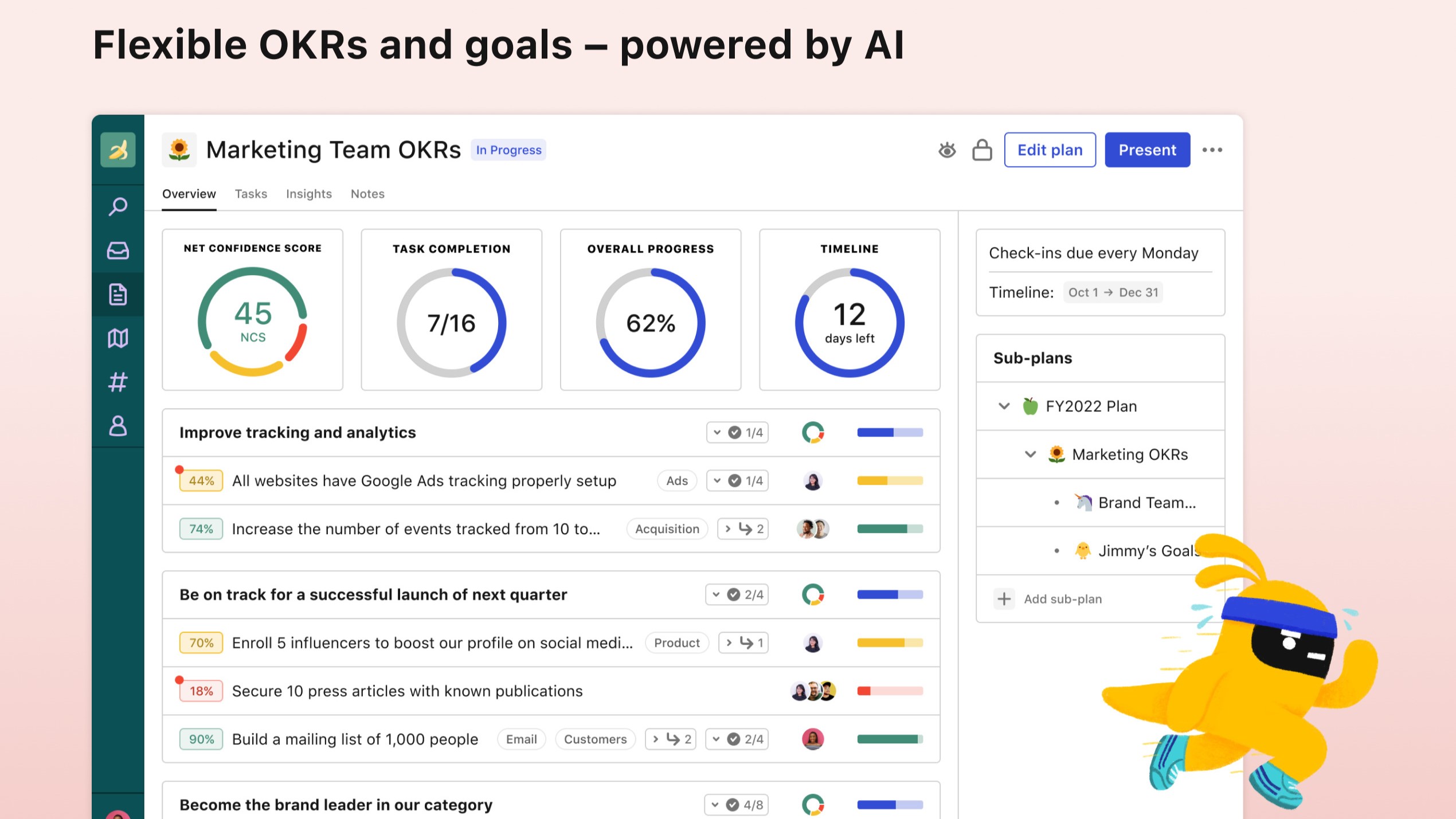
Tability helps teams set, track, and review OKRs, KPIs, and quarterly plans in one productivity workspace instead of scattered spreadsheets. AI drafts goals and tactics during signup, then live check-ins surface progress updates and early roadblocks before a quarter slips away.
Plenty of goal trackers feel like status spreadsheets with nicer colors. Tability leans into outcome-driven rituals: strategy maps, initiative dependencies, and integrations with Slack, Microsoft Teams, Jira, and Linear so updates happen where teams already work. Premium adds SAML SSO, data connectors, and an AI assistant mode for larger rollouts.
It fits startups and mid-size companies adopting OKRs for the first time as well as teams at Red Hat, Autodesk, and Freelancer that the site lists among customers. Pricing starts at $6 per user per month on yearly Basic billing with a 14-day free trial on signup.
Lifestack Upvotes
Tability Upvotes
Lifestack Top Features
Maps Energy Zones on your calendar so focus work lands during peak energy periods
Pulls wearable and Apple Health data into the same view as your schedule
Syncs tasks from third-party tools such as Trello alongside calendar events
Plans meals and sleep blocks around the day's meetings and task load
Chat copilot answers daily planning questions with your schedule in context
Runs on iPhone, Mac, Android, and Chrome with unlimited calendars and tasks on paid plans
Used by 30,000+ users per the Lifestack homepage
Tability Top Features
AI-assisted OKR and tactic drafting on signup
14-day free trial with Google or email signup
Basic plan at $6 per user per month on yearly billing
Premium adds SAML SSO, SCIM, and data connectors
Integrations with Slack, Microsoft Teams, Jira, and Linear
Strategy maps plus initiative dependency tracking
Lifestack Category
- Productivity
Tability Category
- Productivity
Lifestack Pricing Type
- Paid
Tability Pricing Type
- Freemium