Lifestack vs WorkViz
Compare Lifestack vs WorkViz and see which AI Productivity tool is better when we compare features, reviews, pricing, alternatives, upvotes, etc.
Which one is better? Lifestack or WorkViz?
When we compare Lifestack with WorkViz, which are both AI-powered productivity tools, WorkViz stands out as the clear frontrunner in terms of upvotes. The upvote count for WorkViz is 7, and for Lifestack it's 6.
Feeling rebellious? Cast your vote and shake things up!
Lifestack


What is Lifestack?
Lifestack is a productivity planner that builds your daily schedule around sleep, recovery, and focus instead of empty calendar blocks. It reads wearable and health signals, maps energy peaks and calm periods across your day, and drafts a schedule that places demanding work when you can actually focus.
Most calendar apps treat you like a task executor with unlimited stamina. Lifestack treats energy, meals, and rest as first-class inputs, overlaying focus and calm zones on your calendar so you see when deep work fits and when lighter tasks make sense. That body-first layer is the trade-off: it is narrower than a general project manager, but it connects health data to scheduling decisions most planners ignore.
The product suits professionals juggling meetings and deep work, ADHD users who need external structure around energy swings, and anyone syncing tasks from tools like Trello while trying to protect sleep and meal timing. Apps run on iPhone, Mac, Android, and Chrome, with a desktop Mac download and browser extension for calendar access.
WorkViz
What is WorkViz?
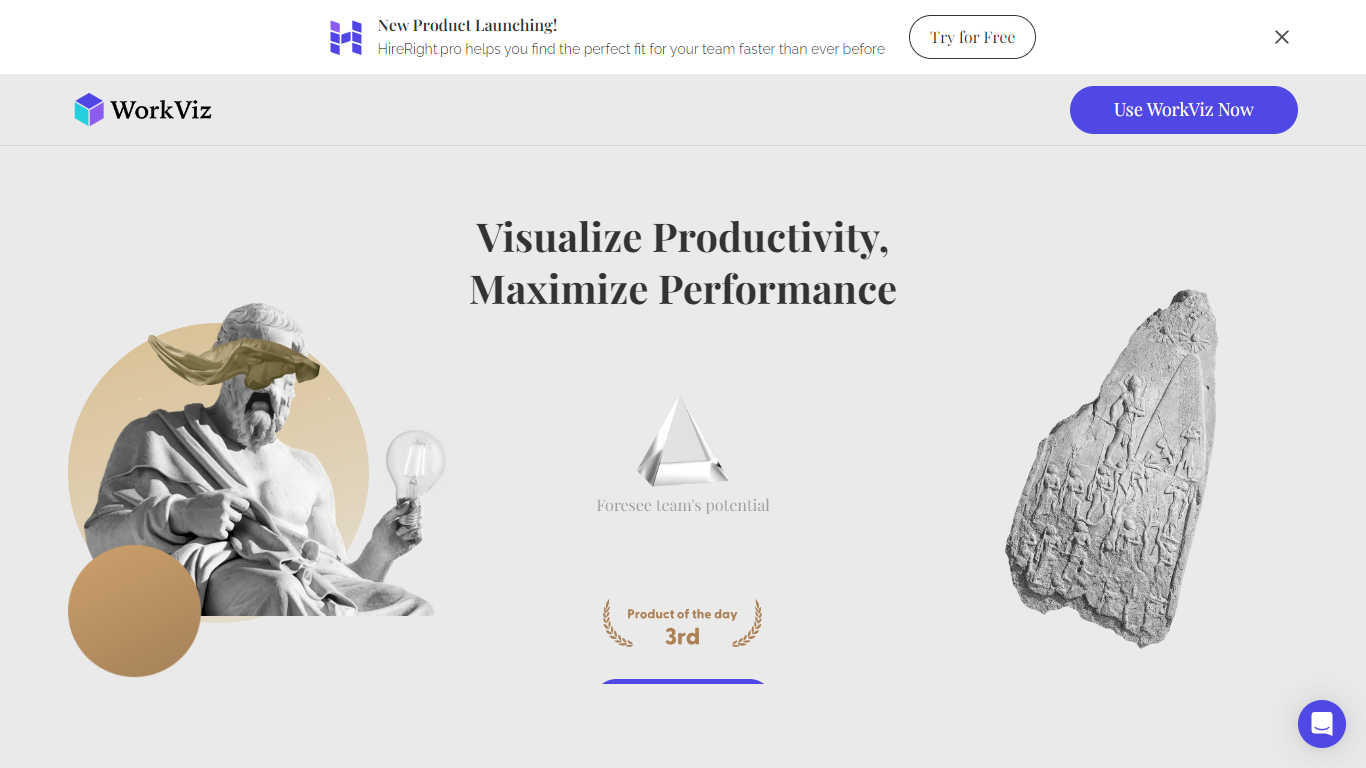
WorkViz helps remote and hybrid teams monitor productivity and workload balance by analyzing work logs and providing actionable insights. It automatically generates daily reports using AI, which simplifies the reporting process for managers and saves time. Employees can share their workload feelings through emojis, enhancing communication and emotional awareness within virtual teams.
What sets WorkViz apart is its proactive alert system that notifies managers when team members approach their capacity limits, enabling timely intervention to prevent burnout or project delays. It also offers forecasting tools to predict team performance and identify workload bottlenecks early. The platform integrates seamlessly with common work tools to collect data unobtrusively, allowing continuous monitoring without disrupting workflows.
While primarily designed for remote teams, WorkViz also suits hybrid and distributed work environments seeking clear visibility into team performance and well-being. Its focus on emotional insight and workload balance provides a practical approach to managing remote workforce productivity. Overall, WorkViz supports managers in maintaining a healthy and efficient team dynamic through automated reporting and intelligent alerts.
Lifestack Upvotes
WorkViz Upvotes
Lifestack Top Features
Maps Energy Zones on your calendar so focus work lands during peak energy periods
Pulls wearable and Apple Health data into the same view as your schedule
Syncs tasks from third-party tools such as Trello alongside calendar events
Plans meals and sleep blocks around the day's meetings and task load
Chat copilot answers daily planning questions with your schedule in context
Runs on iPhone, Mac, Android, and Chrome with unlimited calendars and tasks on paid plans
Used by 30,000+ users per the Lifestack homepage
WorkViz Top Features
Automated daily work log reports save time and improve accuracy 📊
Emoji-based workload feedback fosters team communication 😊
AI alerts notify managers when employees near capacity ⚠️
Forecasting tools help predict team performance and potential 📈
Seamless integration with common work platforms for easy data collection 🔗
Lifestack Category
- Productivity
WorkViz Category
- Productivity
Lifestack Pricing Type
- Paid
WorkViz Pricing Type
- Freemium