Lightricks vs Instant AI for Google Slides
Compare Lightricks vs Instant AI for Google Slides and see which AI Photo Editing tool is better when we compare features, reviews, pricing, alternatives, upvotes, etc.
Which one is better? Lightricks or Instant AI for Google Slides?
When we compare Lightricks with Instant AI for Google Slides, which are both AI-powered photo editing tools, Instant AI for Google Slides stands out as the clear frontrunner in terms of upvotes. Instant AI for Google Slides has garnered 7 upvotes, and Lightricks has garnered 6 upvotes.
Does the result make you go "hmm"? Cast your vote and turn that frown upside down!
Lightricks
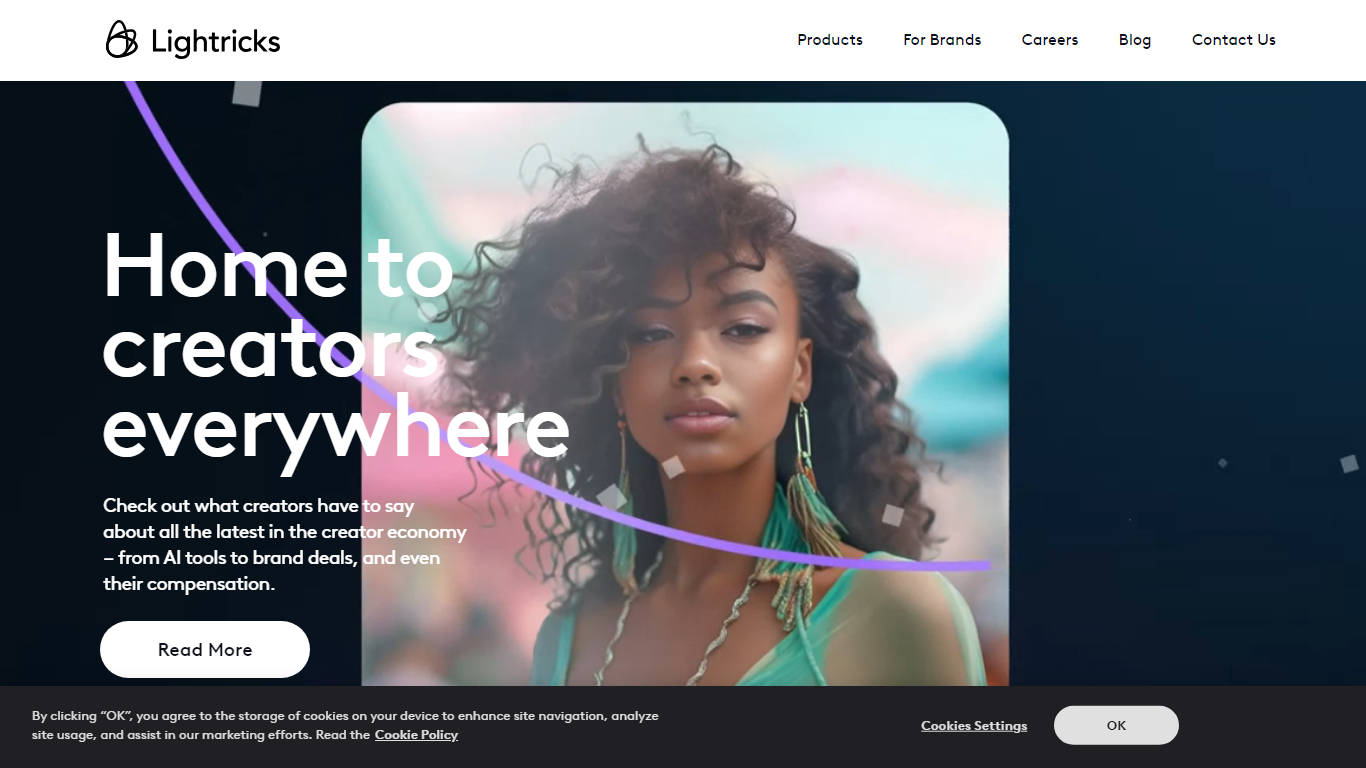

What is Lightricks?
Lightricks builds mobile and web tools for photo and video creators, backed by in-house AI models like the open-source LTX-2.3 video generator. Its consumer apps include Facetune for portrait retouching, Videoleap for phone video editing, Photoleap for AI image creation, and LTX Studio for end-to-end visual storytelling. Popular Pays connects brands with creators for influencer campaigns.
Adobe and Canva target desktop workflows with broad suites. Lightricks focuses on phone-first editing and generative video, shipping fast open models developers can deploy via API while folding the same tech into its own vertically integrated apps. The company reports 730 million app downloads, 15 million monthly users, and 6.6 million monthly subscribers across its portfolio.
Casual creators, social media influencers, and marketing teams use Lightricks apps to retouch selfies, edit Reels and TikToks, turn stills into video clips, and run creator partnerships. Individual apps are free to download with in-app subscription upgrades; enterprise teams contact Lightricks for LTX Studio and Popular Pays.
Instant AI for Google Slides
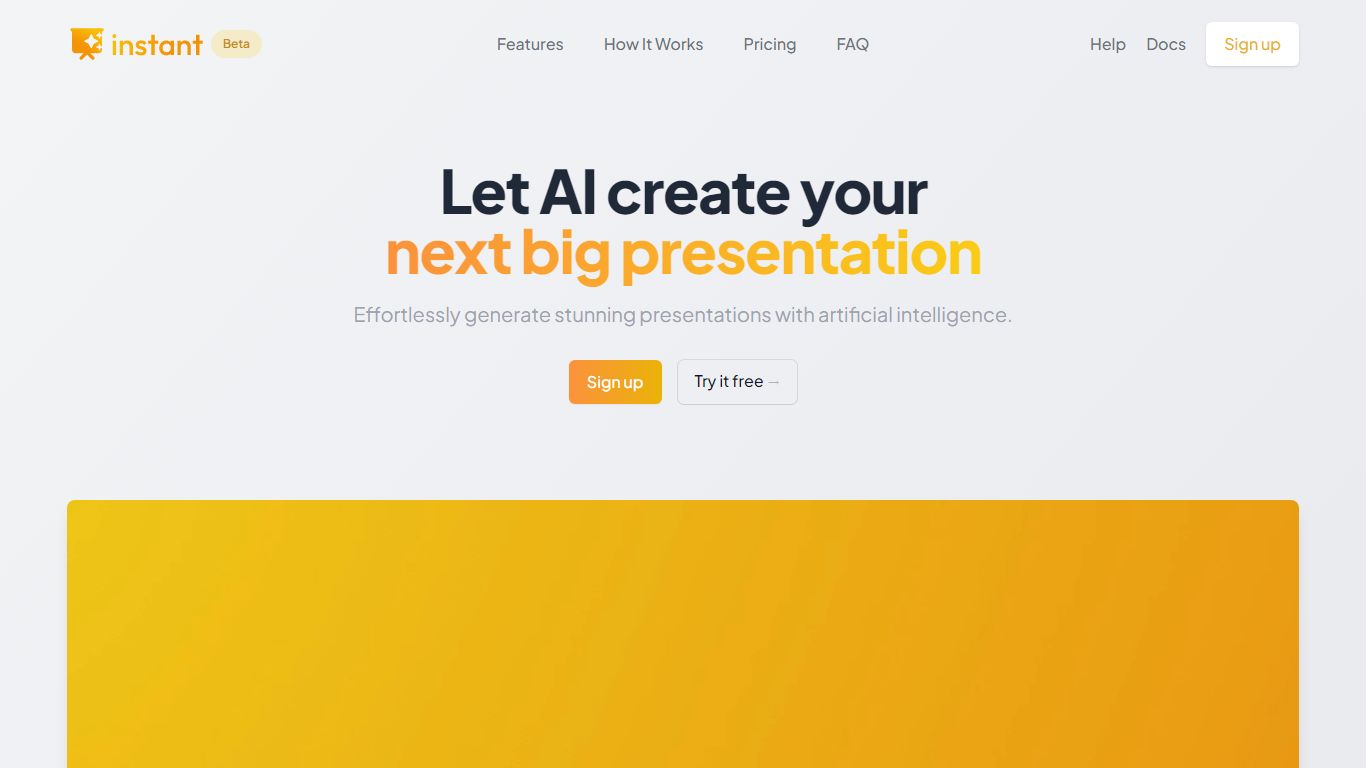
What is Instant AI for Google Slides?
Instant AI for Google Slides drafts full presentations inside Google Slides from a topic prompt. You pick length and deck type (investor, sales, and others), edit the AI outline, then auto-generate slides with suggested layouts. Finished decks stay fully editable in the Slides editor you already use.
Generic slide generators export static files or dump text blocks into default templates. Instant combines layout suggestions with 100+ designer-built templates, including flowcharts and infographics, and runs natively under the Extensions menu in Google Slides. That keeps your team in one tool instead of copying from a separate web app.
Startup founders, sales teams, and consultants who live in Google Workspace fit the workflow. The entry tier includes 15 slides and 10 rewrites at $0, while paid plans scale to 150 slides per month on Pro ($99) or unlimited slides on Premium ($199 per month).
Lightricks Upvotes
Instant AI for Google Slides Upvotes
Lightricks Top Features
Facetune retouches photos and videos for social-ready portraits
Videoleap adds pro-level cuts, effects, and remix tools on mobile
Photoleap generates and edits images with AI plus manual controls
LTX Studio turns concepts into finished video stories in one platform
Open-source LTX-2.3 model generates video in seconds with creative control
Popular Pays matches brands with creators for paid content campaigns
Instant AI for Google Slides Top Features
Installs as a Google Workspace extension with access under the Extensions menu in Slides
100+ expert-designed templates with flowchart and infographic layout support
$0 entry tier includes 15 slides and 10 rewrites
Pro plan includes 150 slides per month for $99 and 90 rewrites
Premium plan at $199 per month offers unlimited slides and rewrites
Customize brand colors and fonts before generating each deck
Lightricks Category
- Photo Editing
Instant AI for Google Slides Category
- Photo Editing
Lightricks Pricing Type
- Freemium
Instant AI for Google Slides Pricing Type
- Freemium