Lightscreen vs Profilio
When comparing Lightscreen vs Profilio, which AI Human Resource tool shines brighter? We look at pricing, alternatives, upvotes, features, reviews, and more.
In a comparison between Lightscreen and Profilio, which one comes out on top?
When we put Lightscreen and Profilio side by side, both being AI-powered human resource tools, The upvote count is neck and neck for both Lightscreen and Profilio. Your vote matters! Help us decide the winner among aitools.fyi users by casting your vote.
Not your cup of tea? Upvote your preferred tool and stir things up!
Lightscreen
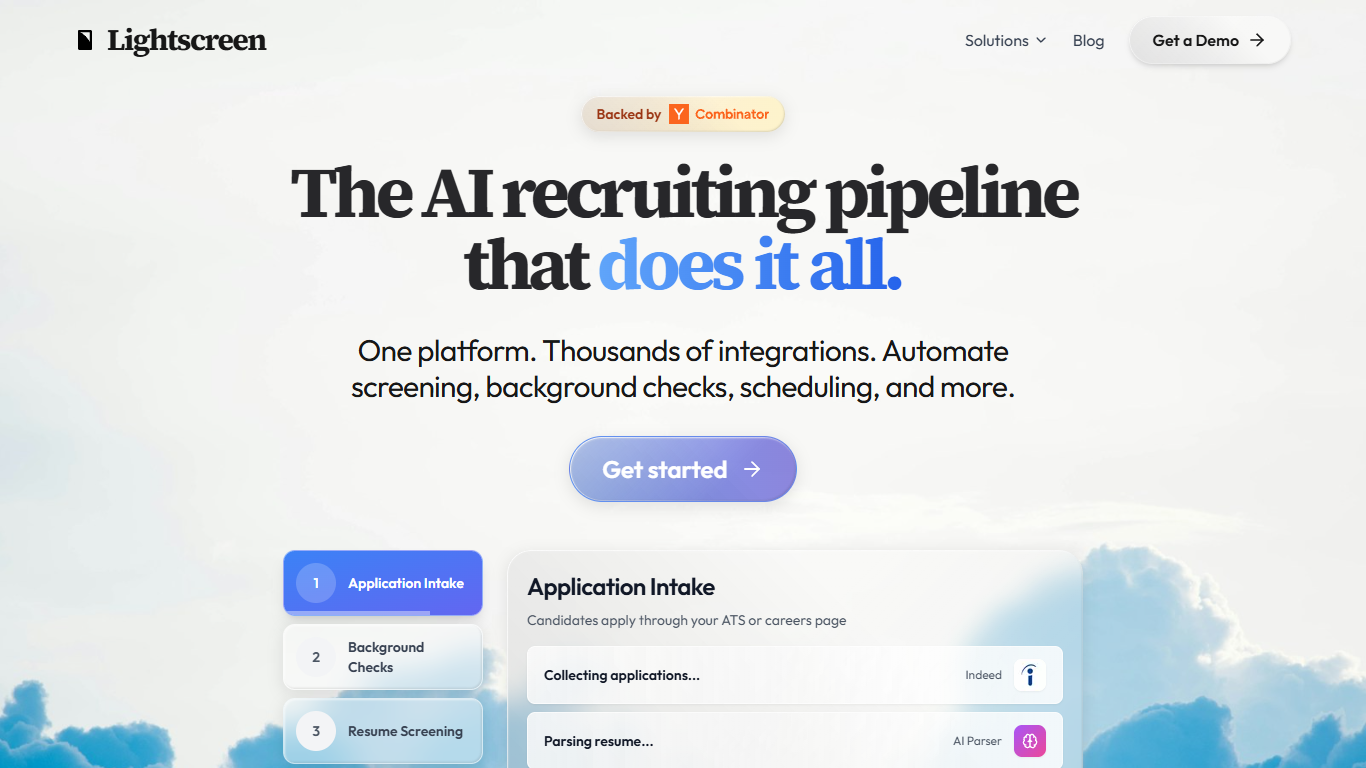

What is Lightscreen?
Lightscreen is a recruiting platform that automates screening, background checks, scheduling, and interviews from one workflow. Companies connect their ATS, HRIS, WMS, and background check providers so recruiters manage candidates in a single dashboard instead of jumping between tools.
The product is built for high-volume hiring, especially warehouse, retail, healthcare, and call center roles where teams need to process hundreds of applicants without adding headcount. Recruiters define multi-step pipelines in plain English, and the platform handles resume parsing, skills matching, voice interviews, background verification, and candidate email correspondence.
Lightscreen also offers dedicated flows for tech hiring and healthcare staffing, including licensure-based candidate sourcing across all 50 states. The company is backed by Y Combinator and lists employers such as Artisan, Sybill, Tennr, and Wanderlog among its customers.
Profilio
What is Profilio?
Profilio gives you a short profilio.ai URL that opens a portfolio page instead of a flat list of buttons. You claim the link, add projects with context, and publish a page with Work, Proof, Now, and Contact sections that visitors can actually read.
Link-in-bio tools usually stop at outbound buttons. Profilio keeps the visitor on one page with case studies, availability, and contact routes, so a single click can show why the work matters without sending people through a menu of exits.
Freelancers, designers, and other creatives use it when a bio link feels too thin but a full personal site is more setup than they want. The site walks through three steps: claim a URL, compose work and proof, then publish and update as projects change.
Lightscreen Upvotes
Profilio Upvotes
Lightscreen Top Features
Pipe applications from Indeed and careers pages straight into Greenhouse or your ATS
Let candidates take voice interviews on their schedule, day or night
Spin up full pipelines in plain English: screen, background check, schedule, onboard
Run automated background checks through providers like Checkr without manual follow-up
Source licensed healthcare candidates from state databases with contact details attached
Profilio Top Features
Claim a custom profilio.ai URL such as profilio.ai/yourname
Organize pages into Work, Proof, Now, and Contact sections instead of button lists
Attach case studies with context, links, and why each project matters
Show availability and current focus in a dedicated Now section
Route visitors to calls, email, or social links from one Contact block
Update the published page as projects change without rebuilding a full site
Lightscreen Category
- Human Resource
Profilio Category
- Human Resource
Lightscreen Pricing Type
- Paid
Profilio Pricing Type
- Freemium