Linnk AI vs StudyShift
Compare Linnk AI vs StudyShift and see which AI Education tool is better when we compare features, reviews, pricing, alternatives, upvotes, etc.
Which one is better? Linnk AI or StudyShift?
When we compare Linnk AI with StudyShift, which are both AI-powered education tools, Neither tool takes the lead, as they both have the same upvote count. Every vote counts! Cast yours and contribute to the decision of the winner.
Disagree with the result? Upvote your favorite tool and help it win!
Linnk AI

What is Linnk AI?
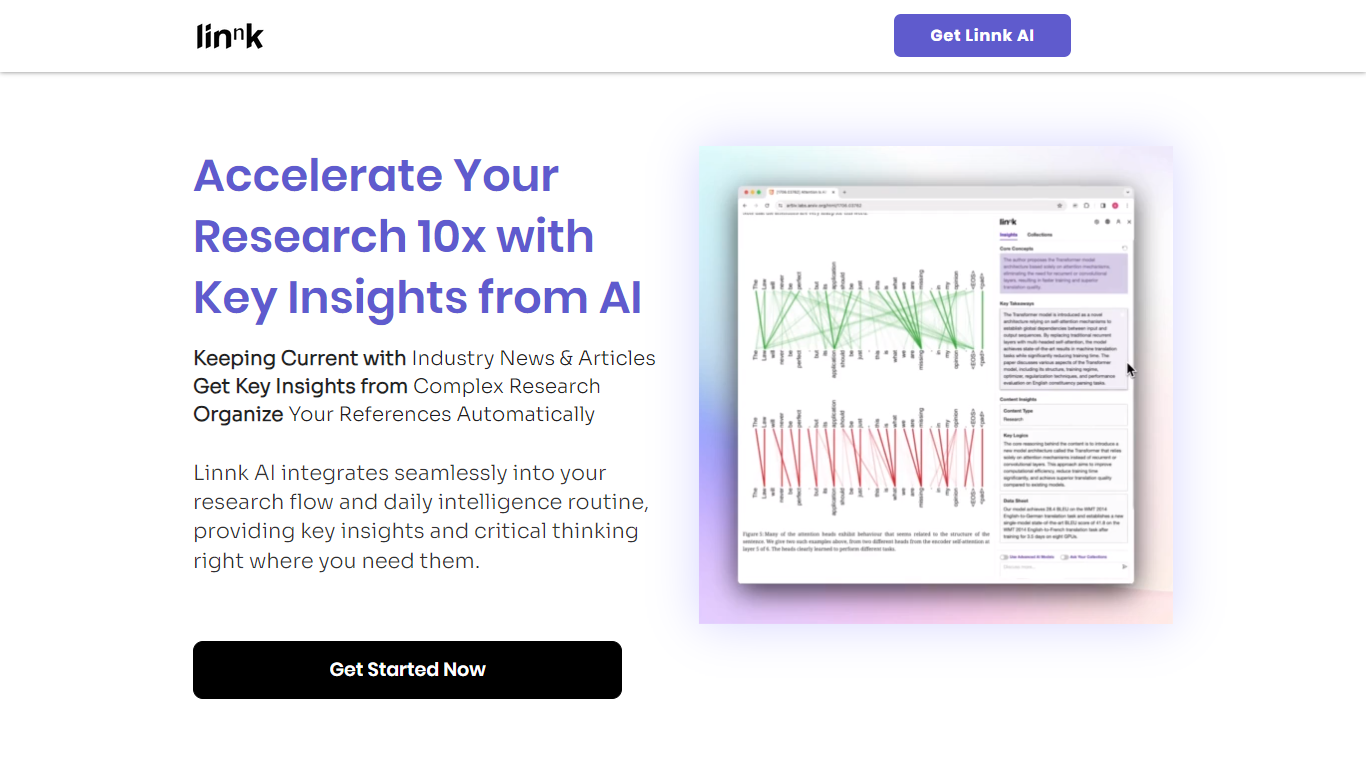
Linnk AI translates, summarizes, and analyzes complex documents across more than 150 languages while preserving original layouts, tables, footnotes, and technical terminology. It supports over 50 document formats including PDFs, Word, PowerPoint, Excel, eBooks, images, and scanned files, enabling users to work seamlessly with diverse file types.
What sets Linnk AI apart is its multi-model AI approach, combining ChatGPT, Claude, and Gemini to deliver accurate, context-aware translations and summaries. It preserves document formatting and structure better than typical tools, especially for scanned and photographed documents, without requiring separate OCR processing.
Linnk AI also offers interactive features such as structured summaries, mindmaps, and follow-up Q&A to deepen understanding of content. Its browser extension and API enable instant summarization and translation of web content and integration into custom workflows.
Designed for researchers, localization teams, legal professionals, students, and international business users, Linnk AI saves time by automating complex multilingual document tasks while maintaining accuracy and formatting integrity. Security is prioritized with encrypted file handling and automatic deletion policies.
Overall, Linnk AI bridges language barriers and accelerates research by delivering AI-powered tools that respect document structure and domain-specific language, making it a versatile solution for multilingual document management and analysis.
StudyShift
What is StudyShift?
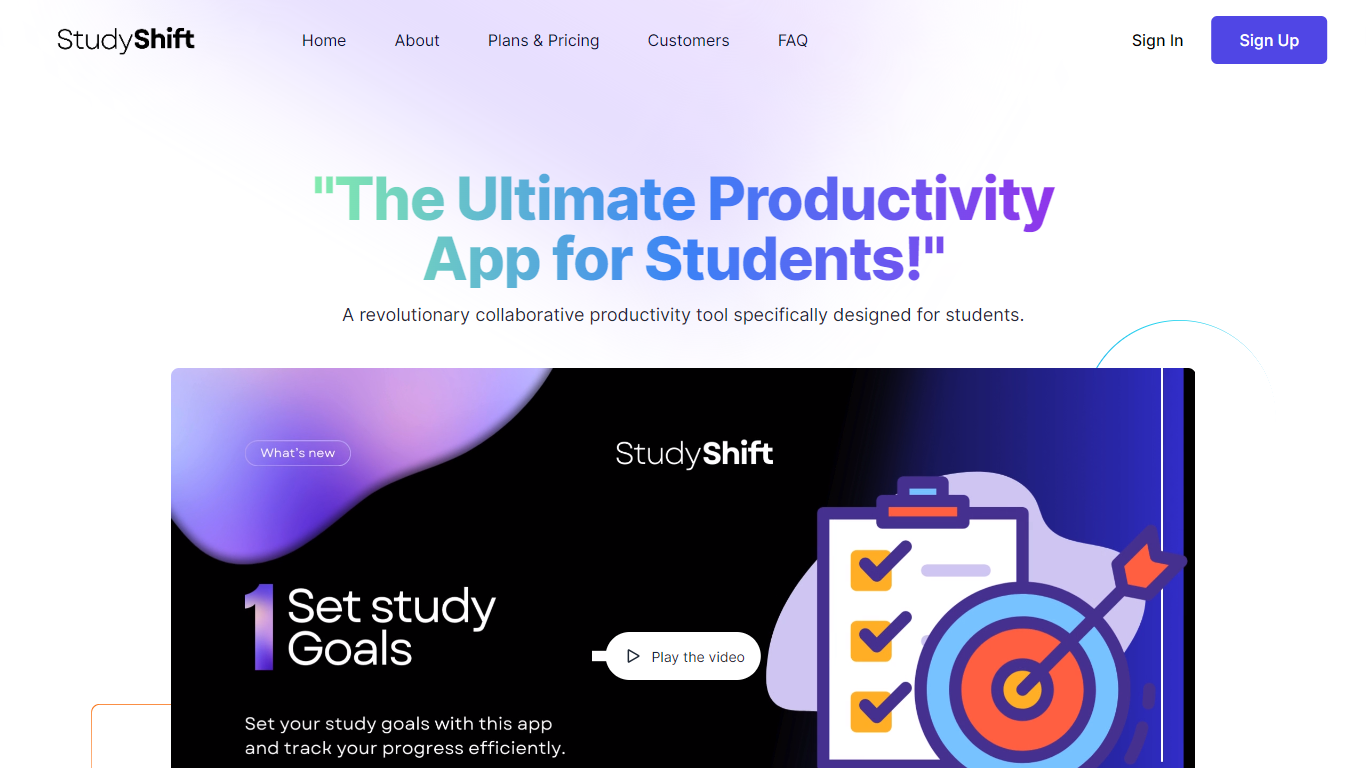
StudyShift remains a versatile productivity app tailored for students, now enhanced with new features to support academic integrity and writing quality. Beyond managing study goals, assignments, and notes, it integrates tools to help students check their work for AI-generated content, reflecting the growing importance of ethical writing practices. The app supports seamless document collaboration and offers a clear overview of study progress across devices. It also provides access to resources that explain university-level AI detection methods, helping users understand how their texts might be evaluated. StudyShift's updated value lies in combining productivity with proactive academic compliance, making it a comprehensive companion for modern students. The platform ensures privacy and data security, with all processing done securely and anonymously. This focus on transparency and user control sets it apart from other study apps. While the core remains user-friendly task and note management, the addition of AI detection awareness tools addresses a critical need in today's academic environment.
Linnk AI Upvotes
StudyShift Upvotes
Linnk AI Top Features
📄 Layout-Preserving Translation: Translates documents including scanned files while keeping tables, footnotes, and formatting intact.
🧠 Multi-Model AI Processing: Uses ChatGPT, Claude, and Gemini together for accurate, consistent translations and summaries.
🔍 Interactive Summaries & Q&A: Generates structured summaries and lets users ask follow-up questions about document content.
🌐 Supports 150+ Languages: Covers major languages and dialects with specialized handling for legal, medical, and academic terms.
🛠️ Browser Extension & API: Instantly summarize and translate web content or integrate AI tools into custom applications.
📁 Supports 50+ Document Formats: Handles PDFs, Word, PowerPoint, Excel, eBooks, images, scanned files, and more.
📊 Document Size Limits: Free tier supports up to 20 MB or 50 pages; paid plans allow up to 300 MB or 300 pages per file.
StudyShift Top Features
📚 Set and track personalized study goals to stay motivated
📝 Manage assignments with collaborative document editing
🔍 Check texts for AI-generated content to ensure originality
📊 Visual progress reports help monitor study effectiveness
🔒 Secure and anonymous processing protects your data
Linnk AI Category
- Education
StudyShift Category
- Education
Linnk AI Pricing Type
- Freemium
StudyShift Pricing Type
- Freemium