LINQ Me Up vs Fine
In the clash of LINQ Me Up vs Fine, which AI Code Assistant tool emerges victorious? We assess reviews, pricing, alternatives, features, upvotes, and more.
When we put LINQ Me Up and Fine head to head, which one emerges as the victor?
Let's take a closer look at LINQ Me Up and Fine, both of which are AI-driven code assistant tools, and see what sets them apart. The community has spoken, Fine leads with more upvotes. Fine has attracted 7 upvotes from aitools.fyi users, and LINQ Me Up has attracted 6 upvotes.
You don't agree with the result? Cast your vote to help us decide!
LINQ Me Up

What is LINQ Me Up?
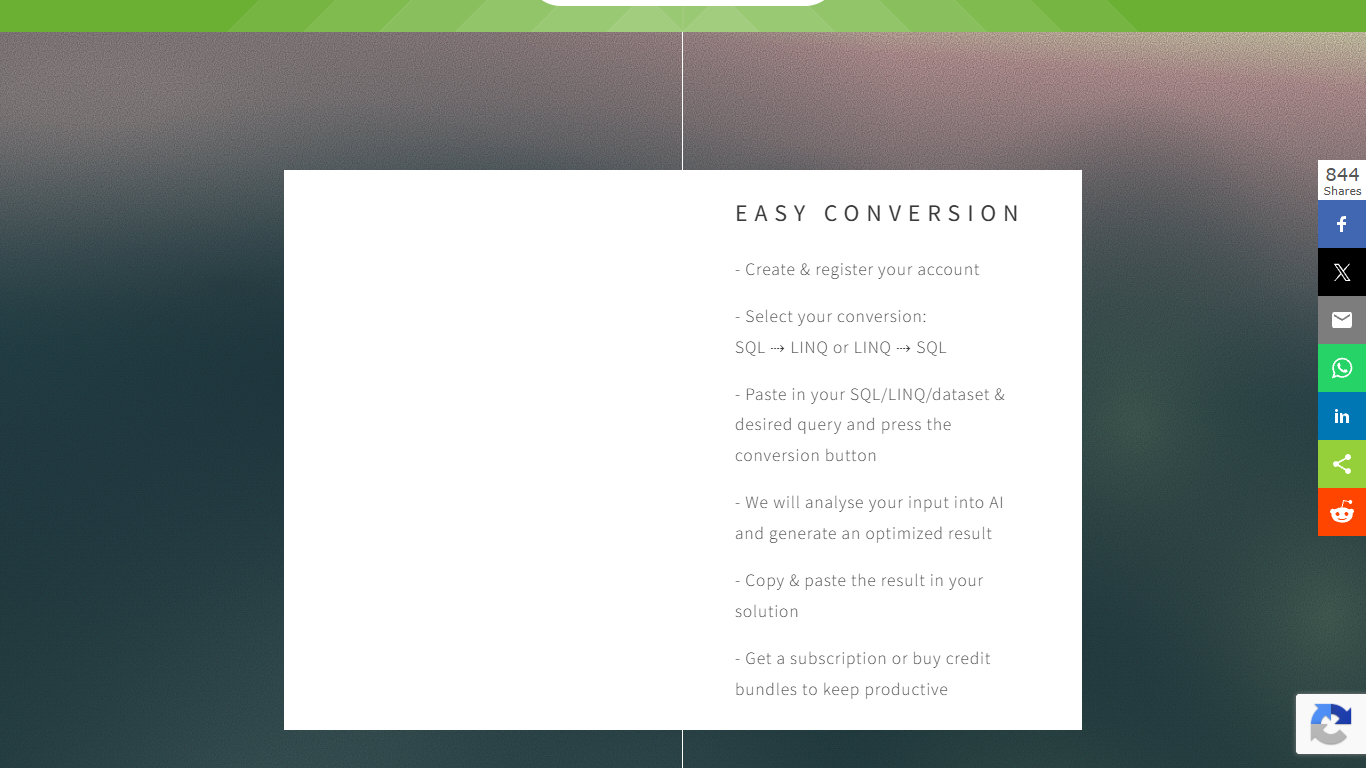
LINQ Me Up helps .NET developers convert SQL queries into LINQ code, turn LINQ back into SQL, and generate LINQ from dataset inputs like XML, JSON, and POCO objects. It targets C# and Visual Basic with both method and query syntax, so you are not stuck with rigid rule-based converters that miss context.
The conversion runs through an analysis step rather than simple syntax swapping, which the site positions as more flexible than traditional LINQ-to-SQL translators. You paste your SQL, LINQ, or sample dataset, pick the direction you need, and copy the generated code into your project.
Built for .NET developers migrating legacy SQL, prototyping data access layers, or learning LINQ syntax without hand-translating every query. Free credits let you try conversions before committing to a subscription or credit bundle.
Fine
What is Fine?
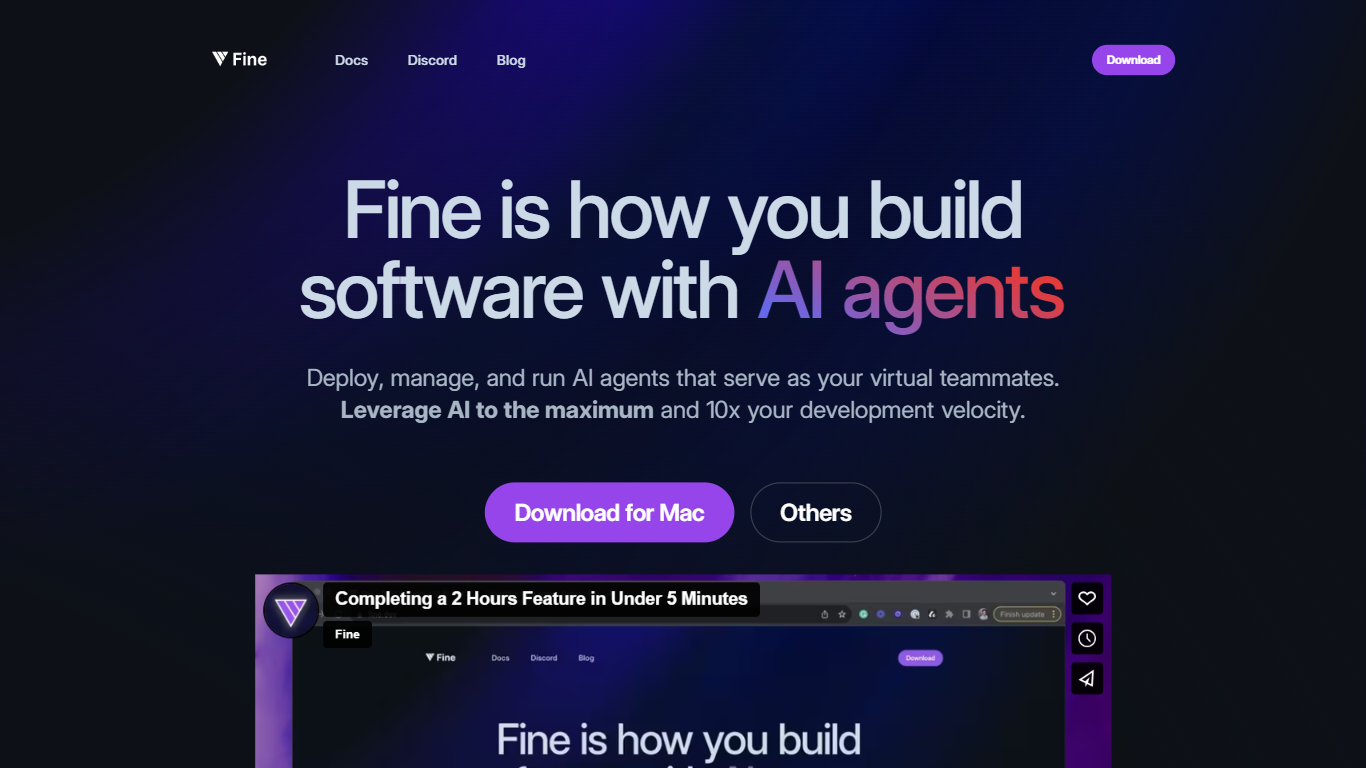
Fine helps teams ship web apps and automate development work through AI agents that handle UI, backend, database, auth, and deployment from a single prompt. Describe what users should do in your app and Fine generates a full-stack project with Google, GitHub, or email login, a ready Postgres database, serverless backend functions, and one-click deploy to a custom domain.
Unlike pair-programming assistants that suggest the next line, Fine runs asynchronous agents across entire repositories. They open issues, write pull requests, compile code, run tests, and iterate until the task finishes without you watching every keystroke. The team plan at $13 per seat monthly (billed yearly) adds unlimited chat sessions, indexed repos, custom AI workflows, and an AI sandbox with premium LLM access.
Startup teams, indie builders, and engineering leads use Fine for SaaS prototypes, internal dashboards, AI agent apps, and backlog automation. A free tier covers 25 messages per month with unlimited projects, while Builder at $19 monthly unlocks custom-domain deploys and always-on databases for production apps.
LINQ Me Up Upvotes
Fine Upvotes
LINQ Me Up Top Features
Turn SQL SELECT statements into C# or VB LINQ in a few clicks
Reverse direction works too: paste LINQ and get SQL output
Feed it XML, JSON, or POCO sample data to generate tailored LINQ queries
Handles both method syntax and query syntax for C# and Visual Basic
Generated code is yours to use; the site says you own full rights to output
Fine Top Features
AI app builder generates UI, auth, Postgres database, and backend functions from natural-language prompts
Async coding agents handle repository-wide tasks with issues, pull requests, compile, and test loops
One-click deployment to custom domains with global edge hosting included
Team plan at $13 per seat monthly includes unlimited chat sessions and indexed repositories
Built-in auth supports Google, GitHub, and email sign-in from day one
Free tier includes 25 messages per month and unlimited projects with ephemeral database
LINQ Me Up Category
- Code Assistant
Fine Category
- Code Assistant
LINQ Me Up Pricing Type
- Freemium
Fine Pricing Type
- Freemium