LINQ Me Up vs Warp
In the clash of LINQ Me Up vs Warp, which AI Code Assistant tool emerges victorious? We assess reviews, pricing, alternatives, features, upvotes, and more.
When we put LINQ Me Up and Warp head to head, which one emerges as the victor?
Let's take a closer look at LINQ Me Up and Warp, both of which are AI-driven code assistant tools, and see what sets them apart. The upvote count favors Warp, making it the clear winner. The number of upvotes for Warp stands at 8, and for LINQ Me Up it's 6.
Not your cup of tea? Upvote your preferred tool and stir things up!
LINQ Me Up

What is LINQ Me Up?
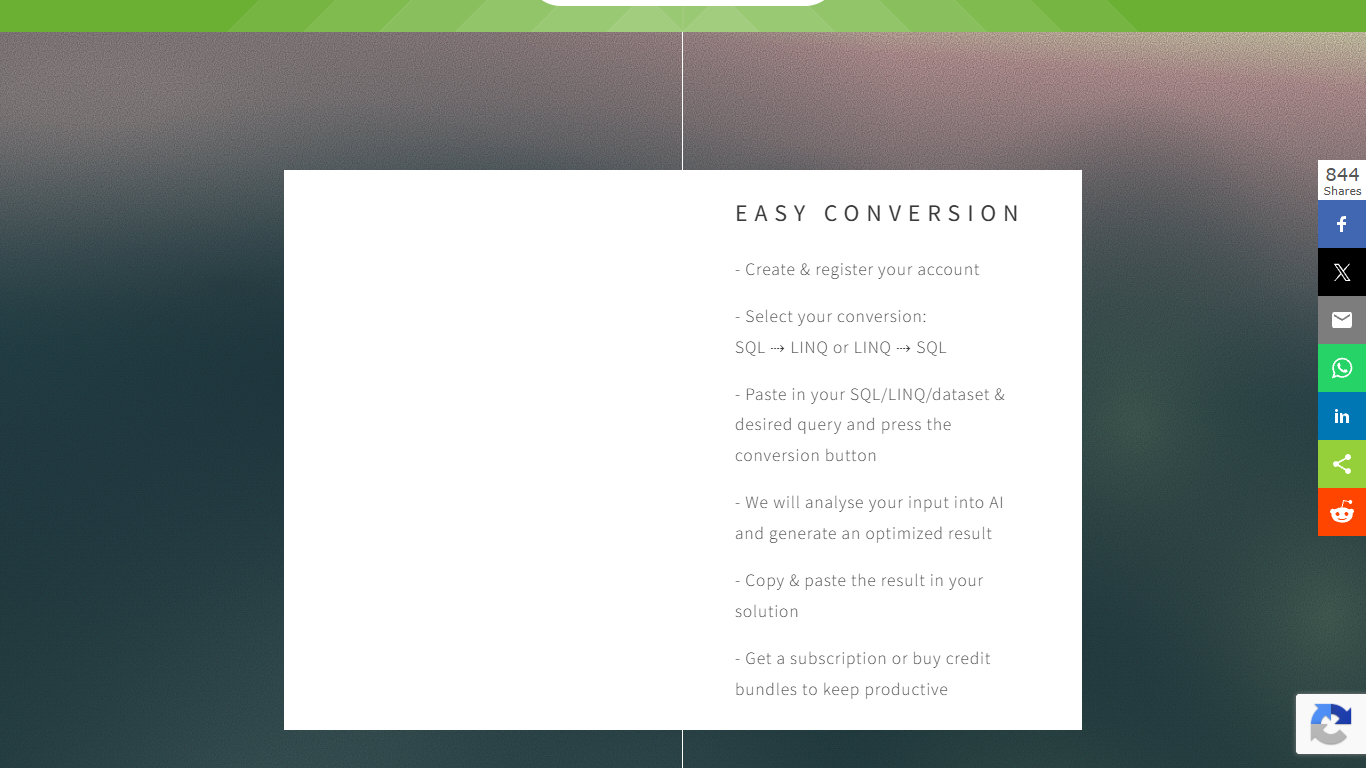
LINQ Me Up helps .NET developers convert SQL queries into LINQ code, turn LINQ back into SQL, and generate LINQ from dataset inputs like XML, JSON, and POCO objects. It targets C# and Visual Basic with both method and query syntax, so you are not stuck with rigid rule-based converters that miss context.
The conversion runs through an analysis step rather than simple syntax swapping, which the site positions as more flexible than traditional LINQ-to-SQL translators. You paste your SQL, LINQ, or sample dataset, pick the direction you need, and copy the generated code into your project.
Built for .NET developers migrating legacy SQL, prototyping data access layers, or learning LINQ syntax without hand-translating every query. Free credits let you try conversions before committing to a subscription or credit bundle.
Warp
What is Warp?
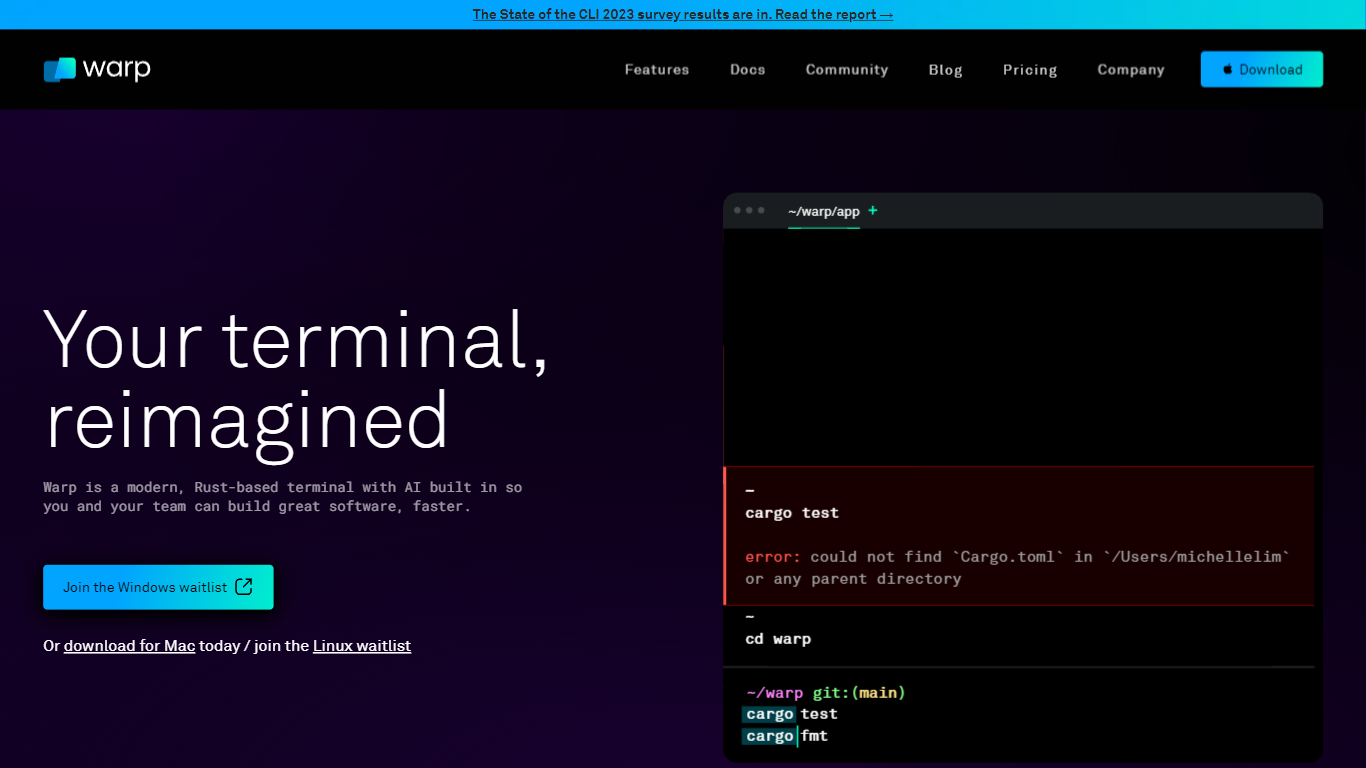
Warp is revolutionizing the terminal experience for developers worldwide. At its core, Warp is a modern, Rust-based terminal designed to enhance productivity, speed, and efficiency. With a built-in AI and knowledge-sharing tools, Warp offers smart autocompletions and intelligent command executions that significantly accelerate the development process.
In addition to its performance advantages, Warp prioritizes privacy and security, never collecting input or output data and ensuring any saved data is encrypted. The terminal's user interface is highly customizable with popular themes, and the modern text input editor provides a convenient and familiar IDE experience.
Leading developers have praised Warp for its exceptional features such as easy navigation, one-click output copying, and its ability to execute saved workflows on-demand. The terminal is not just about speed; it's about providing a seamless and smart development environment that resonates with today's technological demands. Warp is available for Mac, with a waitlist for Windows and Linux users, promising a future where all developers can benefit from its advanced features.
LINQ Me Up Upvotes
Warp Upvotes
LINQ Me Up Top Features
Turn SQL SELECT statements into C# or VB LINQ in a few clicks
Reverse direction works too: paste LINQ and get SQL output
Feed it XML, JSON, or POCO sample data to generate tailored LINQ queries
Handles both method syntax and query syntax for C# and Visual Basic
Generated code is yours to use; the site says you own full rights to output
Warp Top Features
Smart Autocompletions: Utilize AI-powered tools and knowledge sharing for faster coding.
Modern Text Input Editor: Enjoy a coding experience akin to modern IDEs with advanced text editing.
Increased Efficiency: Speed through tasks with Rust-based performance optimized for quick command execution.
Privacy and Security First: Trust in a terminal that safeguards your data encrypting information at rest.
Customizable UI: Tailor Warp to your preferences with a selection of themes and visual customization options.
LINQ Me Up Category
- Code Assistant
Warp Category
- Code Assistant
LINQ Me Up Pricing Type
- Freemium
Warp Pricing Type
- Freemium