Logo Theme AI vs Magic Brush AI
Explore the showdown between Logo Theme AI vs Magic Brush AI and find out which AI Design tool wins. We analyze upvotes, features, reviews, pricing, alternatives, and more.
In a face-off between Logo Theme AI and Magic Brush AI, which one takes the crown?
When we contrast Logo Theme AI with Magic Brush AI, both of which are exceptional AI-operated design tools, and place them side by side, we can spot several crucial similarities and divergences. The upvote count is neck and neck for both Logo Theme AI and Magic Brush AI. Since other aitools.fyi users could decide the winner, the ball is in your court now to cast your vote and help us determine the winner.
Don't agree with the result? Cast your vote and be a part of the decision-making process!
Logo Theme AI
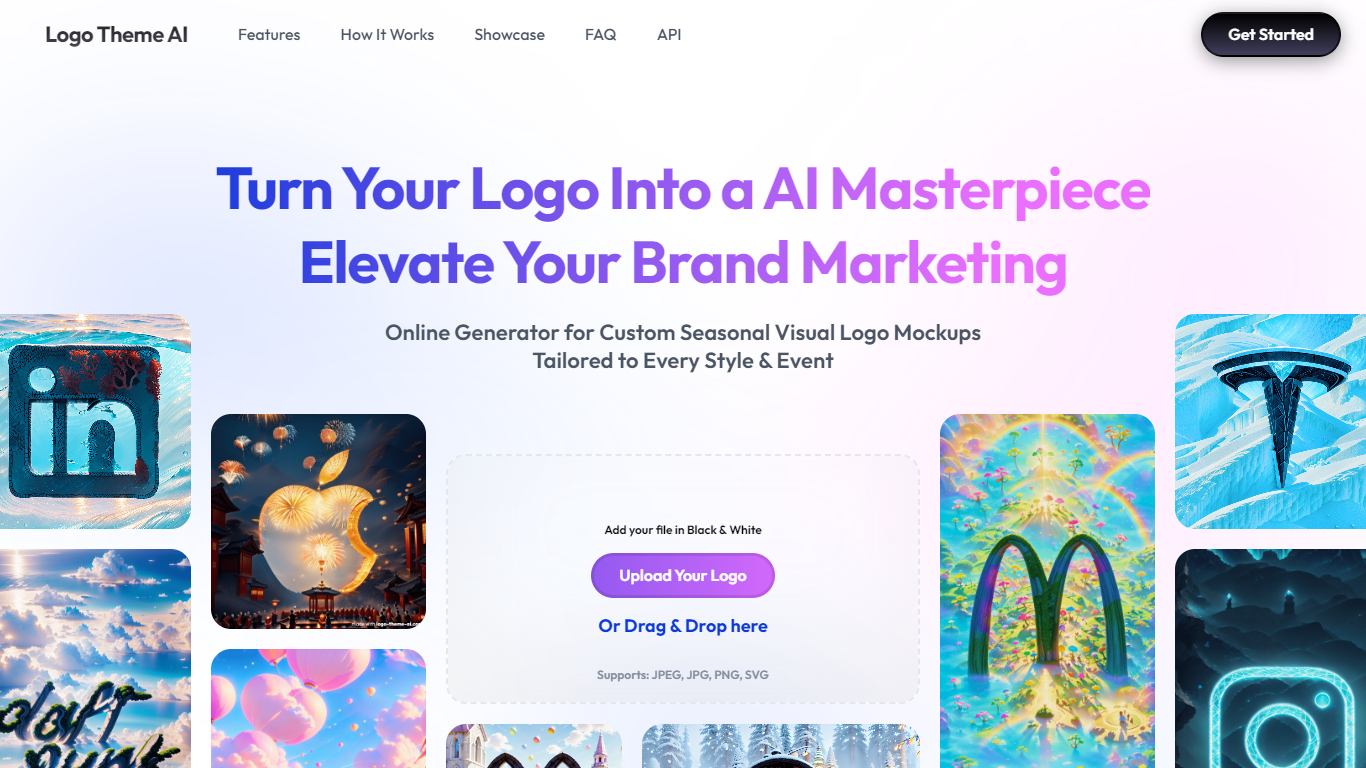

What is Logo Theme AI ?
Logo Theme AI lets you upload a black-and-white logo and generate themed variations for holidays, product launches, and seasonal campaigns. You pick from over 200 pre-built themes or define your own, then export results as avatars, banners, app icons, and other branding formats.
The platform targets marketers and brand managers who want fresh logo visuals for social media and email without opening a design tool. Themes cover celebrations like Valentine's Day, Halloween, and Christmas, plus custom styles ranging from cyberpunk to anime-inspired looks.
Account signup and generation run through the linked web app. The marketing site supports eight interface languages and accepts logo uploads in JPEG, PNG, and SVG.
Magic Brush AI

What is Magic Brush AI?
Magic Brush AI introduces an innovative AI-powered plugin specifically designed for Figma users who wish to enhance their design process. The Magic Brush AI plugin seamlessly integrates with Figma, allowing designers to generate and edit images directly within the application. If you're looking to speed up your design workflow and leverage artificial intelligence in your projects, Magic Brush AI offers a simple yet powerful solution. With easy installation and a user-friendly interface, Magic Brush expands creative possibilities without ever leaving your favorite design platform. Additionally, the community aspect is emphasized with an invitation to join their Discord, suggesting a focus on user engagement and support. Designed by Elie Toubiana from sunshine-filled Los Angeles, CA, Magic Brush AI is poised to transform how creatives interact with Figma and image editing.
Logo Theme AI Upvotes
Magic Brush AI Upvotes
Logo Theme AI Top Features
Upload a JPEG, PNG, or SVG logo and get themed mockups in seconds
Browse 200+ preset themes for holidays, seasons, and trending visual styles
Export logos sized for avatars, banners, app icons, and social posts
Set a custom theme prompt when presets do not match your brand look
Get event-based logo updates delivered to your email inbox automatically
Magic Brush AI Top Features
AI Powered Plugin: A convenient Figma plugin that utilizes AI for image generation and editing.
Seamless Integration: Integrates with Figma for a streamlined design workflow.
Easy Installation: Simple process to install the plugin directly on Figma.
Community Support: Access to a Discord community for networking and support.
Frequent Updates: Continual improvements and feature additions to enhance user experience.
Logo Theme AI Category
- Design
Magic Brush AI Category
- Design
Logo Theme AI Pricing Type
- Freemium
Magic Brush AI Pricing Type
- Freemium