Luminar Neo vs Palette.fm
In the face-off between Luminar Neo vs Palette.fm, which AI Photo Editing tool takes the crown? We scrutinize features, alternatives, upvotes, reviews, pricing, and more.
When we put Luminar Neo and Palette.fm head to head, which one emerges as the victor?
If we were to analyze Luminar Neo and Palette.fm, both of which are AI-powered photo editing tools, what would we find? The users have made their preference clear, Palette.fm leads in upvotes. Palette.fm has 33 upvotes, and Luminar Neo has 9 upvotes.
Feeling rebellious? Cast your vote and shake things up!
Luminar Neo


What is Luminar Neo?
Luminar Neo is a desktop photo editor for macOS and Windows that combines one-click AI adjustments with layer-based manual control. Sky replacement, portrait retouching, generative erase and expand, HDR merge, and noise reduction all live in one app, with optional Lightroom Classic and Photoshop plug-in support.
Where subscription editors lock you into monthly fees, Skylum sells Luminar as a perpetual license with 2 device activations. Generative AI tools and the asset library renew annually, but the core app stays yours after a single purchase, which suits photographers who edit in bursts rather than every day.
Landscape shooters, portrait photographers, and hobbyists use Luminar Neo for batch presets, RAW support across 1000+ cameras, and cross-device handoff from mobile to desktop on higher tiers. An AI Assistant suggests edits in 16 languages and opens the right tool when you ask how-to questions.
Palette.fm
What is Palette.fm?
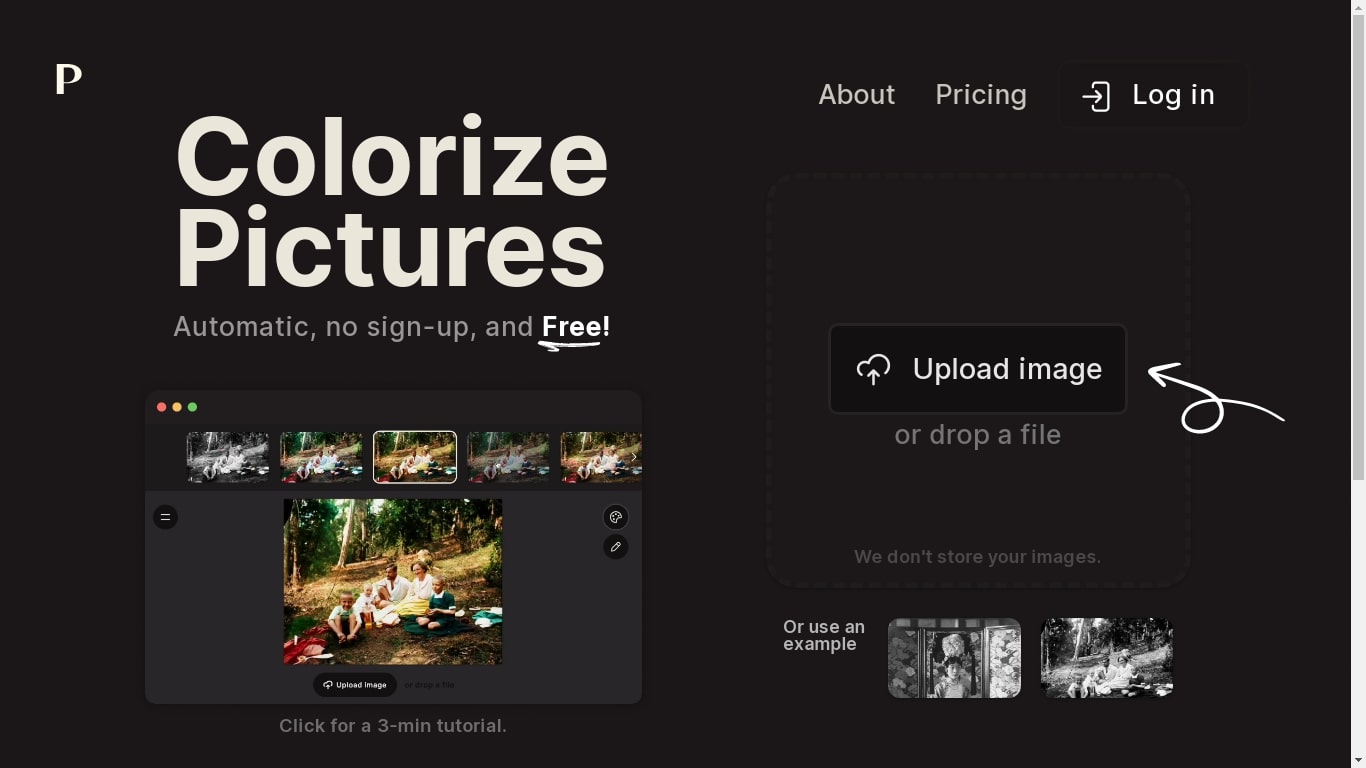
Palette.fm colorizes black-and-white photos through a browser upload flow with 21+ filter presets and keyword-based color tweaks. Upload an image, pick a filter, adjust descriptive keywords if needed, then download a full-resolution result or keep iterating on previews. The photo editing workflow targets family historians, photographers, and creators restoring old prints without opening Photoshop.
Most colorizers lean on heavy sepia and purple casts with little room to steer skin tones or fabric colors. Palette.fm lets you click a filter then fine-tune hues through plain-language keywords, and it sells one-time credit packs alongside subscriptions. Free previews cap at 500x500 pixels with a watermark, while paid credits remove the logo and support files up to 5000x5000 pixels.
Genealogy researchers, photo archivists, and YouTube educators use Palette.fm to batch-test color looks before committing credits. The site reports 54 million photos colorized and 6.6 million registered users, with an API option for teams that want programmatic access.
Luminar Neo Upvotes
Palette.fm Upvotes
Luminar Neo Top Features
Perpetual licenses from $129 with 2 desktop activations on macOS and Windows
Generative AI tools include GenErase, GenSwap, GenExpand, and photo restoration
Supports RAW files from 1000+ cameras plus JPEG, PNG, TIFF, and major RAW formats
Pro Tools add Supersharp AI, Noiseless AI, HDR merge, focus stacking, and panorama stitch
AI Assistant suggests up to 3 edits per request in 16 languages with one-click apply
Palette.fm Top Features
21+ color filters with before-and-after previews on sample photos
Free plan includes unlimited 500x500 previews with Palette watermark
Paid credits export up to 5000x5000 pixels without the logo
Keyword adjustment panel fine-tunes colors after picking a filter
Annual subscription is $72 per year for 480 credits ($0.15 each)
One-time pack is $49 for 75 credits valid for 2 years
API and video integration options listed in the site footer
Luminar Neo Category
- Photo Editing
Palette.fm Category
- Photo Editing
Luminar Neo Pricing Type
- Paid
Palette.fm Pricing Type
- Freemium