Lutra AI vs AutoOptimize
When comparing Lutra AI vs AutoOptimize, which AI Automation tool shines brighter? We look at pricing, alternatives, upvotes, features, reviews, and more.
Between Lutra AI and AutoOptimize, which one is superior?
When we put Lutra AI and AutoOptimize side by side, both being AI-powered automation tools, Neither tool takes the lead, as they both have the same upvote count. Join the aitools.fyi users in deciding the winner by casting your vote.
Feeling rebellious? Cast your vote and shake things up!
Lutra AI

What is Lutra AI?
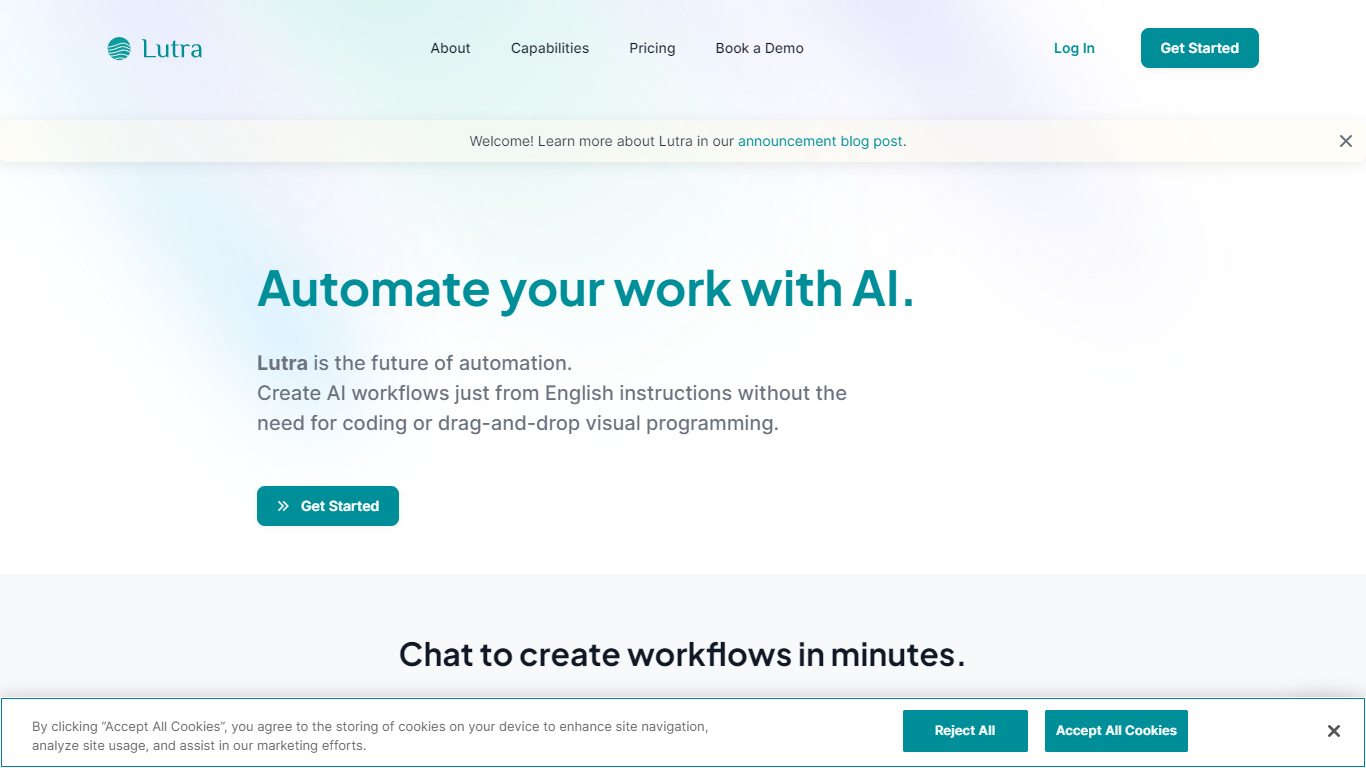
Lutra AI is a productivity agent that connects your work apps and automates tasks from plain English instructions. Describe what you want done, and Lutra turns it into code-backed workflows that pull data from Gmail, Slack, Google Workspace, Notion, Salesforce, HubSpot, and dozens of other integrations.
The platform also positions itself as the first MCP-compatible client built for general users. You can connect Model Context Protocol servers such as Linear, Atlassian, PayPal, and Square, or bring your own custom MCP endpoint. A public playbook library covers recurring jobs like email summarization, invoice processing, LinkedIn research, and Reddit monitoring.
Lutra targets operators, founders, and teams who want repeatable automations without building Zapier-style flows by hand. Workflows can run on demand or on a schedule, and the company also offers MintMCP for enterprise data connections.
AutoOptimize
What is AutoOptimize?
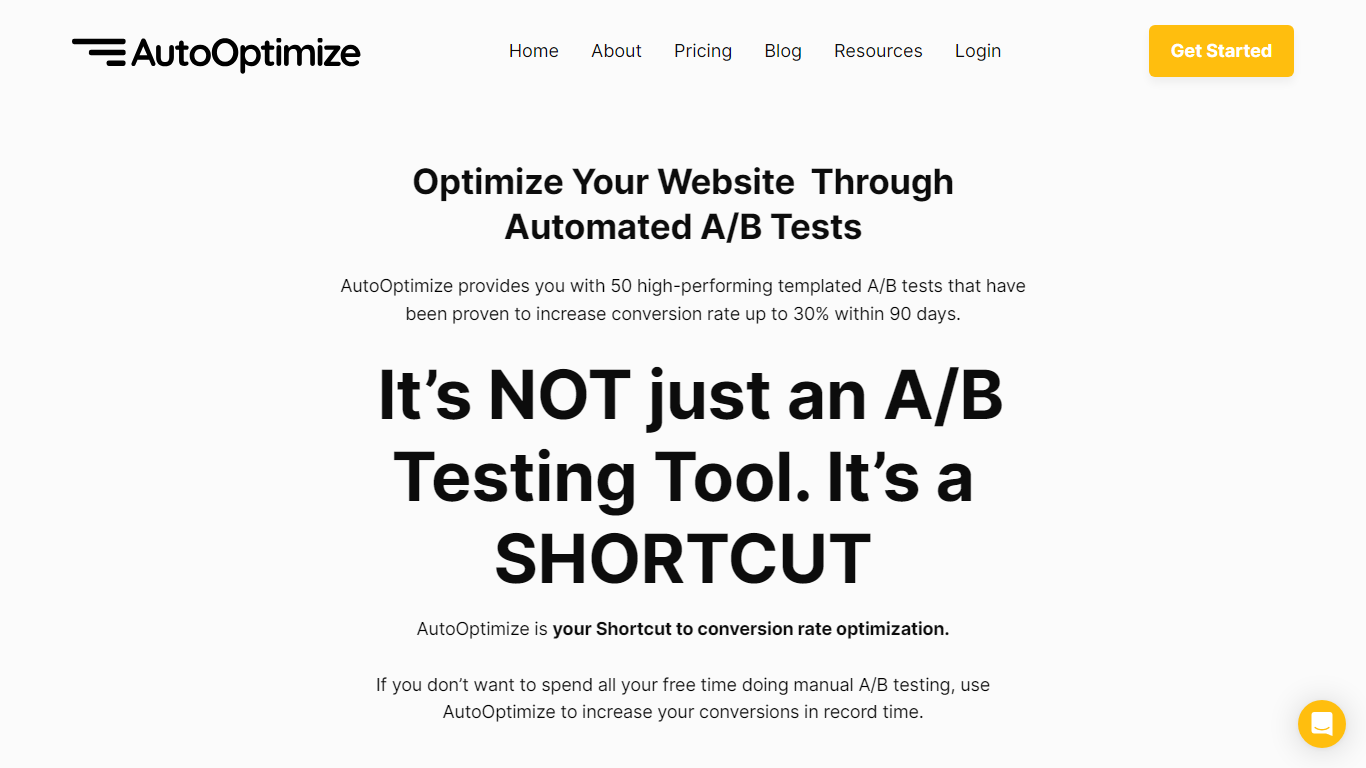
Maximize your website's potential with AutoOptimize’s advanced A/B testing tool! Designed to streamline conversion rate optimization, our platform offers 50 ready-to-use templated A/B tests that have demonstrated up to 30% increase in conversions within just 90 days. No extensive manual testing or hiring expensive CRO professionals—AutoOptimize is your affordable, automated shortcut to better performance.
AutoOptimize is not only about A/B testing; it’s the ultimate time-saving solution compatible with every platform, ensuring you get quick results. The tool provides real-time data, built-in AI features, and dedicated support, all without the need for coding skills. Plus, it’s cloud-based with advanced 256-bit encryption, promising easy organization and top-notch security.
Struggling with rising ad costs, neglected landing page optimizations, or instabilities on ad platforms? AutoOptimize tackles these challenges head-on. Easily set the service in motion in four straightforward steps, then watch as your website optimization takes care of itself, reducing ad costs, increasing revenue, and lowering customer acquisition costs.
Lutra AI Upvotes
AutoOptimize Upvotes
Lutra AI Top Features
Natural language workflows: describe tasks in English and Lutra generates code to run them across connected apps
Broad app integrations: Gmail, Slack, Google Workspace, Notion, Salesforce, HubSpot, Airtable, and more
MCP client support: connect Linear, Atlassian, PayPal, Square, or custom MCP servers
Playbook library: ready-made automations for email summaries, invoice processing, research, and social monitoring
Scheduling and webhooks: run workflows on a schedule or trigger them from external events on paid plans
AutoOptimize Top Features
Pre-Built A/B Tests: Simplifies the optimization process with 50 high-performance templates.
No-Code Solution: Easy to use without any technical expertise making it accessible for anyone.
Real-Time Data: Offers valuable insights with real-time project tracking and notifications.
Dedicated Support: Provides thorough onboarding and continuous customer assistance.
Increased Security: Ensures data protection with advanced 256-bit encryption for peace of mind.
Lutra AI Category
- Automation
AutoOptimize Category
- Automation
Lutra AI Pricing Type
- Freemium
AutoOptimize Pricing Type
- Freemium