Made Live vs Framer
When comparing Made Live vs Framer, which AI Design tool shines brighter? We look at pricing, alternatives, upvotes, features, reviews, and more.
In a comparison between Made Live and Framer, which one comes out on top?
When we put Made Live and Framer side by side, both being AI-powered design tools, Interestingly, both tools have managed to secure the same number of upvotes. Since other aitools.fyi users could decide the winner, the ball is in your court now to cast your vote and help us determine the winner.
Want to flip the script? Upvote your favorite tool and change the game!
Made Live


What is Made Live?
Made Live enables authors and artists to create, publish, and distribute illustrated books such as children's stories, comics, and graphic novels. It provides tools that support the entire publishing process from initial creation to reaching readers.
This tool stands out by focusing specifically on richly illustrated content, offering features tailored to the unique needs of visual storytelling. Unlike general publishing tools, Made Live emphasizes creative control and accessibility for both beginners and experienced creators.
Made Live combines a user-friendly interface with end-to-end publishing solutions, allowing users to maintain ownership of their work while simplifying distribution. This approach helps creators share their illustrated stories with a broad audience without sacrificing artistic vision.
Framer
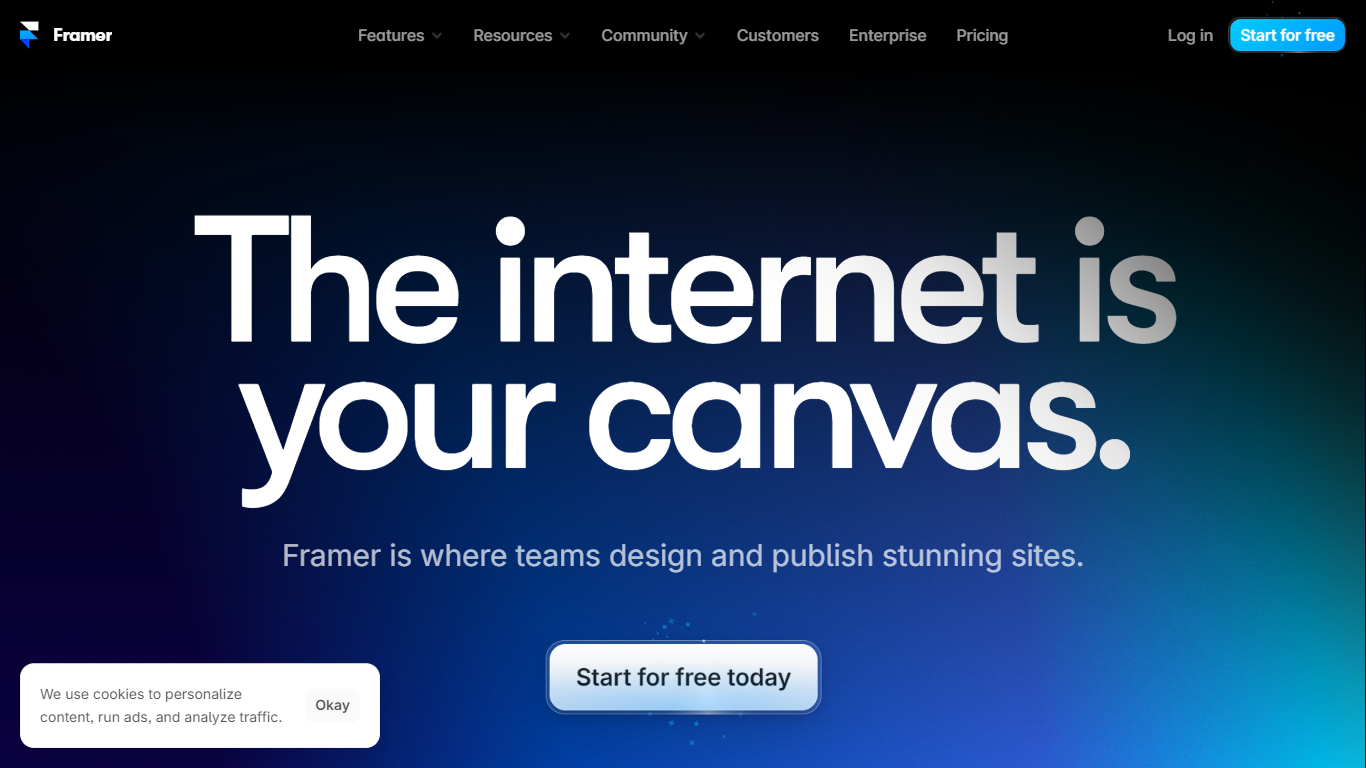
What is Framer?
Framer lets design and marketing teams build, publish, and iterate on professional websites from one visual canvas with built-in CMS, hosting, and AI agents. You lay out pages, connect collections for blogs and landing pages, tune SEO metadata, and ship to a global CDN without handing off static files to a separate dev stack. Freelancers, agencies, and startup marketers use Framer when they want Figma-level control on a live site.
Page builders either trap you in rigid templates or push you into code exports. Framer keeps design on the canvas while agents generate layout variations, populate CMS entries, and even write custom code effects you can edit in place. External agents can also connect from Slack, GitHub, or Claude Code to update copy and CMS rows without opening the browser editor.
Growth teams run localization across locales, A/B tests on homepages, and staging branches before publish. Pricing scales from a free tier with 500 AI credits to Pro at $30 per month with 10 CMS collections, 100 GB bandwidth, redirects, and staging. Enterprise adds SSO, SCIM, and custom limits for mission-critical sites.
Made Live Upvotes
Framer Upvotes
Made Live Top Features
📚 End-to-End Publishing: Manage creation, publishing, and distribution in one platform.
🎨 Illustration-Focused Tools: Designed specifically for children's books, comics, and graphic novels.
🖥️ User-Friendly Interface: Accessible to both beginners and experienced creators.
🌍 Broad Distribution: Features to help reach a wide audience effectively.
🔒 Full Creative Control: Maintain ownership and control over your published work.
📄 Supports Multiple Formats: Publish in formats suitable for illustrated content.
💡 Streamlined Workflow: Simplifies the publishing process from start to finish.
Framer Top Features
Free plan includes 500 AI credits and a Framer subdomain
Basic at $10 per month adds a custom domain and 50 GB bandwidth
Pro at $30 per month includes 10 CMS collections and staging environments
Canvas agents generate layouts, CMS content, and custom code on site
External agents connect from Claude Code, Cursor, Codex, and ChatGPT
Localization add-on supports up to 20 locales at $20 per locale
Convert add-on runs A/B tests billed per 500,000 analytics events
Made Live Category
- Design
Framer Category
- Design
Made Live Pricing Type
- Freemium
Framer Pricing Type
- Freemium