Magic Brush AI vs Acrylic
Explore the showdown between Magic Brush AI vs Acrylic and find out which AI Design tool wins. We analyze upvotes, features, reviews, pricing, alternatives, and more.
When comparing Magic Brush AI and Acrylic, which one rises above the other?
When we contrast Magic Brush AI with Acrylic, both of which are exceptional AI-operated design tools, and place them side by side, we can spot several crucial similarities and divergences. Interestingly, both tools have managed to secure the same number of upvotes. Join the aitools.fyi users in deciding the winner by casting your vote.
Disagree with the result? Upvote your favorite tool and help it win!
Magic Brush AI


What is Magic Brush AI?
Magic Brush AI introduces an innovative AI-powered plugin specifically designed for Figma users who wish to enhance their design process. The Magic Brush AI plugin seamlessly integrates with Figma, allowing designers to generate and edit images directly within the application. If you're looking to speed up your design workflow and leverage artificial intelligence in your projects, Magic Brush AI offers a simple yet powerful solution. With easy installation and a user-friendly interface, Magic Brush expands creative possibilities without ever leaving your favorite design platform. Additionally, the community aspect is emphasized with an invitation to join their Discord, suggesting a focus on user engagement and support. Designed by Elie Toubiana from sunshine-filled Los Angeles, CA, Magic Brush AI is poised to transform how creatives interact with Figma and image editing.
Acrylic
What is Acrylic?
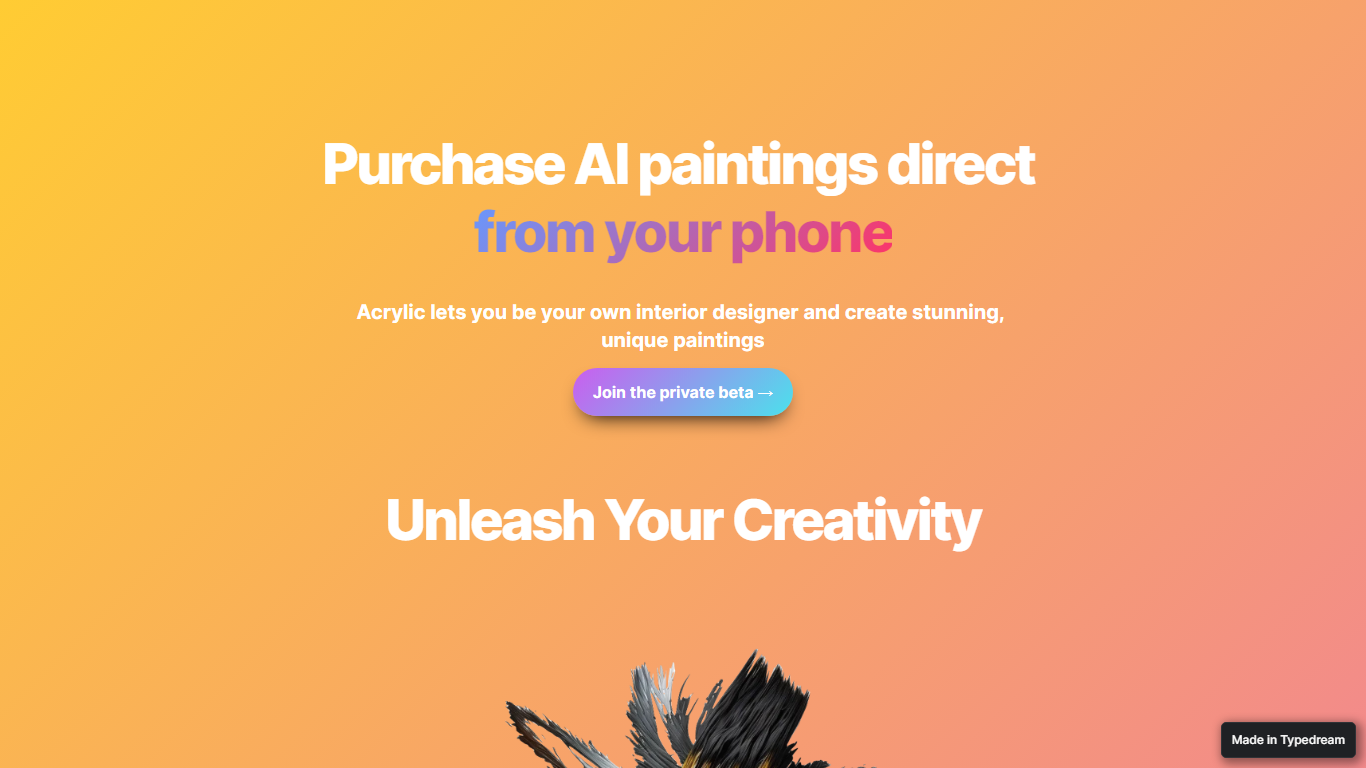
Acrylic generates custom paintings on your phone for home design projects, previews them with augmented reality on your walls, and ships canvas prints when you buy. You create artwork from your phone, stage it with augmented reality in your own room, and order a canvas print if you like the result. The site tagline is "Purchase AI paintings direct from your phone."
Wall-art marketplaces sell stock prints; Acrylic lets you generate one-off images in seconds and see them in context through AR staging. Preset style selections guide beginners, while the interface still allows free experimentation. The trade-off is narrow scope: it is built for personalized wall art and home decor, not general image editing or room layout planning.
Homeowners and renters decorating on a budget are the obvious audience. Access is through a private beta signup linked from the homepage, and checkout mentions Apple Pay for ordering prints. No public price list is published on the marketing site.
Magic Brush AI Upvotes
Acrylic Upvotes
Magic Brush AI Top Features
AI Powered Plugin: A convenient Figma plugin that utilizes AI for image generation and editing.
Seamless Integration: Integrates with Figma for a streamlined design workflow.
Easy Installation: Simple process to install the plugin directly on Figma.
Community Support: Access to a Discord community for networking and support.
Frequent Updates: Continual improvements and feature additions to enhance user experience.
Acrylic Top Features
Generates artwork in seconds from preset style guides or your own prompts on mobile
AR staging previews pieces on your walls through the phone camera before purchase
Canvas print orders available with Apple Pay referenced on the marketing site
Private beta access via homepage signup form
Magic Brush AI Category
- Design
Acrylic Category
- Design
Magic Brush AI Pricing Type
- Freemium
Acrylic Pricing Type
- Freemium