Magic Brush AI vs Diagram
Compare Magic Brush AI vs Diagram and see which AI Design tool is better when we compare features, reviews, pricing, alternatives, upvotes, etc.
Which one is better? Magic Brush AI or Diagram?
When we compare Magic Brush AI with Diagram, which are both AI-powered design tools, The community has spoken, Diagram leads with more upvotes. Diagram has received 35 upvotes from aitools.fyi users, while Magic Brush AI has received 6 upvotes.
You don't agree with the result? Cast your vote to help us decide!
Magic Brush AI


What is Magic Brush AI?
Magic Brush AI introduces an innovative AI-powered plugin specifically designed for Figma users who wish to enhance their design process. The Magic Brush AI plugin seamlessly integrates with Figma, allowing designers to generate and edit images directly within the application. If you're looking to speed up your design workflow and leverage artificial intelligence in your projects, Magic Brush AI offers a simple yet powerful solution. With easy installation and a user-friendly interface, Magic Brush expands creative possibilities without ever leaving your favorite design platform. Additionally, the community aspect is emphasized with an invitation to join their Discord, suggesting a focus on user engagement and support. Designed by Elie Toubiana from sunshine-filled Los Angeles, CA, Magic Brush AI is poised to transform how creatives interact with Figma and image editing.
Diagram
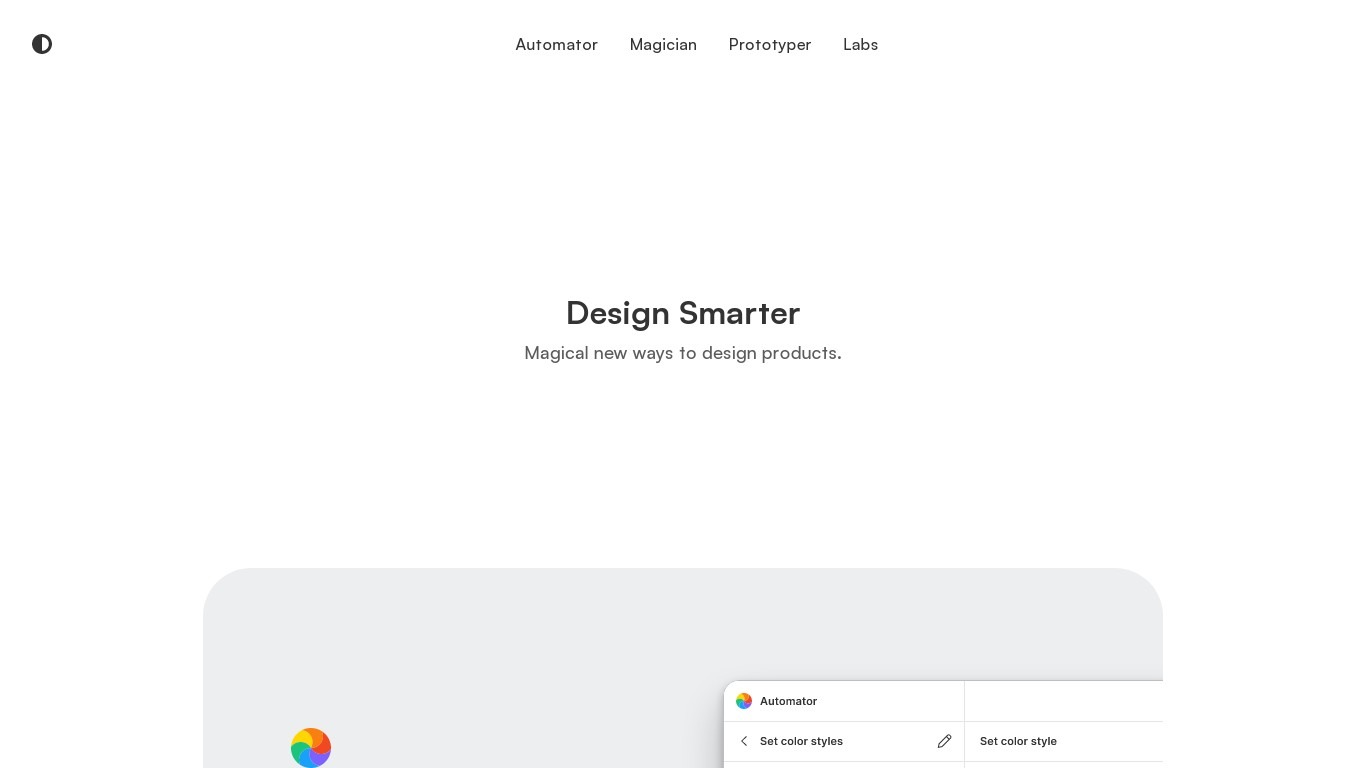
What is Diagram?
Design Smarter. Design with the power of AI to do everything from copywriting to generating unique icons from the text. Automate your tasks in one click.
Magic Brush AI Upvotes
Diagram Upvotes
Magic Brush AI Top Features
AI Powered Plugin: A convenient Figma plugin that utilizes AI for image generation and editing.
Seamless Integration: Integrates with Figma for a streamlined design workflow.
Easy Installation: Simple process to install the plugin directly on Figma.
Community Support: Access to a Discord community for networking and support.
Frequent Updates: Continual improvements and feature additions to enhance user experience.
Diagram Top Features
No top features listedMagic Brush AI Category
- Design
Diagram Category
- Design
Magic Brush AI Pricing Type
- Freemium
Diagram Pricing Type
- Free