Magic Brush AI vs Framer
Explore the showdown between Magic Brush AI vs Framer and find out which AI Design tool wins. We analyze upvotes, features, reviews, pricing, alternatives, and more.
In a face-off between Magic Brush AI and Framer, which one takes the crown?
When we contrast Magic Brush AI with Framer, both of which are exceptional AI-operated design tools, and place them side by side, we can spot several crucial similarities and divergences. The upvote count reveals a draw, with both tools earning the same number of upvotes. You can help us determine the winner by casting your vote and tipping the scales in favor of one of the tools.
Disagree with the result? Upvote your favorite tool and help it win!
Magic Brush AI


What is Magic Brush AI?
Magic Brush AI introduces an innovative AI-powered plugin specifically designed for Figma users who wish to enhance their design process. The Magic Brush AI plugin seamlessly integrates with Figma, allowing designers to generate and edit images directly within the application. If you're looking to speed up your design workflow and leverage artificial intelligence in your projects, Magic Brush AI offers a simple yet powerful solution. With easy installation and a user-friendly interface, Magic Brush expands creative possibilities without ever leaving your favorite design platform. Additionally, the community aspect is emphasized with an invitation to join their Discord, suggesting a focus on user engagement and support. Designed by Elie Toubiana from sunshine-filled Los Angeles, CA, Magic Brush AI is poised to transform how creatives interact with Figma and image editing.
Framer
What is Framer?
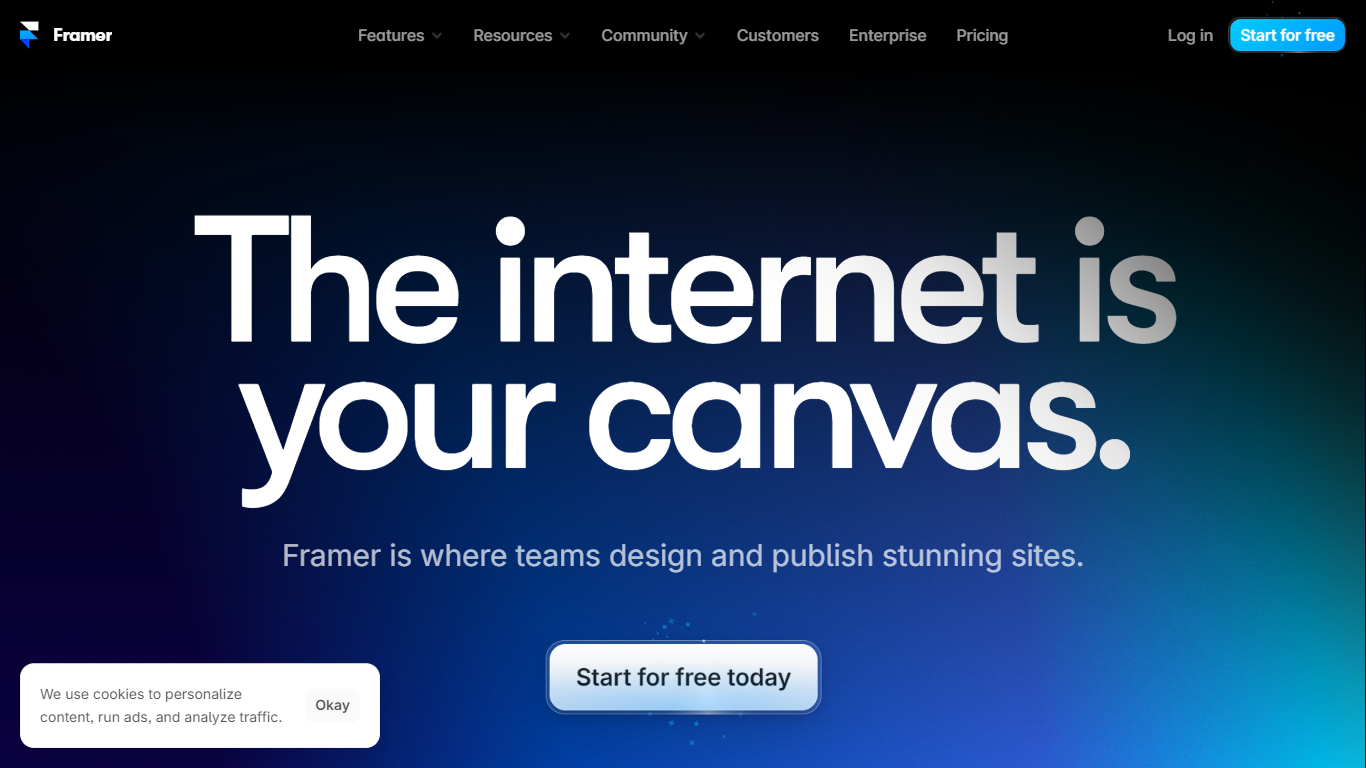
Framer lets design and marketing teams build, publish, and iterate on professional websites from one visual canvas with built-in CMS, hosting, and AI agents. You lay out pages, connect collections for blogs and landing pages, tune SEO metadata, and ship to a global CDN without handing off static files to a separate dev stack. Freelancers, agencies, and startup marketers use Framer when they want Figma-level control on a live site.
Page builders either trap you in rigid templates or push you into code exports. Framer keeps design on the canvas while agents generate layout variations, populate CMS entries, and even write custom code effects you can edit in place. External agents can also connect from Slack, GitHub, or Claude Code to update copy and CMS rows without opening the browser editor.
Growth teams run localization across locales, A/B tests on homepages, and staging branches before publish. Pricing scales from a free tier with 500 AI credits to Pro at $30 per month with 10 CMS collections, 100 GB bandwidth, redirects, and staging. Enterprise adds SSO, SCIM, and custom limits for mission-critical sites.
Magic Brush AI Upvotes
Framer Upvotes
Magic Brush AI Top Features
AI Powered Plugin: A convenient Figma plugin that utilizes AI for image generation and editing.
Seamless Integration: Integrates with Figma for a streamlined design workflow.
Easy Installation: Simple process to install the plugin directly on Figma.
Community Support: Access to a Discord community for networking and support.
Frequent Updates: Continual improvements and feature additions to enhance user experience.
Framer Top Features
Free plan includes 500 AI credits and a Framer subdomain
Basic at $10 per month adds a custom domain and 50 GB bandwidth
Pro at $30 per month includes 10 CMS collections and staging environments
Canvas agents generate layouts, CMS content, and custom code on site
External agents connect from Claude Code, Cursor, Codex, and ChatGPT
Localization add-on supports up to 20 locales at $20 per locale
Convert add-on runs A/B tests billed per 500,000 analytics events
Magic Brush AI Category
- Design
Framer Category
- Design
Magic Brush AI Pricing Type
- Freemium
Framer Pricing Type
- Freemium