Magic Brush AI vs Headshot Pro
When comparing Magic Brush AI vs Headshot Pro, which AI Design tool shines brighter? We look at pricing, alternatives, upvotes, features, reviews, and more.
Between Magic Brush AI and Headshot Pro, which one is superior?
When we put Magic Brush AI and Headshot Pro side by side, both being AI-powered design tools, Neither tool takes the lead, as they both have the same upvote count. Every vote counts! Cast yours and contribute to the decision of the winner.
Feeling rebellious? Cast your vote and shake things up!
Magic Brush AI


What is Magic Brush AI?
Magic Brush AI introduces an innovative AI-powered plugin specifically designed for Figma users who wish to enhance their design process. The Magic Brush AI plugin seamlessly integrates with Figma, allowing designers to generate and edit images directly within the application. If you're looking to speed up your design workflow and leverage artificial intelligence in your projects, Magic Brush AI offers a simple yet powerful solution. With easy installation and a user-friendly interface, Magic Brush expands creative possibilities without ever leaving your favorite design platform. Additionally, the community aspect is emphasized with an invitation to join their Discord, suggesting a focus on user engagement and support. Designed by Elie Toubiana from sunshine-filled Los Angeles, CA, Magic Brush AI is poised to transform how creatives interact with Figma and image editing.
Headshot Pro
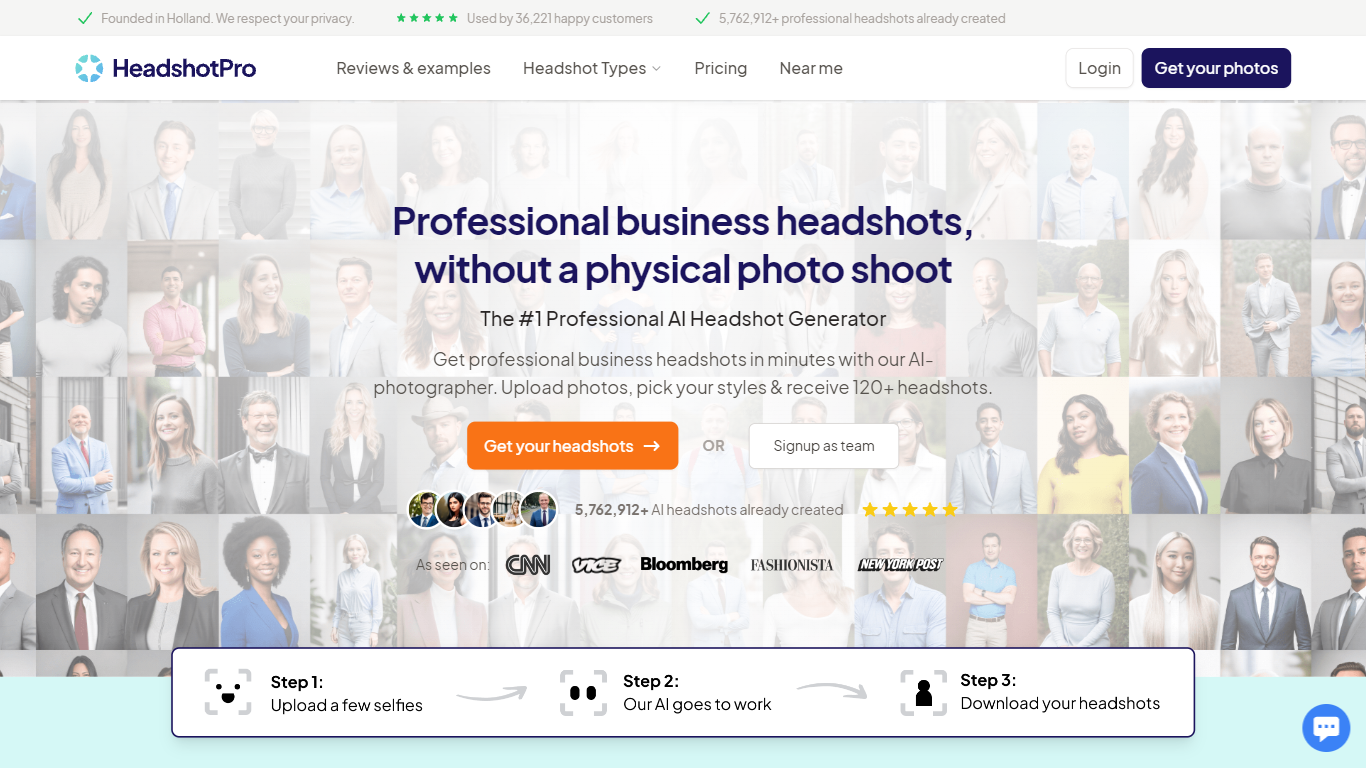
What is Headshot Pro?
Headshot Pro turns a handful of phone selfies into studio-style professional portraits in under 30 minutes. You upload a few photos, pick backdrops and outfits from a large style library, and download 30 to 70 high-resolution JPEGs as a ZIP or individual files. The product targets individuals refreshing LinkedIn or resume photos and companies that need matching headshots across distributed teams without booking photographers.
Most avatar generators chase novelty filters. Headshot Pro narrows in on corporate-ready likeness: auto-validation flags bad uploads before a shoot starts, admins can lock one backdrop and outfit pool for an entire org, and team credits stack lifetime volume discounts up to 60% off. One-time packages start at $29 with no subscription, which is a different trade-off from monthly portrait apps that keep charging.
HR and marketing leads use it to roll out consistent photos for new hires, sales decks, and website team pages. Solo professionals, real estate agents, and executives use the same flow for a fast LinkedIn refresh, with optional 4K upscale and a built-in profile picture editor that crops to platform dimensions.
Magic Brush AI Upvotes
Headshot Pro Upvotes
Magic Brush AI Top Features
AI Powered Plugin: A convenient Figma plugin that utilizes AI for image generation and editing.
Seamless Integration: Integrates with Figma for a streamlined design workflow.
Easy Installation: Simple process to install the plugin directly on Figma.
Community Support: Access to a Discord community for networking and support.
Frequent Updates: Continual improvements and feature additions to enhance user experience.
Headshot Pro Top Features
Delivers 30 to 70 headshots from a few selfies in as little as 15 minutes on the Executive plan
Thousands of backdrop and outfit combinations, or tap Choose for me to let the system pair styles
Team admin dashboard with email invites, magic-link login, and bulk download for 5 to 1,000 members
Built-in profile picture editor crops to LinkedIn, Slack, and email dimensions with optional logo overlay
Input selfies auto-delete after 30 days and are never used to train models, per the security page
Volume discounts stack on lifetime team spend, reaching 60% off at 200 or more credits
Magic Brush AI Category
- Design
Headshot Pro Category
- Design
Magic Brush AI Pricing Type
- Freemium
Headshot Pro Pricing Type
- Paid