Magic Brush AI vs Kreateable
In the clash of Magic Brush AI vs Kreateable, which AI Design tool emerges victorious? We assess reviews, pricing, alternatives, features, upvotes, and more.
When we put Magic Brush AI and Kreateable head to head, which one emerges as the victor?
Let's take a closer look at Magic Brush AI and Kreateable, both of which are AI-driven design tools, and see what sets them apart. The upvote count favors Magic Brush AI, making it the clear winner. Magic Brush AI has received 6 upvotes from aitools.fyi users, while Kreateable has received 5 upvotes.
Think we got it wrong? Cast your vote and show us who's boss!
Magic Brush AI


What is Magic Brush AI?
Magic Brush AI introduces an innovative AI-powered plugin specifically designed for Figma users who wish to enhance their design process. The Magic Brush AI plugin seamlessly integrates with Figma, allowing designers to generate and edit images directly within the application. If you're looking to speed up your design workflow and leverage artificial intelligence in your projects, Magic Brush AI offers a simple yet powerful solution. With easy installation and a user-friendly interface, Magic Brush expands creative possibilities without ever leaving your favorite design platform. Additionally, the community aspect is emphasized with an invitation to join their Discord, suggesting a focus on user engagement and support. Designed by Elie Toubiana from sunshine-filled Los Angeles, CA, Magic Brush AI is poised to transform how creatives interact with Figma and image editing.
Kreateable
What is Kreateable?
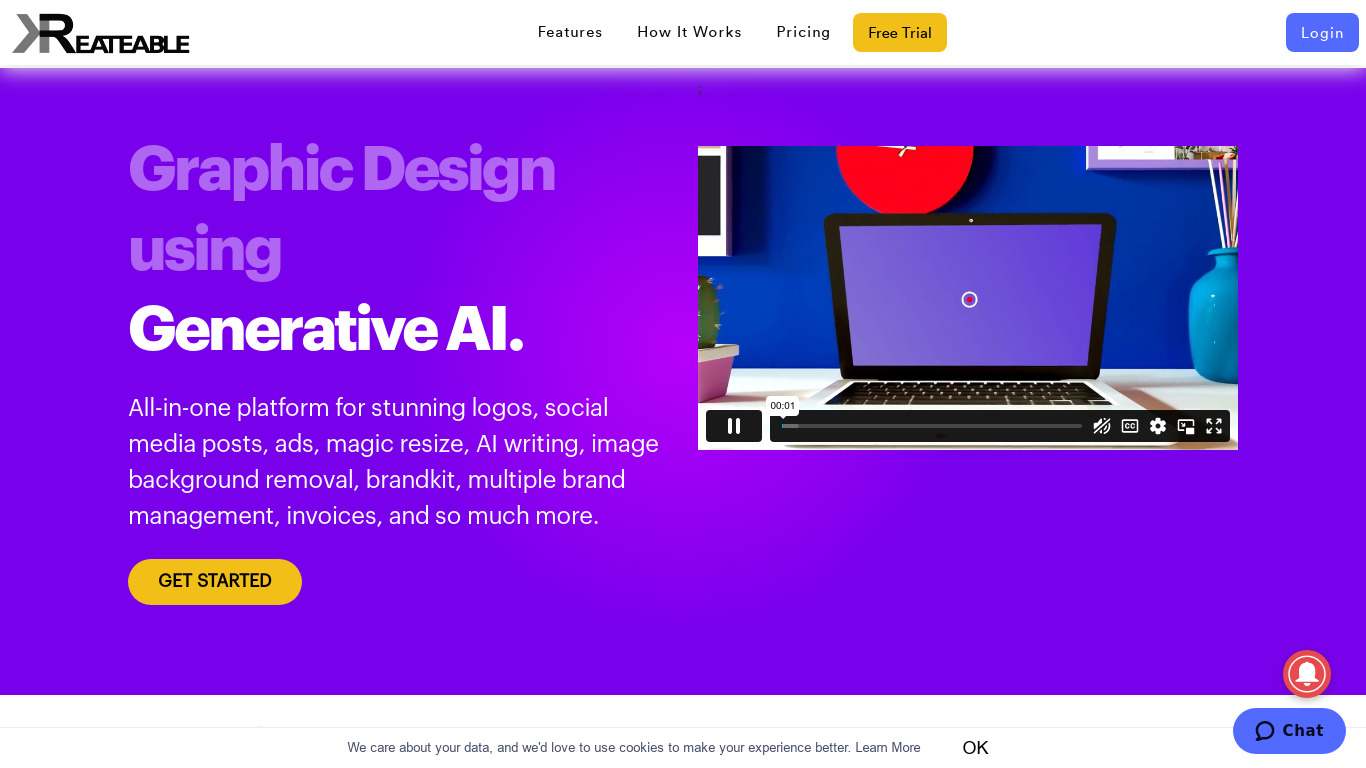
Kreateable bundles logo creation, social media graphics, and marketing design into one web workspace for small teams and solo founders. You can generate logos from a brand name, resize templates across platforms, or hand off recurring design work to their in-house team. Small businesses and agencies use it when they want one vendor for self-serve editing and human design help.
Most logo makers stop at export files. Kreateable also sells white-label design tooling and API access so agencies can embed the editor on their own sites. The managed Graphics subscription adds unlimited revision requests with a dedicated team, which is closer to a design subscription than a template library. That split between DIY software and outsourced production is the trade-off it bets on.
Freelancers and local businesses lean on the Basic and Premium subscriptions to keep five to ten brand kits synced. Resellers pick the Enterprise white-label stack to offer logo and social tools under their own branding. Anyone needing pitch decks, menus, or video edits without hiring a full-time designer can route work through the Graphics or Graphics plus Video plans.
Magic Brush AI Upvotes
Kreateable Upvotes
Magic Brush AI Top Features
AI Powered Plugin: A convenient Figma plugin that utilizes AI for image generation and editing.
Seamless Integration: Integrates with Figma for a streamlined design workflow.
Easy Installation: Simple process to install the plugin directly on Figma.
Community Support: Access to a Discord community for networking and support.
Frequent Updates: Continual improvements and feature additions to enhance user experience.
Kreateable Top Features
One-time Logo purchase at $9.99 includes PNG, JPG, PDF, EPS, and SVG exports
Basic plan at $3.99 per month covers up to 5 brands and 1 customizable template
AI logo maker generates thousands of concepts from your brand name and slogan
Magic resize builds multiple social dimensions from a single template set
Graphics subscription at $399.99 per month includes unlimited requests with 24-hour turnaround
Custom logo packages range from Silver at $59 to Platinum at $179 with dedicated designers
White-label design platform and API access available on Enterprise custom pricing
Magic Brush AI Category
- Design
Kreateable Category
- Design
Magic Brush AI Pricing Type
- Freemium
Kreateable Pricing Type
- Paid