Magic Brush AI vs PhotoSonic
When comparing Magic Brush AI vs PhotoSonic, which AI Design tool shines brighter? We look at pricing, alternatives, upvotes, features, reviews, and more.
In a comparison between Magic Brush AI and PhotoSonic, which one comes out on top?
When we put Magic Brush AI and PhotoSonic side by side, both being AI-powered design tools, The upvote count is neck and neck for both Magic Brush AI and PhotoSonic. Since other aitools.fyi users could decide the winner, the ball is in your court now to cast your vote and help us determine the winner.
Think we got it wrong? Cast your vote and show us who's boss!
Magic Brush AI


What is Magic Brush AI?
Magic Brush AI introduces an innovative AI-powered plugin specifically designed for Figma users who wish to enhance their design process. The Magic Brush AI plugin seamlessly integrates with Figma, allowing designers to generate and edit images directly within the application. If you're looking to speed up your design workflow and leverage artificial intelligence in your projects, Magic Brush AI offers a simple yet powerful solution. With easy installation and a user-friendly interface, Magic Brush expands creative possibilities without ever leaving your favorite design platform. Additionally, the community aspect is emphasized with an invitation to join their Discord, suggesting a focus on user engagement and support. Designed by Elie Toubiana from sunshine-filled Los Angeles, CA, Magic Brush AI is poised to transform how creatives interact with Figma and image editing.
PhotoSonic
What is PhotoSonic?
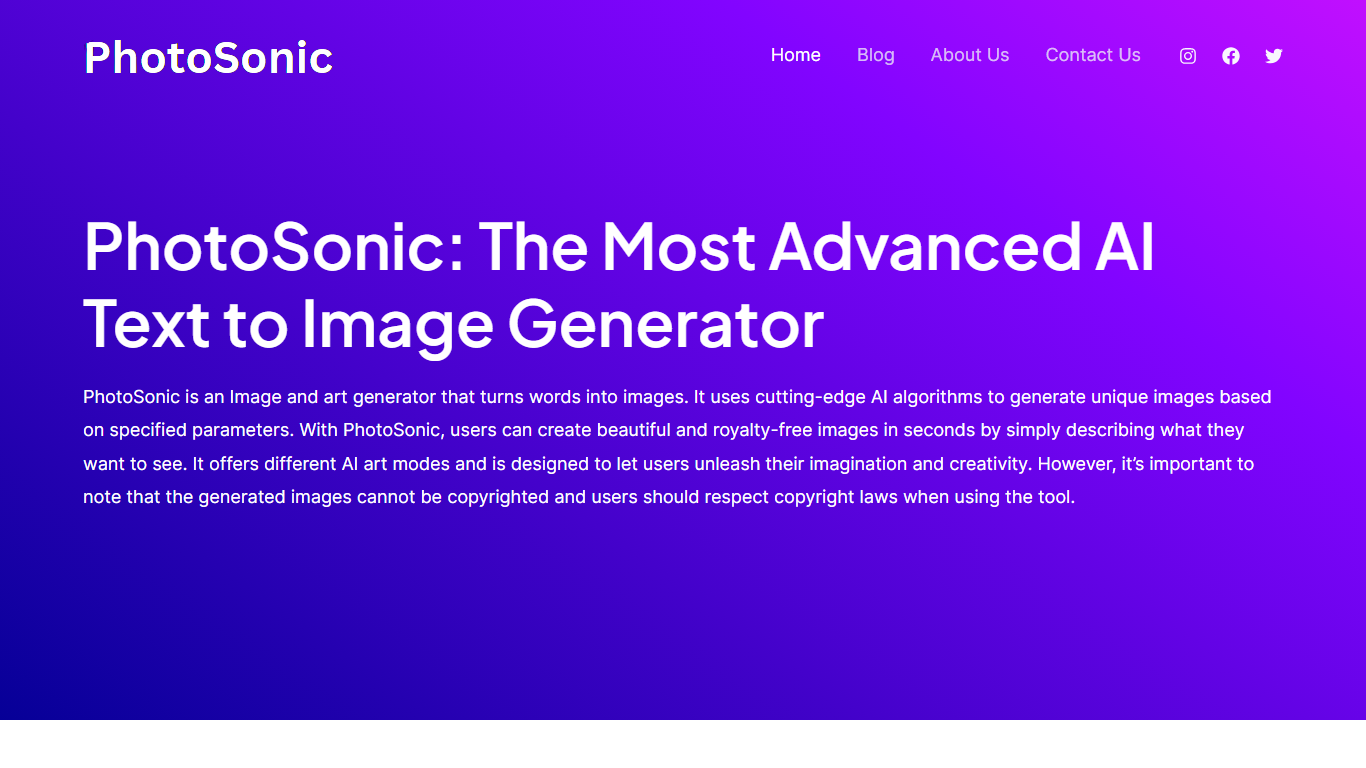
PhotoSonic turns text prompts into royalty-free art inside the Writesonic web app. You describe an image, choose square, horizontal, or vertical dimensions, and get up to five visuals in seconds. Output spans photorealistic photos, abstract compositions, impressionist paintings, and modern design styles. The tool sits under Other Tools in the Writesonic dashboard and shares your Writesonic login and credit balance.
Midjourney and Stable Diffusion focus on standalone image craft. PhotoSonic targets marketers and bloggers who already draft articles in Writesonic and want matching visuals without a second subscription. You trade fine-art control for a single workflow that covers copy, SEO articles, and header images in one place.
Content marketers use PhotoSonic for blog headers, ad banners, and social posts when stock photos feel generic. Educators and hobbyists generate presentation visuals and concept art drafts from plain-text descriptions without opening Photoshop or Canva.
Magic Brush AI Upvotes
PhotoSonic Upvotes
Magic Brush AI Top Features
AI Powered Plugin: A convenient Figma plugin that utilizes AI for image generation and editing.
Seamless Integration: Integrates with Figma for a streamlined design workflow.
Easy Installation: Simple process to install the plugin directly on Figma.
Community Support: Access to a Discord community for networking and support.
Frequent Updates: Continual improvements and feature additions to enhance user experience.
PhotoSonic Top Features
Generates up to 5 images per prompt from a single text description
Three output sizes: square (1024x1024), horizontal (1792x1024), and vertical (1024x1792)
Enhance prompt button rewrites your description before generation
Upscale tool increases resolution after an image is generated
Royalty-free downloads with direct share to Facebook, Twitter, LinkedIn, Pinterest, Reddit, and WhatsApp
Photorealistic, abstract, impressionist, and modern design styles from one prompt field
Magic Brush AI Category
- Design
PhotoSonic Category
- Design
Magic Brush AI Pricing Type
- Freemium
PhotoSonic Pricing Type
- Freemium