Magic Brush AI vs Playground AI
In the clash of Magic Brush AI vs Playground AI, which AI Design tool emerges victorious? We assess reviews, pricing, alternatives, features, upvotes, and more.
When we put Magic Brush AI and Playground AI head to head, which one emerges as the victor?
Let's take a closer look at Magic Brush AI and Playground AI, both of which are AI-driven design tools, and see what sets them apart. Playground AI stands out as the clear frontrunner in terms of upvotes. The number of upvotes for Playground AI stands at 266, and for Magic Brush AI it's 6.
Think we got it wrong? Cast your vote and show us who's boss!
Magic Brush AI


What is Magic Brush AI?
Magic Brush AI introduces an innovative AI-powered plugin specifically designed for Figma users who wish to enhance their design process. The Magic Brush AI plugin seamlessly integrates with Figma, allowing designers to generate and edit images directly within the application. If you're looking to speed up your design workflow and leverage artificial intelligence in your projects, Magic Brush AI offers a simple yet powerful solution. With easy installation and a user-friendly interface, Magic Brush expands creative possibilities without ever leaving your favorite design platform. Additionally, the community aspect is emphasized with an invitation to join their Discord, suggesting a focus on user engagement and support. Designed by Elie Toubiana from sunshine-filled Los Angeles, CA, Magic Brush AI is poised to transform how creatives interact with Figma and image editing.
Playground AI
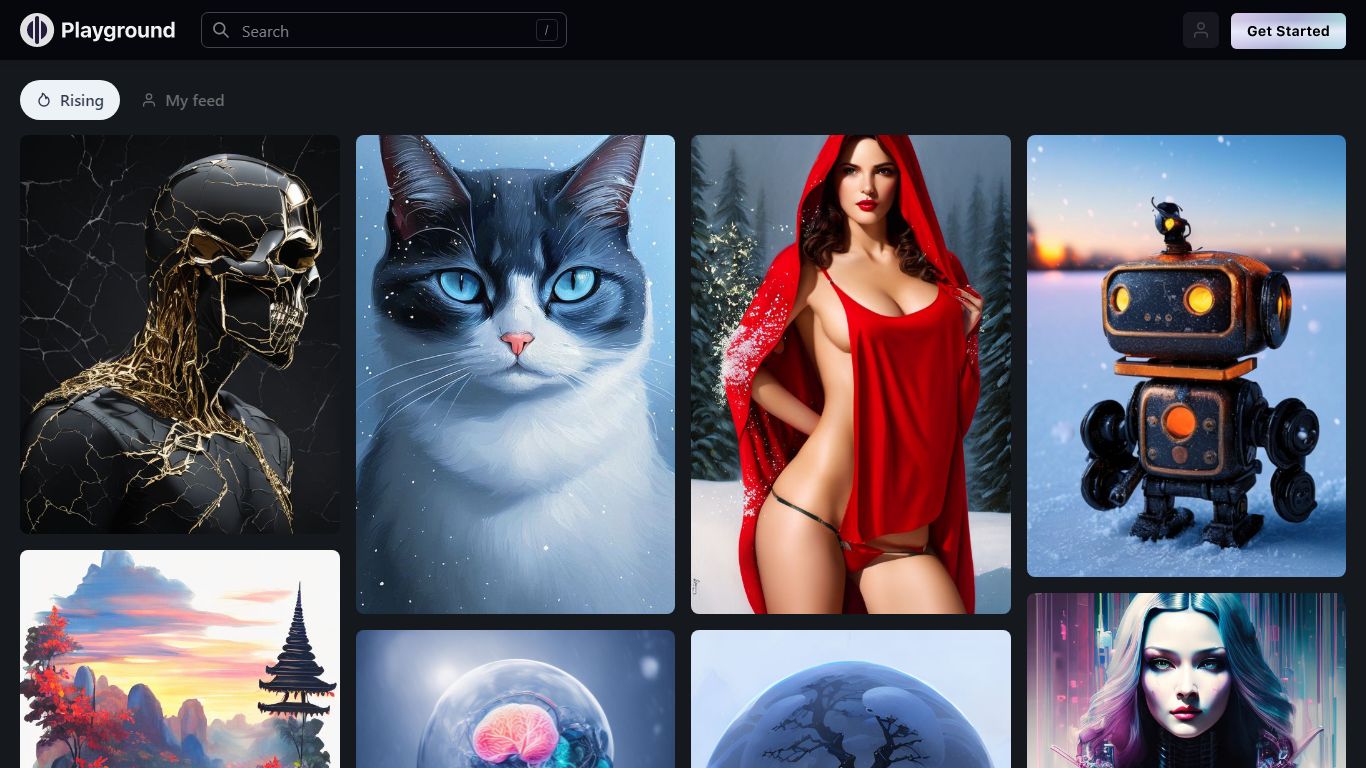
What is Playground AI?
Playground AI is an online design studio where you describe an idea in plain language and get finished graphics back: stickers, logos, posters, t-shirts, social posts, and more. It bundles several top image models (GPT Image 2, Nano Banana Pro, Seedream) in one editor, so you pick the model that fits the job instead of juggling separate apps.
Where Midjourney and DALL-E focus on open-ended image generation, Playground AI is built around finished design deliverables. Thousands of templates across 24 categories give you a starting point, and built-in tools handle style swaps, object removal, mockup placement, and smart layers without leaving the canvas.
The platform targets creators who sell physical goods, not just digital art. Print-on-demand merch, Cricut-ready files, and an iOS app round out a workflow that goes from prompt to product. Over 13 million creators across 120 countries use it, per the site.
Magic Brush AI Upvotes
Playground AI Upvotes
Magic Brush AI Top Features
AI Powered Plugin: A convenient Figma plugin that utilizes AI for image generation and editing.
Seamless Integration: Integrates with Figma for a streamlined design workflow.
Easy Installation: Simple process to install the plugin directly on Figma.
Community Support: Access to a Discord community for networking and support.
Frequent Updates: Continual improvements and feature additions to enhance user experience.
Playground AI Top Features
GPT Image 2, Nano Banana Pro, and Seedream in one editor
Thousands of templates across 24 design categories
Swap style, remove objects, and add designs to mockups in seconds
Turn any design into print-on-demand caps, hoodies, and t-shirts
Free standalone tools: upscaler, background removal, logo generator, file converter
iOS app rated 4.9 out of 5 on the App Store with 5,400+ ratings
Magic Brush AI Category
- Design
Playground AI Category
- Design
Magic Brush AI Pricing Type
- Freemium
Playground AI Pricing Type
- Freemium